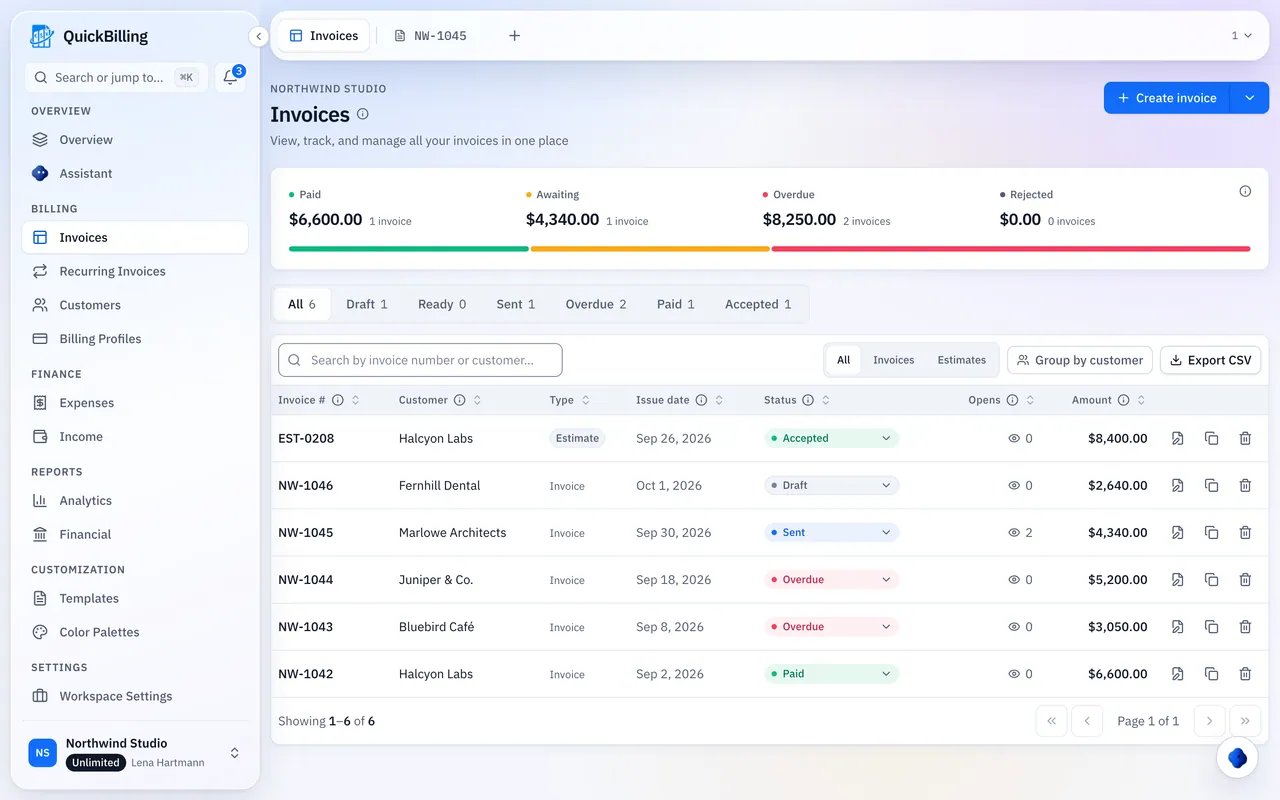


Invoicing Software That Gets Invoices Opened And Paid
Three steps from finished job to paid invoice.
Create It Once
Saved customers and items fill the invoice, and accepted estimates convert in one step.
Send One Link
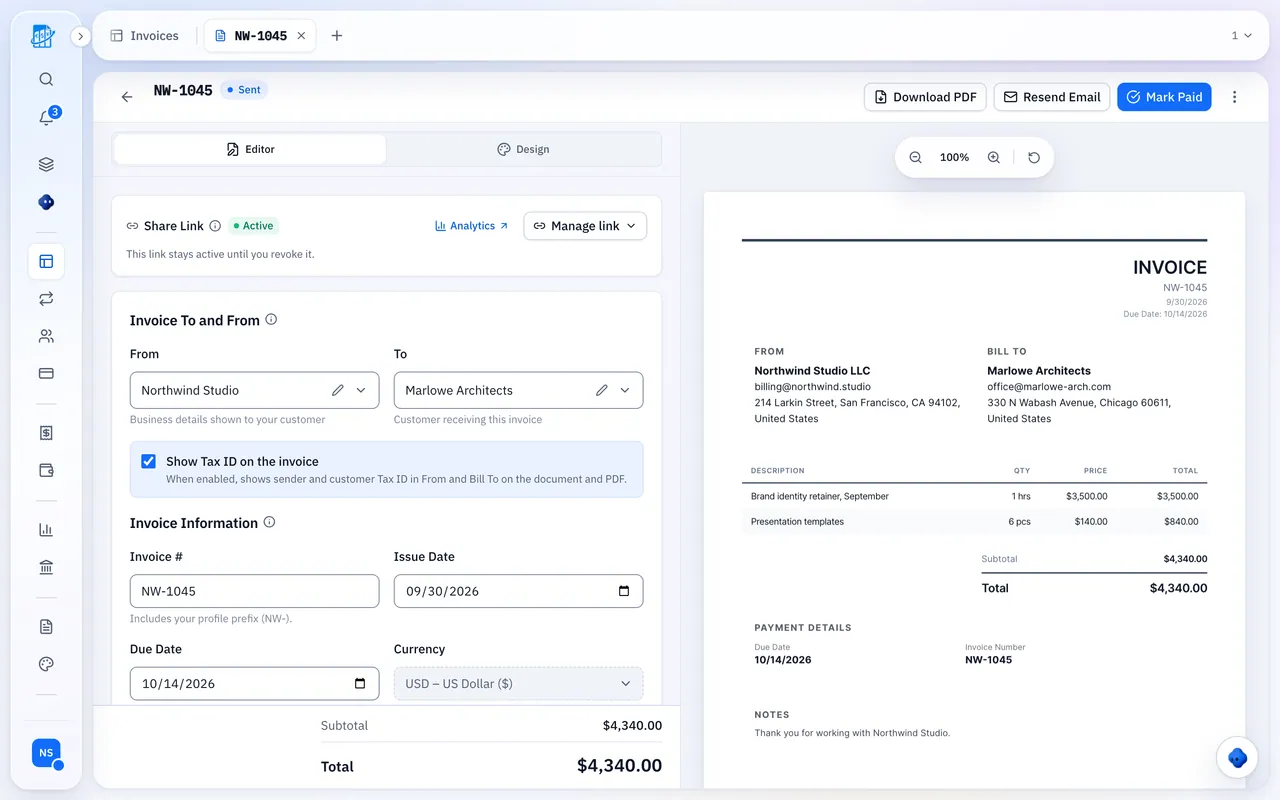
No lost PDFs. One link that always shows the current version, with a PDF if they want one.
See It Opened, Then Paid
Open tracking and reminders before and after the due date. Clients mark it paid; you confirm.
Explore The Features
Bill clients, follow every invoice to paid, and keep your numbers tax-ready.
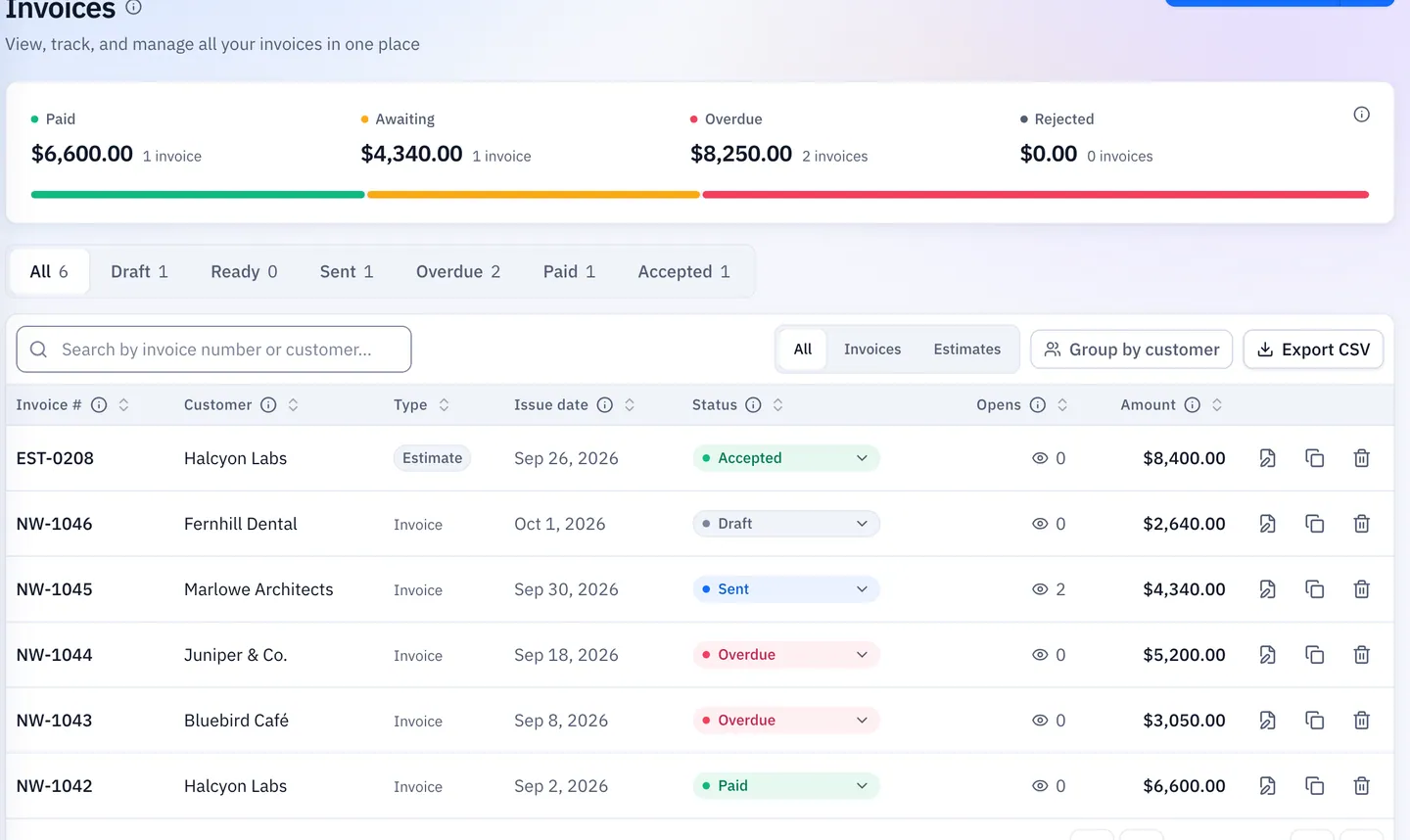
Know When Your Invoice Is Opened
Every share link records when it was opened and how often, so you follow up with facts. Premium and Unlimited add where and on which device.
- A notification when it’s viewed
- Location, device and browser on paid plans
- Email opens shown as a hint
Reminders You Choose
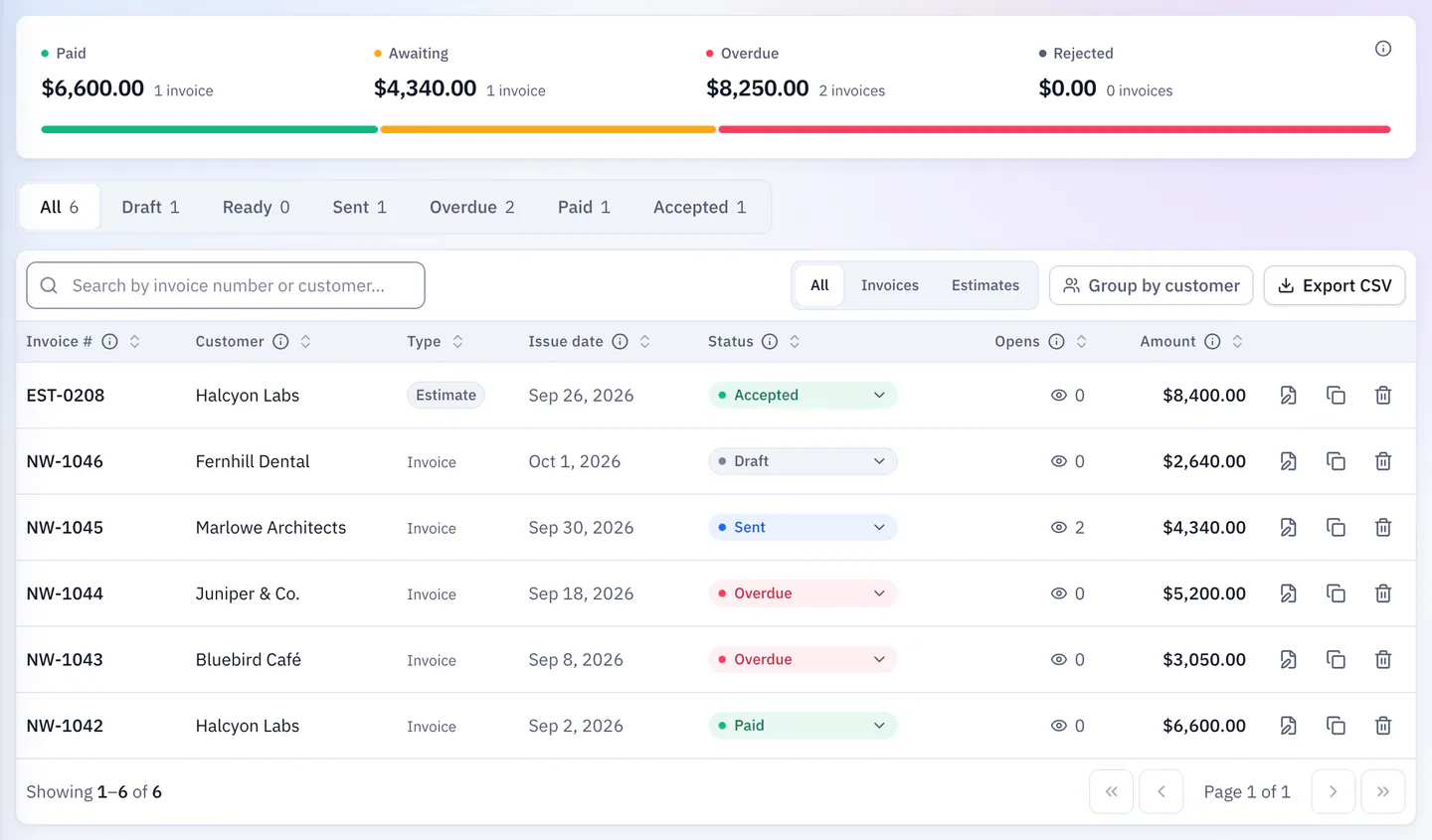
When you first email an invoice, reminders are checked for you to keep or uncheck: the day before the due date and two days after, plus optional 7- and 14-day follow-ups. They stop once it’s paid.
- Before and after the due date
- Optional 7- and 14-day follow-ups
- Late fee included in the amount due once overdue
Every Feature, One Workspace
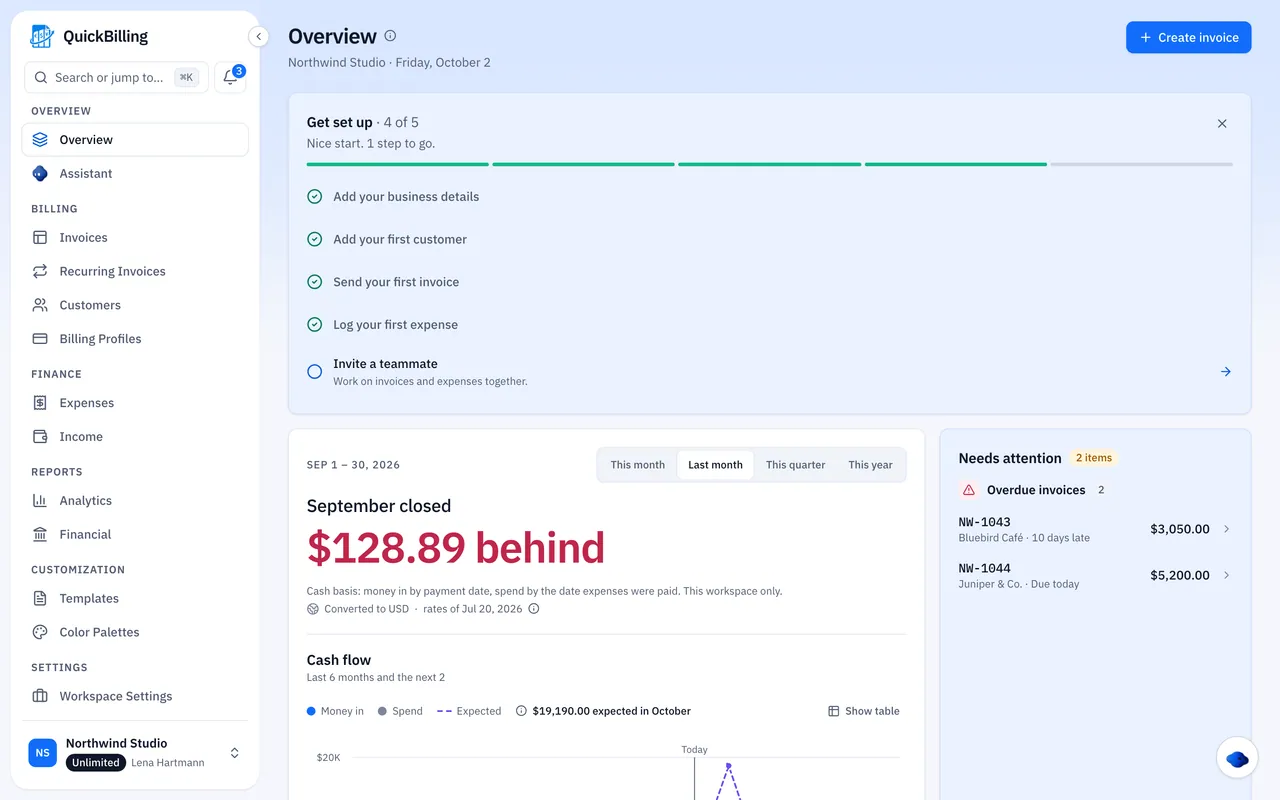
18 features from quote to paid. Pick one to see how it works.
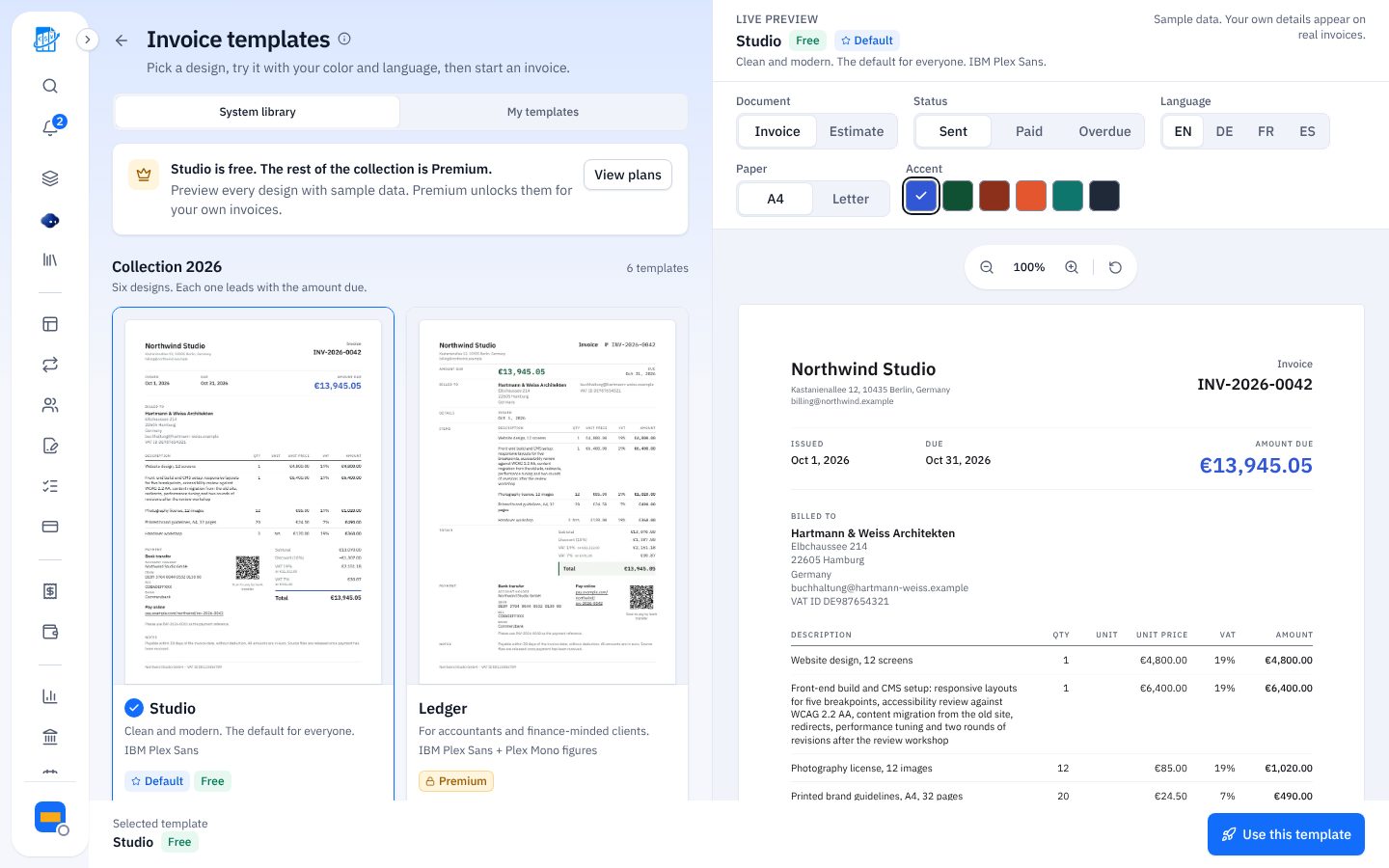
Free Invoice Templates For Every Business
Pick a design, add your details and send it as a link or PDF.


Estimates And Quotes
Every template works for estimates you convert to invoices in one click.
How To Create An Invoice In 4 Steps
The simple way to bill clients and send a professional invoice online.
Add Your Details
Business name, logo, address and your bank or PayPal details.
Add Client Info
Client name, invoice number and due date.
List Line Items
Services or products, quantity, rate and tax.
Send Or Download
Send as a trackable link or download a PDF.
Invoicing Software Built For Your Trade
Any business that quotes work and sends invoices. See how it fits the way you bill.

What Customers Say
“I built QuickBilling because sending an invoice should feel like sending a link. I want to know when it has been opened, and I want reminders to go out before and after the due date without me writing them by hand.”

“I send an estimate as a link, my client accepts it without needing an account, and I convert it to an invoice in one click.”

“I can see when a client has opened an invoice, and the reminder schedule does the nudging for me. I no longer write those awkward follow-up emails.”

Solution Plus moved its client billing to QuickBilling
Solution Plus Tech Consultancy is a small consultancy in Sharjah. It sends each estimate to a client as a link, and the client accepts it online without an account.
An accepted estimate becomes an invoice in one click. Clients can mark invoices paid, and the team keeps its expenses in the same workspace.
“Our estimates, invoices and expenses now live in one place.”
Why Businesses Trust QuickBilling
Encrypted In Transit And At Rest
HTTPS on every connection; stored data encrypted at rest by our database and storage providers.
Separate Workspaces
Every request is checked against your workspace and role.
Your Data Stays Yours
Export your account as JSON and invoices or reports as CSV, or delete your account.
Never Sold, Never Used For AI Training
No selling, no advertising, no training AI on your content.
Clear About Where Data Lives
Servers and files in Sweden (EU); database and email in the US. Operated from Sharjah, UAE.
A Record For Every Signature
Each signed estimate has a record: name, time, IP, device and SHA-256 fingerprint.
Invoicing Basics
Quick answers to common invoicing questions.
What Is An Invoice?
A document requesting payment for goods or services, listing items, amounts, tax and due date.
Invoice Vs Estimate
An estimate (quote) proposes a price before the work. An invoice requests payment for it.
What To Include On An Invoice
Invoice number, dates, your and client details, line items, tax, total and payment terms.
Simple, Transparent Pricing
In US dollars. Pay yearly and save 10%. Cancel any time and keep paid features until the period ends.
Free $0/mo
For your first invoices and seeing when clients open them.
- Up to 5 customers
- Unlimited invoices and estimates
- 2 templates · view tracking
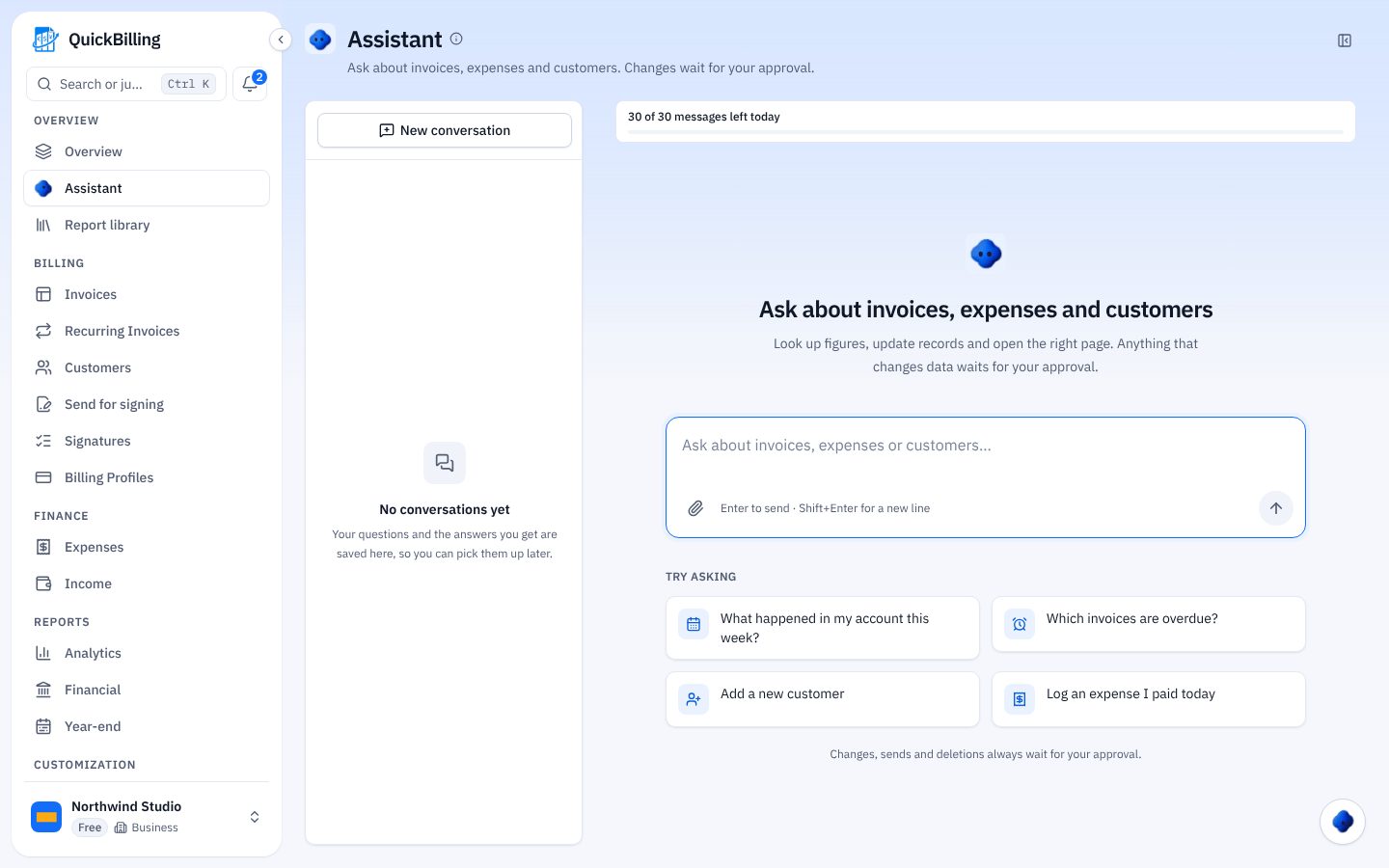
- 30 AI messages a day
Premium $15/mo
For freelancers with a steady client list.
- Unlimited customers · you + 2
- All 14 templates plus your own
- IP, location and device tracking
- Your own branding
Unlimited $30/mo
For agencies, several businesses or API work.
- Unlimited workspaces and team
- REST API keys
- 100 MB expense storage
- 1,000 AI messages a day
Every plan: recurring invoices, expenses, bank transfer and PayPal details, 41 currencies, MCP server · English, German, French, Spanish
Invoice On The Go
Send invoices from the job site, the office or your phone’s browser, with nothing to install. Work in English, German, French or Spanish, and connect your tools with the AI assistant, the MCP server and the REST API on Unlimited.
Free Invoicing Software FAQs
Is QuickBilling Free?
Yes. The Free plan costs nothing and needs no card. It includes 1 workspace, up to 5 customers and unlimited invoices and estimates, with recurring invoices and expense tracking.
Is There A Limit On How Many Invoices I Can Send?
No monthly limit on any plan. Email sending has a daily limit to protect deliverability; sharing by link has no monthly limit.
Do My Clients Need An Account?
No. Clients open your invoice or estimate from a link, download the PDF, accept or decline an estimate, or tell you they’ve paid, without signing up.
Can QuickBilling Remind My Clients To Pay?
Yes. When you first email an invoice, reminders the day before and two days after the due date are checked for you to keep or uncheck, plus optional 7- and 14-day follow-ups. They stop once the invoice is paid.
How Does Invoice Link Tracking Work?
Every invoice or estimate shared as a link records each visit. Free shows whether, when and how often it was viewed; Premium and Unlimited add IP address, approximate location, device and browser.
Does QuickBilling Track Expenses?
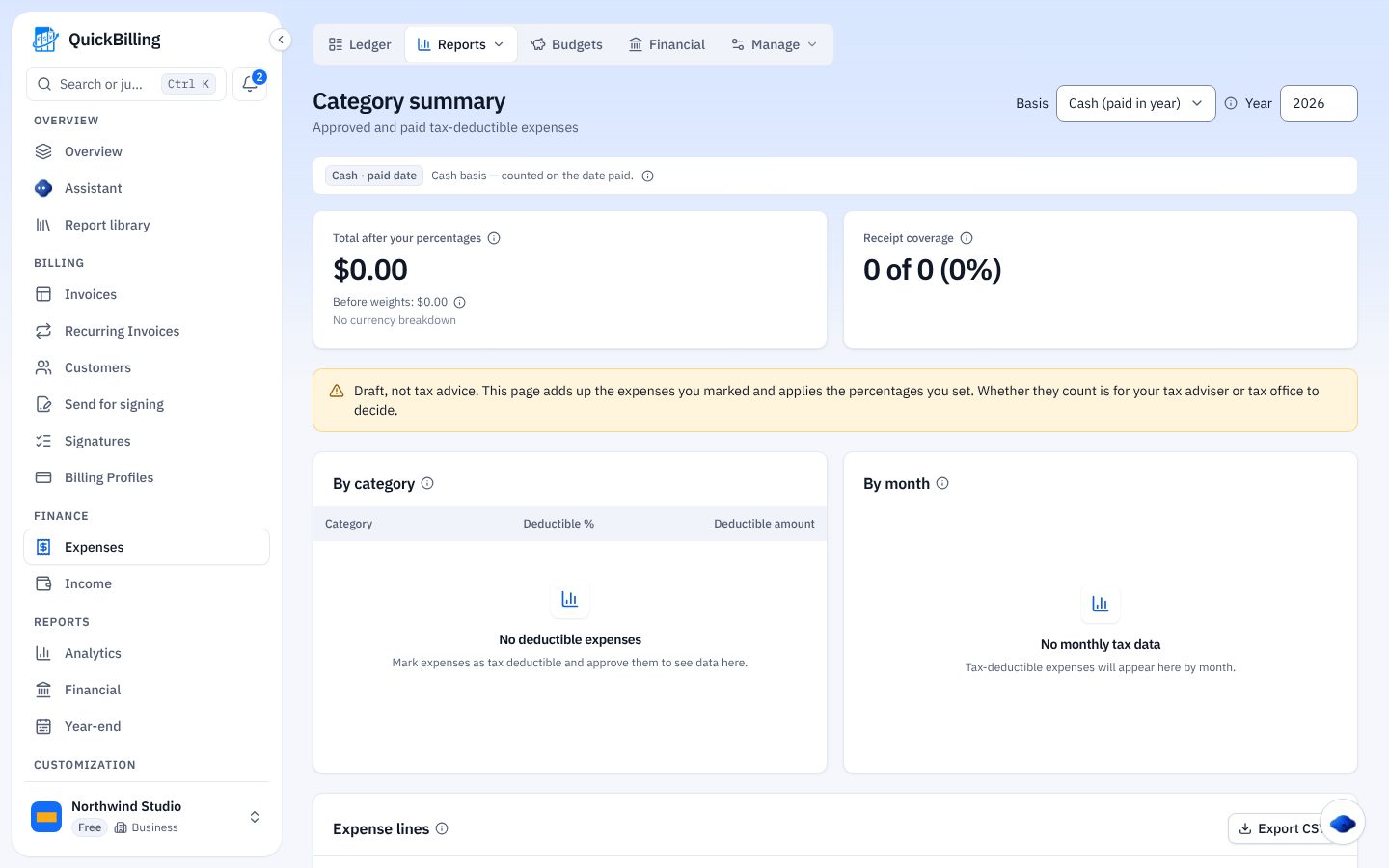
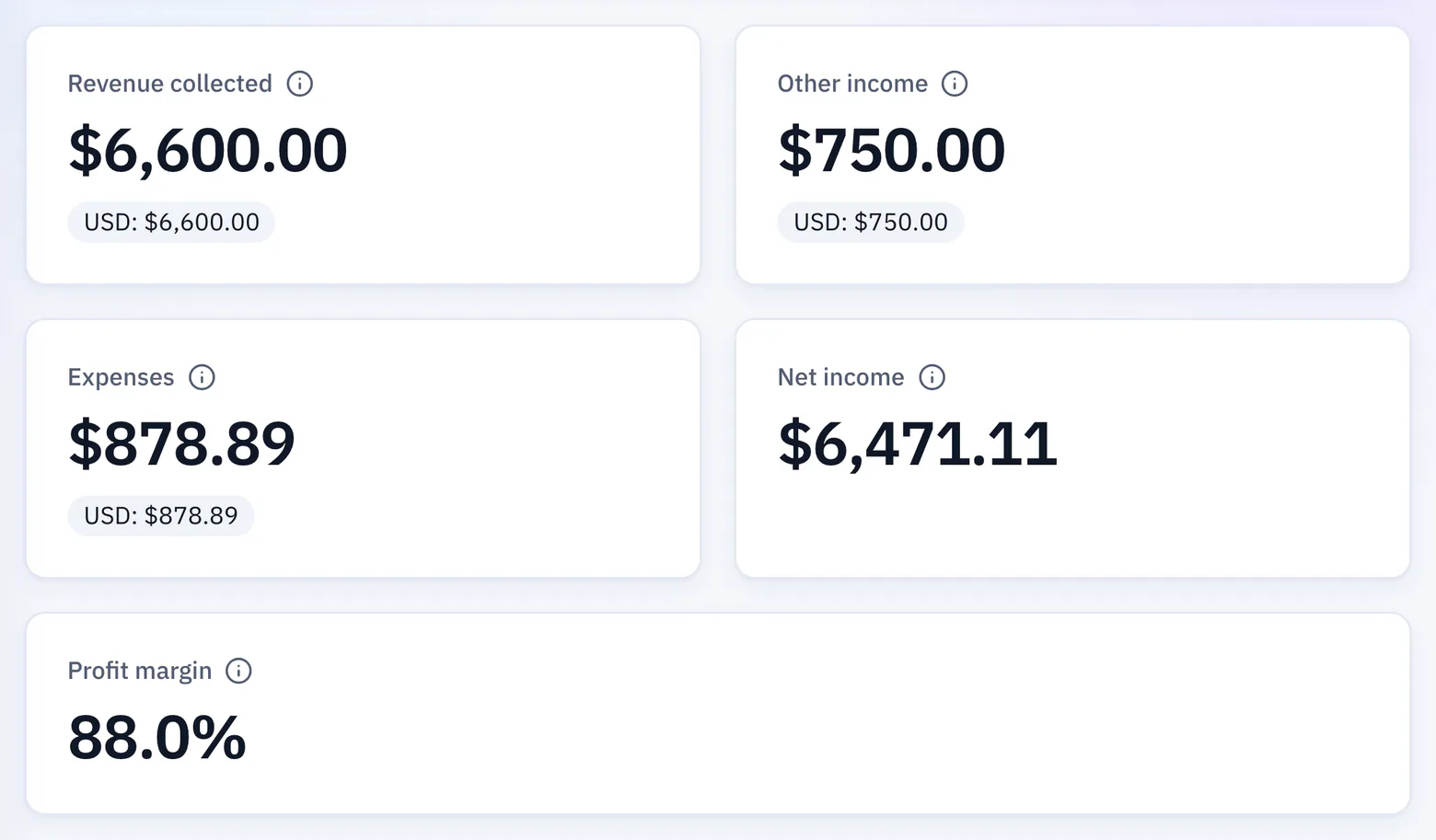
Yes, on every plan. Log expenses with receipts, set budgets and see income and expenses together in profit and loss and tax reports.
Can I Cancel At Any Time?
Yes. Cancelling stops future charges, you keep paid features until the end of the period, and your account then moves to Free with your data intact.
How Is QuickBilling Different From Wave Or Zoho Invoice?
It focuses on getting invoices opened and paid rather than full accounting: open tracking, no client login, expenses in the same workspace, and an API and MCP server to automate routine work.
Can I Try The Invoice Preview Without An Account?
Yes, the preview on this page works in your browser. To save, send and track an invoice, create a free account; there’s no separate no-sign-up generator.