
- Coming soon, submitted for review
QuickBilling invoicing app for ChatGPT, coming soon
We have submitted a QuickBilling app to OpenAI. Once it is available, you sign in and ask ChatGPT to look up and create invoices, expenses and customers.
Submitted for review, not available yet. Plan availability will be announced.

Overview
The QuickBilling app for ChatGPT is not available yet. We have submitted it to OpenAI and are waiting for the review. When it is available, you will sign in with your QuickBilling account and ask ChatGPT to look up and create invoices, expenses and customers. Changes happen on your instruction.
What it will do
The plan for the first version.
- Look up your records
- Ask about invoices, customers and expenses in your workspace, for example which invoices are still unpaid.
- Create on request
- Ask ChatGPT to create an invoice, log an expense or add a customer. It acts when you tell it to.
- Sign in with your account
- You connect by signing in with your QuickBilling account (OAuth).
- Your assistantChatGPT
- Sign in with your QuickBilling account
- QuickBilling
How it will work
Three plain steps once the app is available.
Connect QuickBilling in ChatGPT and sign in with your QuickBilling account.
Tell ChatGPT what you need in plain language, for example “Which invoices are still unpaid?”.
ChatGPT looks up or creates the records you asked for, on your instruction.
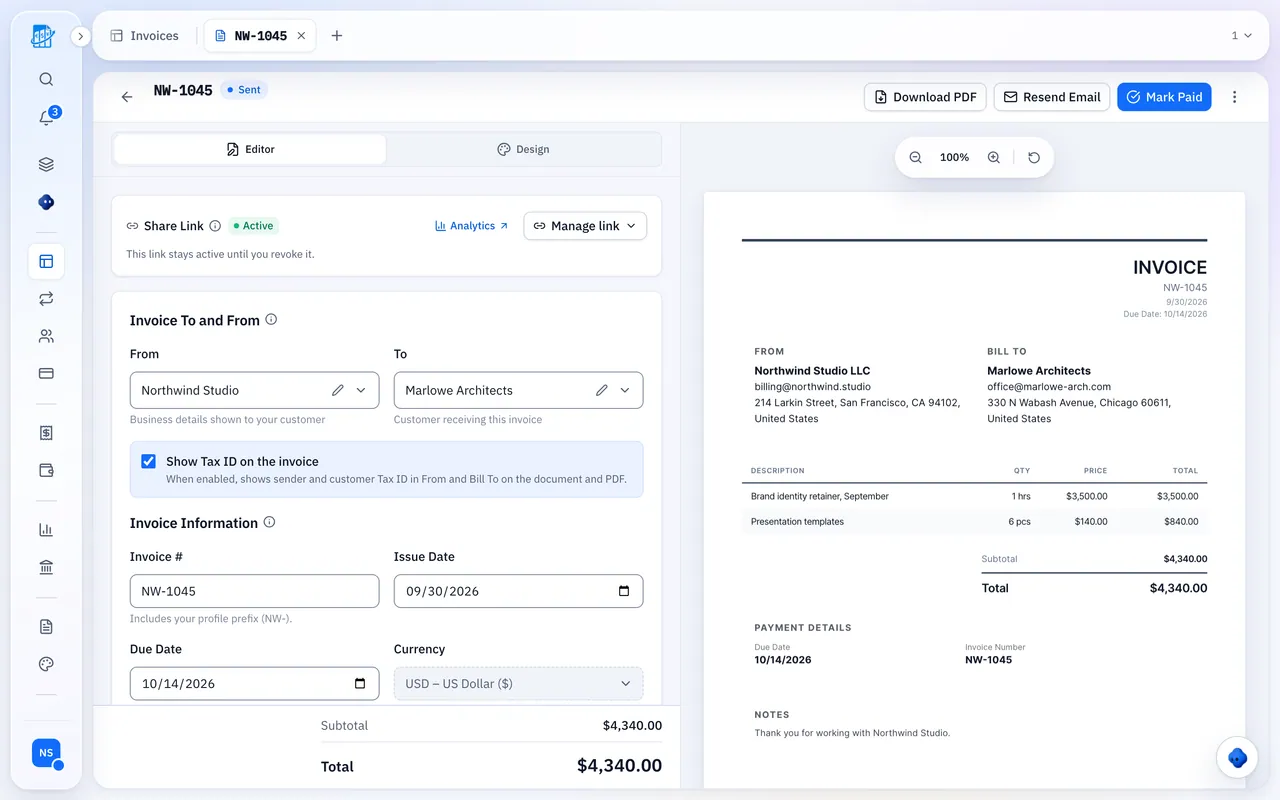
The invoice editor as it looks in QuickBilling today. This is the kind of record ChatGPT will be able to create.
Where this stands
The app has been submitted to OpenAI and is waiting for approval. Review decisions and their timing are OpenAI's, so we are not giving a date.
Until it is approved we will not describe the app as available or listed. You can use QuickBilling from other assistants through the MCP server today.
Available today: the MCP server
You do not have to wait. The QuickBilling MCP server is live: add it to Claude Desktop, Cursor or another MCP client that supports remote servers and sign in with your QuickBilling account. The assistant inside the app is available on every plan.
Tell me when it is live
Subscribe to the QuickBilling newsletter to hear about new features, including this one, when they are released.
Product updates and invoicing tips
An occasional email about what we've shipped, with practical advice on getting paid.
How data is handled when you connect an AI assistant is described in our privacy policy. What an assistant does with the data it receives is governed by its provider's own policy. Read the section on AI assistants
ChatGPT is a trademark of OpenAI. QuickBilling is not affiliated with or endorsed by OpenAI.
Frequently asked questions
Short answers to what people ask before they start. Something missing? Ask us directly.
Is the ChatGPT app available?
Not yet. It has been submitted to OpenAI for review and is coming soon. We will say so here when it is available.
How will I connect it?
You will sign in with your QuickBilling account (OAuth) from ChatGPT.
Can ChatGPT change my invoices?
Changes happen on your instruction. Only ask for changes you want made.
Who handles my data?
Data handling for AI assistants, including ChatGPT, is described in our privacy policy. What ChatGPT does with the data it receives is governed by OpenAI's own policy.
Can I use QuickBilling with an assistant today?
Yes. The assistant inside the app is available on every plan, and the MCP server works with Claude Desktop, Cursor and other MCP clients.
Start with QuickBilling today
Create a free workspace and send your first invoice. The MCP server is available today for Claude Desktop, Cursor and other MCP clients.
Free plan. No credit card required.