Built For Developers
Everything you manage in the app, through predictable endpoints.
Predictable REST
Resource-based URLs with JSON responses, so integration code stays simple.
Scoped Keys
One workspace per key, limited by scopes and revocable at any time.
Full Control
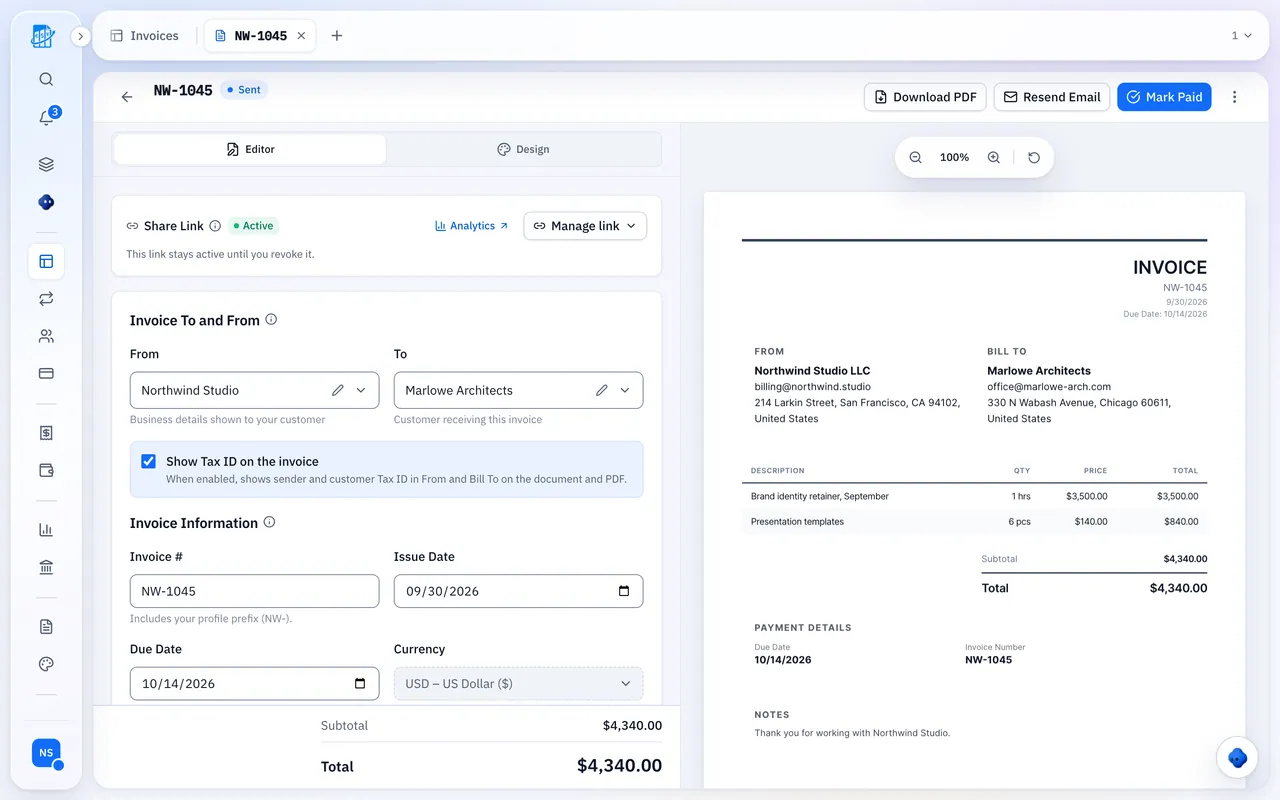
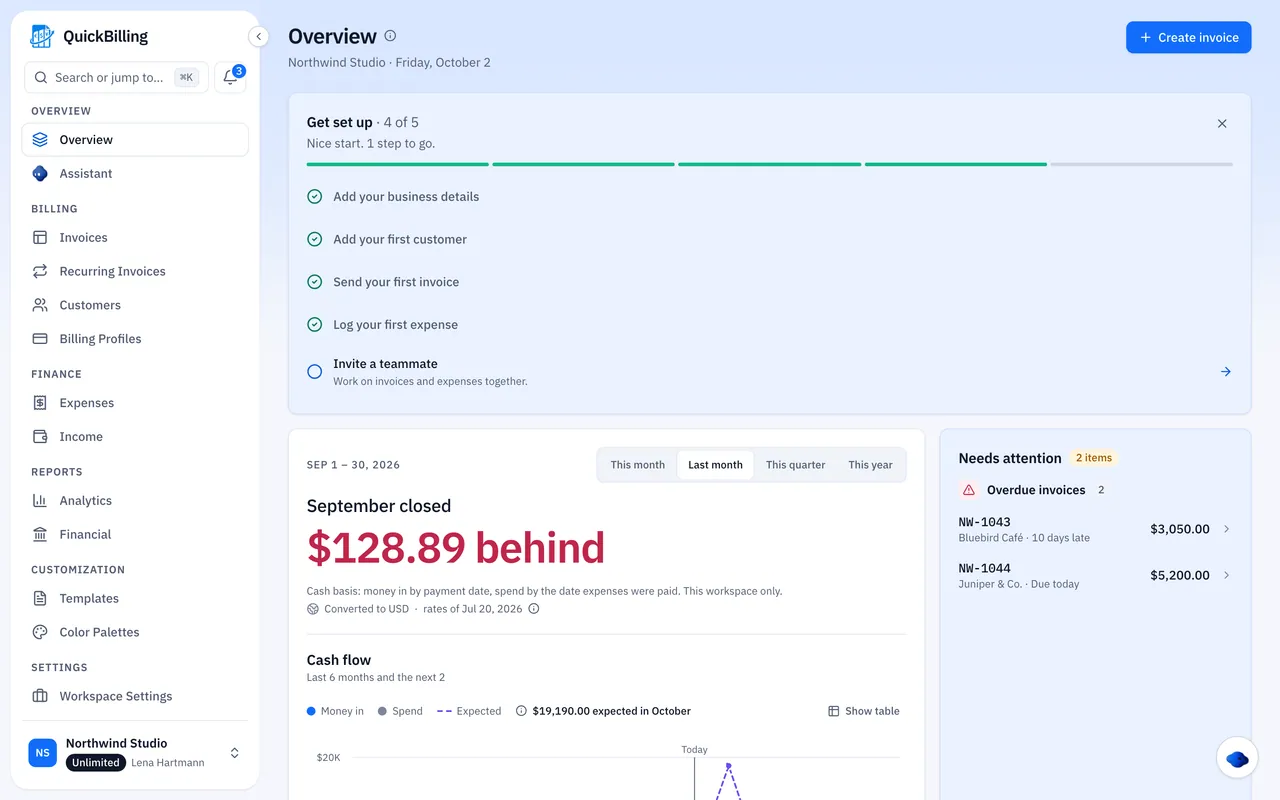
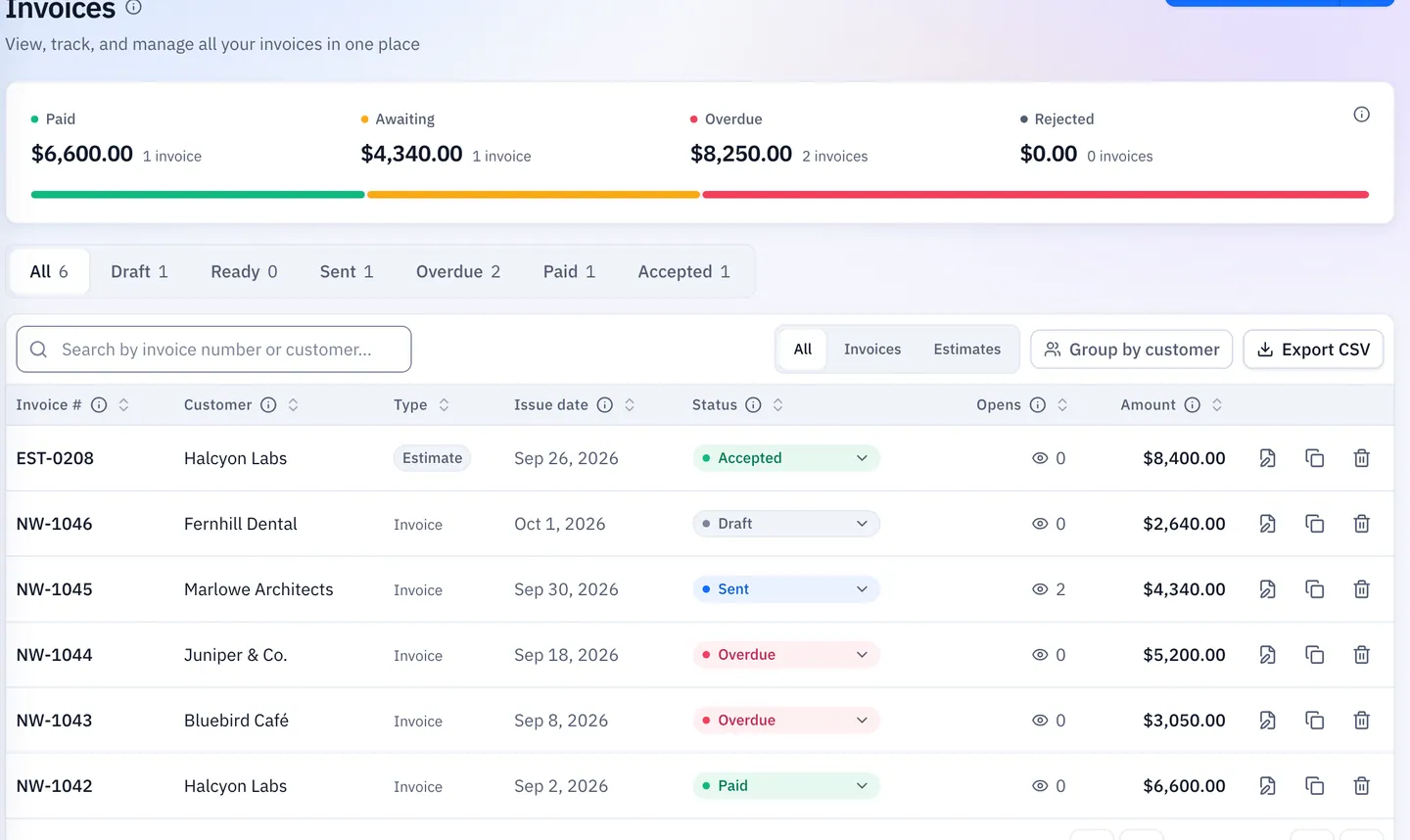
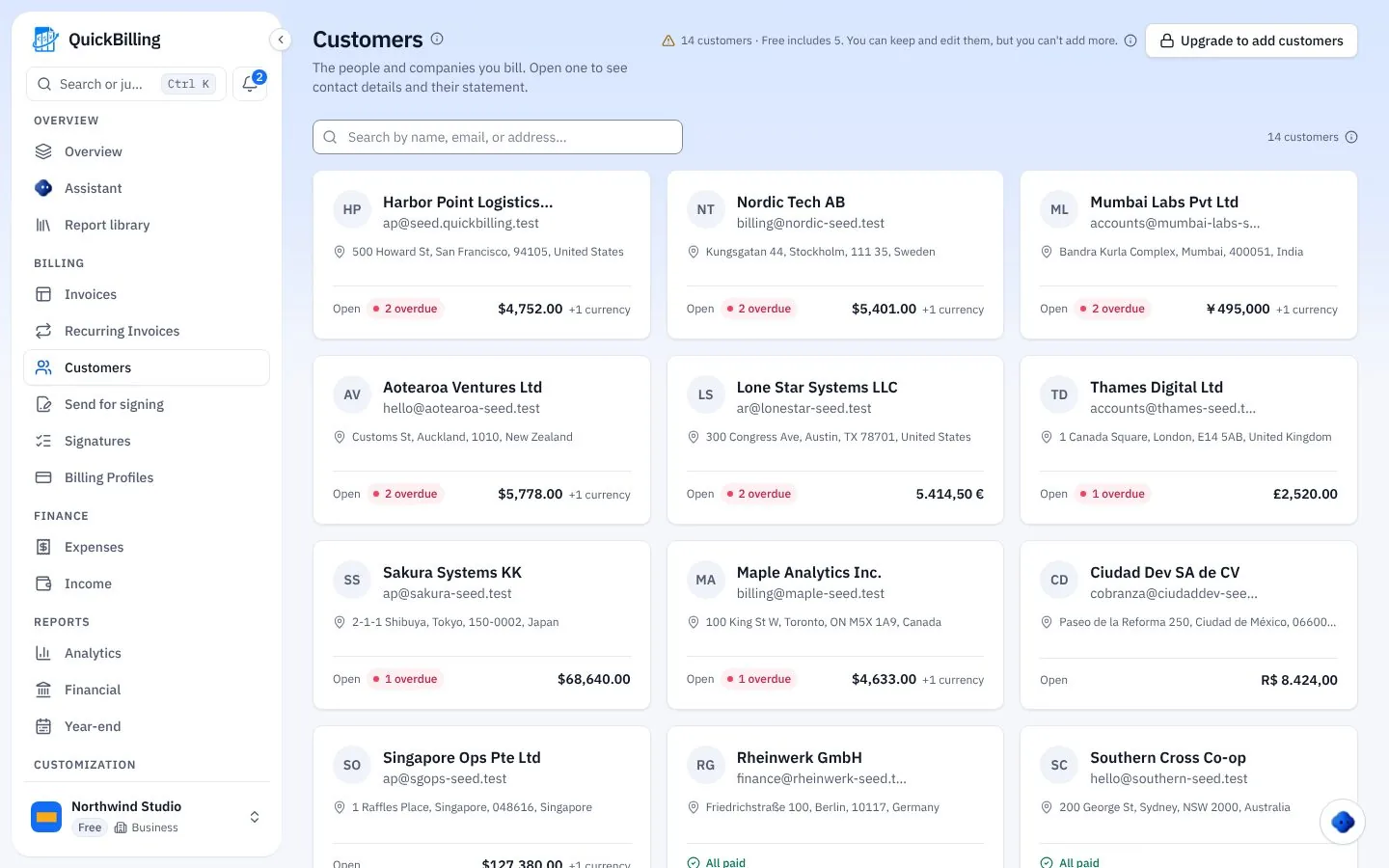
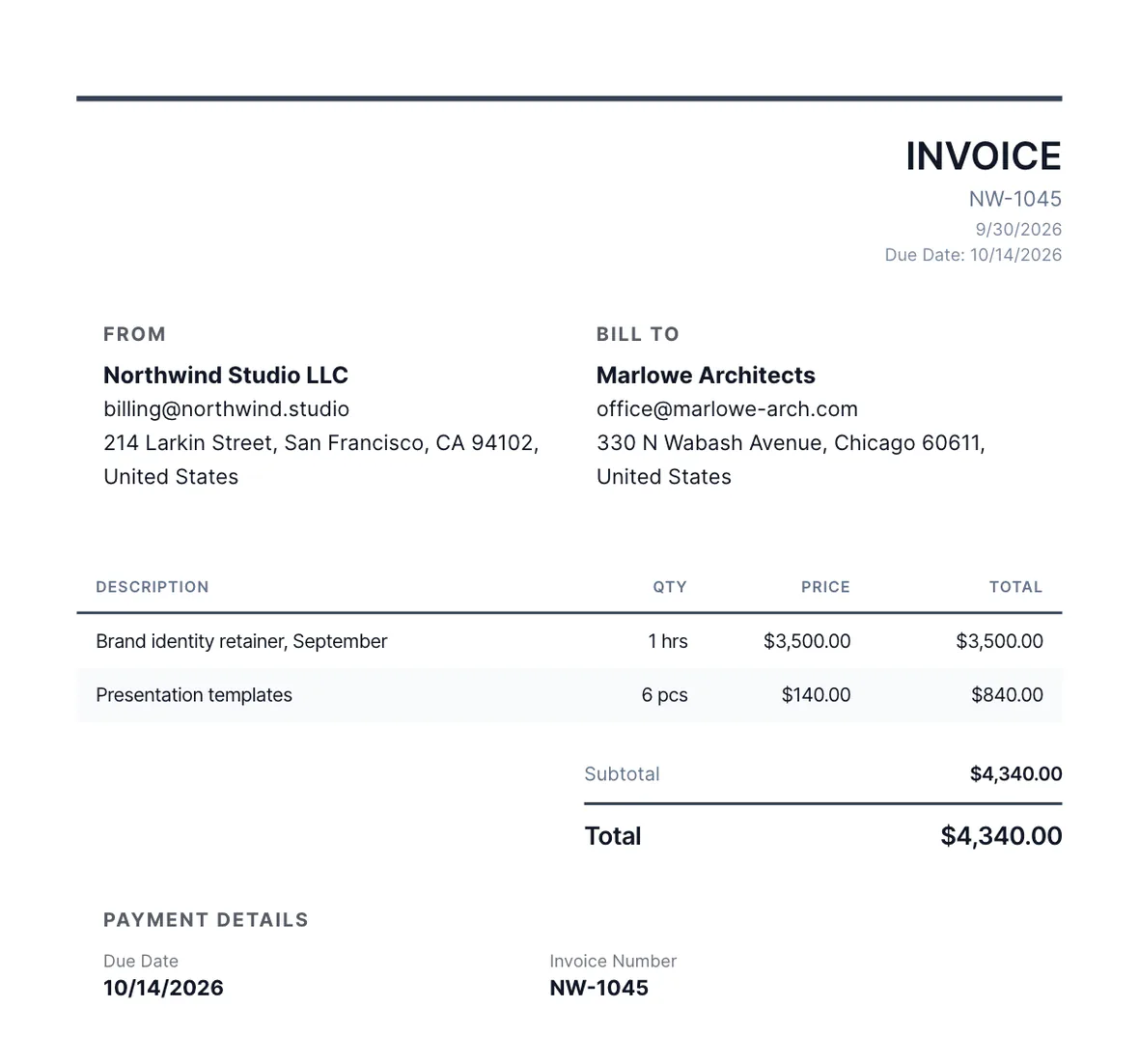
Create customers, invoices and workspaces from code, the same records you see in the app.
Documented With OpenAPI
A live reference and an OpenAPI description at /docs/api.
- A machine-readable OpenAPI description
- Same invoices and quotes as the app
- Programmatic access to your data on Unlimited
Get Started In Three Steps
From plan to first call.
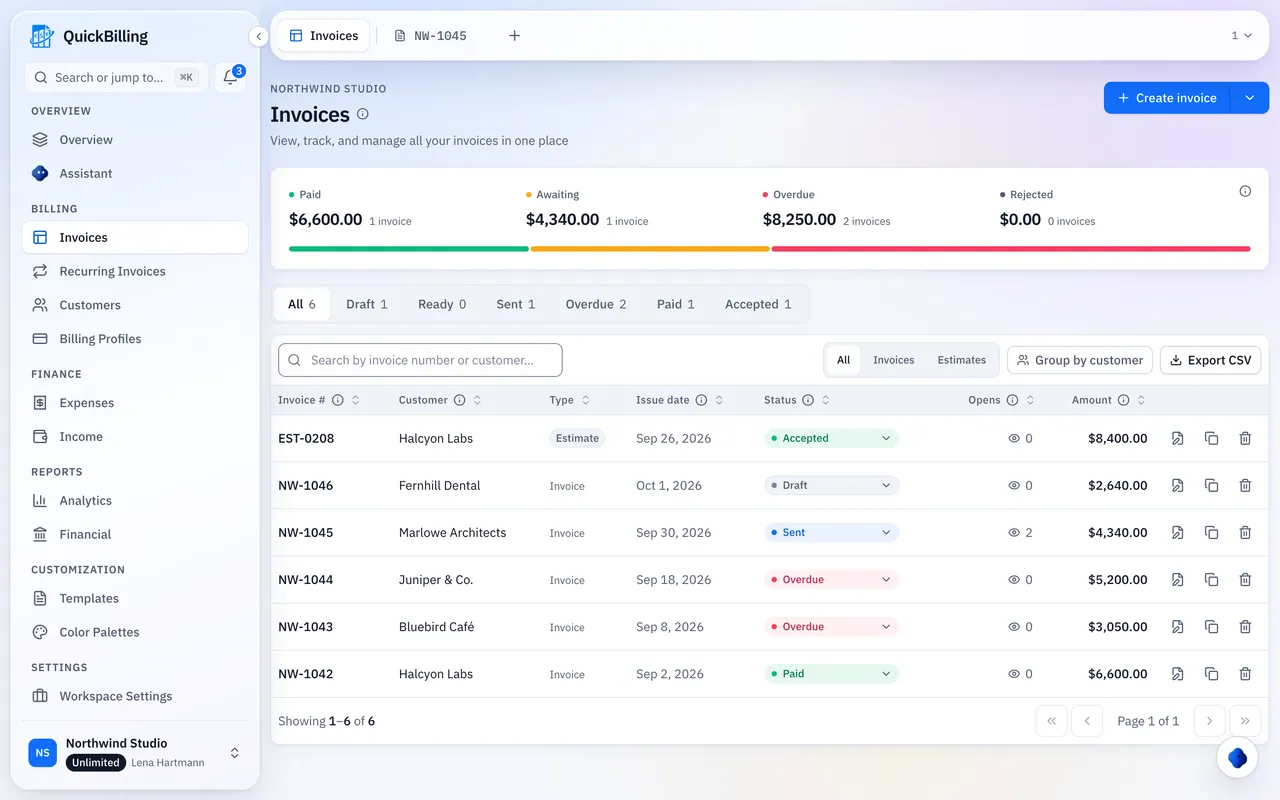
Upgrade To Unlimited
API keys are part of the Unlimited plan.
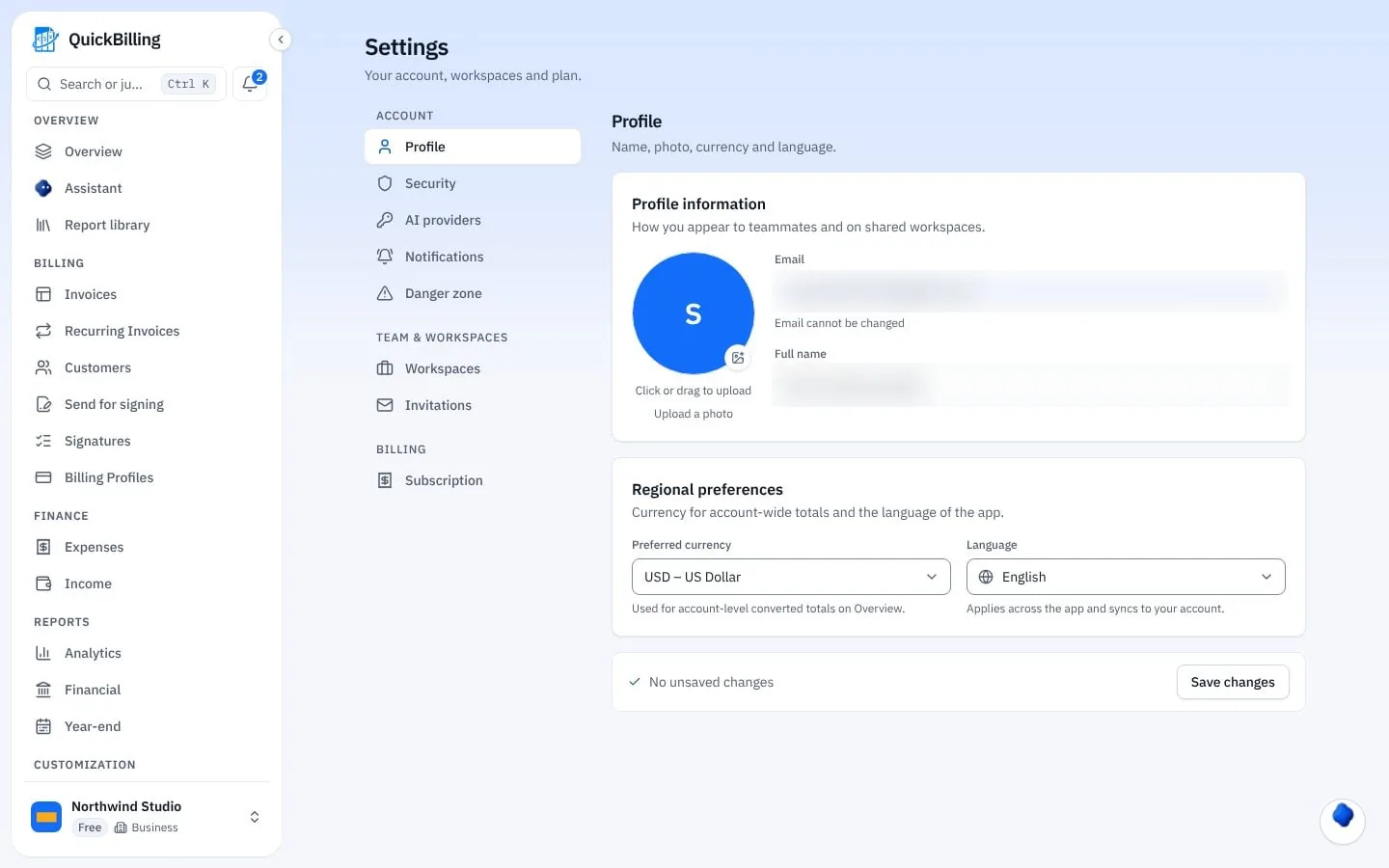
Create A Key
A workspace API key with the scopes you need.
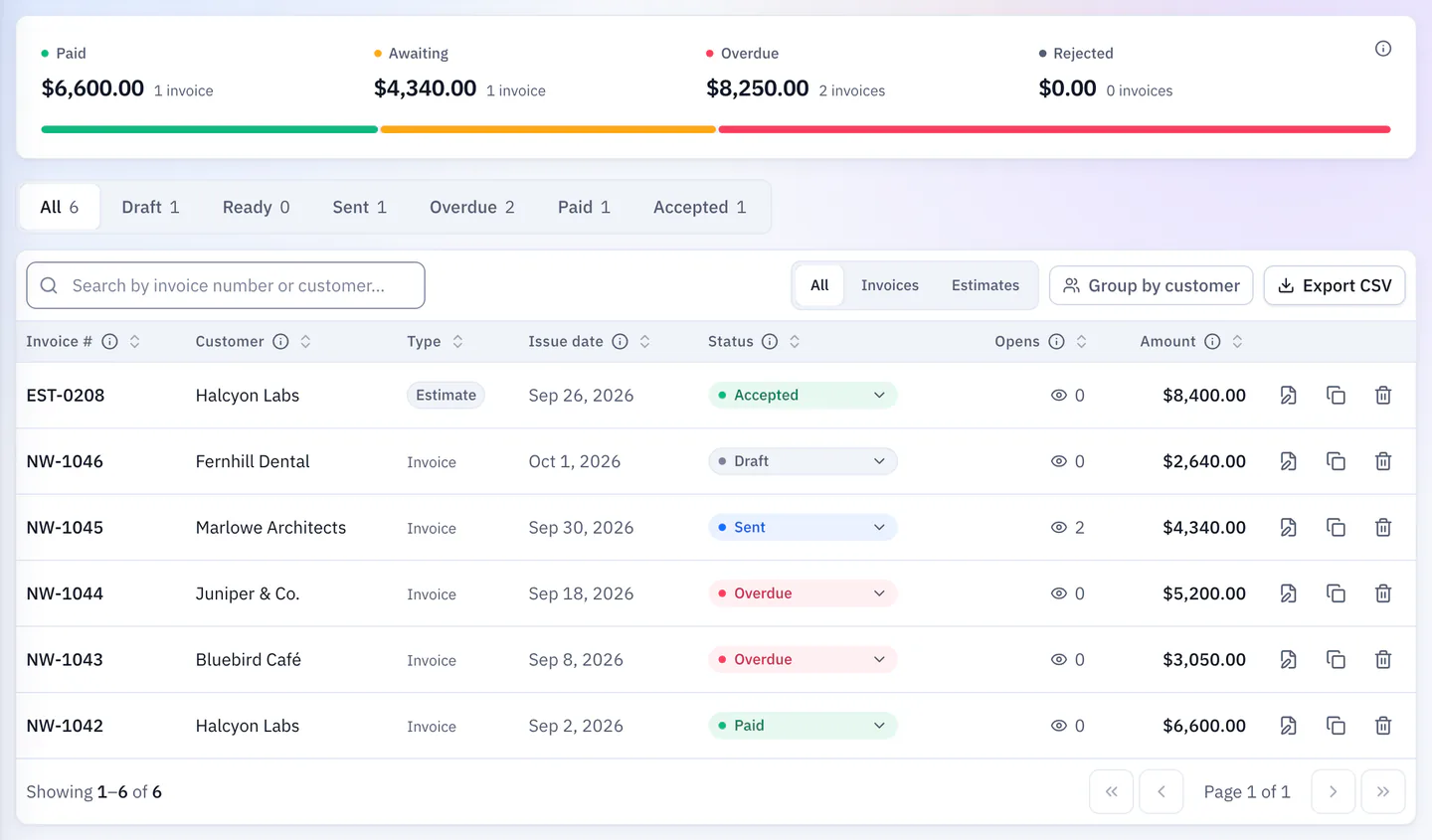
Call The Endpoints
Follow the docs at /docs/api.
Prefer An AI Assistant To Code?
To invoice from Claude or Cursor in plain language with your QuickBilling sign-in, use the MCP connection instead. It works on every plan and needs no API key.
Built For Products That Generate Invoices
Marketplace Payouts
Create an invoice for each order from your backend.
SaaS Billing Records
Sync customers and issue invoices from your product.
CRM Sync
Create customers in QuickBilling when deals close.
Expense Import
Push expenses from your own tools into the ledger.
What’s Included
API access on Unlimited.
- REST endpoints
- JSON responses
- OpenAPI description
- Live reference at /docs/api
- Workspace-scoped keys
- Revocable keys
- Customers, invoices, expenses
- Workspaces
- Same data as the app
What Customers Say
“I built QuickBilling because sending an invoice should feel like sending a link. I want to know when it has been opened, and I want reminders to go out before and after the due date without me writing them by hand.”

“I send an estimate as a link, my client accepts it without needing an account, and I convert it to an invoice in one click.”

“I can see when a client has opened an invoice, and the reminder schedule does the nudging for me. I no longer write those awkward follow-up emails.”

Why Businesses Trust QuickBilling
Encrypted In Transit And At Rest
HTTPS on every connection; stored data encrypted at rest by our database and storage providers.
Separate Workspaces
Every request is checked against your workspace and role.
Your Data Stays Yours
Export your account as JSON and invoices or reports as CSV, or delete your account.
Never Sold, Never Used For AI Training
No selling, no advertising, no training AI on your content.
Clear About Where Data Lives
Servers and files in Sweden (EU); database and email in the US. Operated from Sharjah, UAE.
A Record For Every Signature
Each signed estimate has a record: name, time, IP, device and SHA-256 fingerprint.
Simple Plans, Free To Start
In US dollars. Save 10% yearly. Cancel any time.
Free $0/ month
For your first invoices and seeing when clients open them.
- Up to 5 customers
- Unlimited invoices and estimates
- 2 invoice templates
- See when and how often links are viewed
Premium $15/ month
For freelancers with a steady client list.
- Unlimited customers
- You + 2 team members
- All 14 templates plus your own
- IP, location and device tracking
- Your own branding
Unlimited $30/ month
For agencies, several businesses or API work.
- Everything in Premium
- Unlimited workspaces and team members
- REST API keys
- 1,000 AI assistant messages a day
Invoicing API FAQs
Short answers to what people ask before they start.
What Can The Invoicing API Do?
Create customers and invoices, manage workspaces and expenses, and sync data with your own systems. It uses the same records you see in the app.
Which Plan Includes API Keys?
The Unlimited plan at $30 a month. Free and Premium don’t include REST API keys.
Is There An OpenAPI Description?
Yes. A live reference and an OpenAPI description are at /docs/api.
How Are API Keys Scoped?
Each key belongs to one workspace, is limited by scopes, and can be revoked at any time.
How Are API Keys Stored?
Hashed, with an encrypted copy so you can view a key again.
Can I Use An AI Assistant Instead Of Code?
Yes. The MCP connection lets Claude Desktop or Cursor work with your data using your QuickBilling sign-in, on every plan.
Do I Need An API Key For The MCP Server?
No. The MCP server uses your QuickBilling sign-in instead of a key, and works on every plan.
Can I Export My Data With The API?
Yes. On Unlimited the REST API gives you programmatic access, alongside JSON and CSV exports in the app.
Can I Automate Invoice Processing With The API?
For the invoices you send, yes: create, update, share and track them from your own code. The API doesn’t scan or capture invoices you receive from suppliers.
Is There A Billing API?
Yes. A REST billing API with an OpenAPI description at /docs/api: create invoices, manage customers and log expenses. API keys are part of the Unlimited plan, and each key belongs to one workspace. The reference includes a curl quickstart.