Make The Last Touchpoint Count
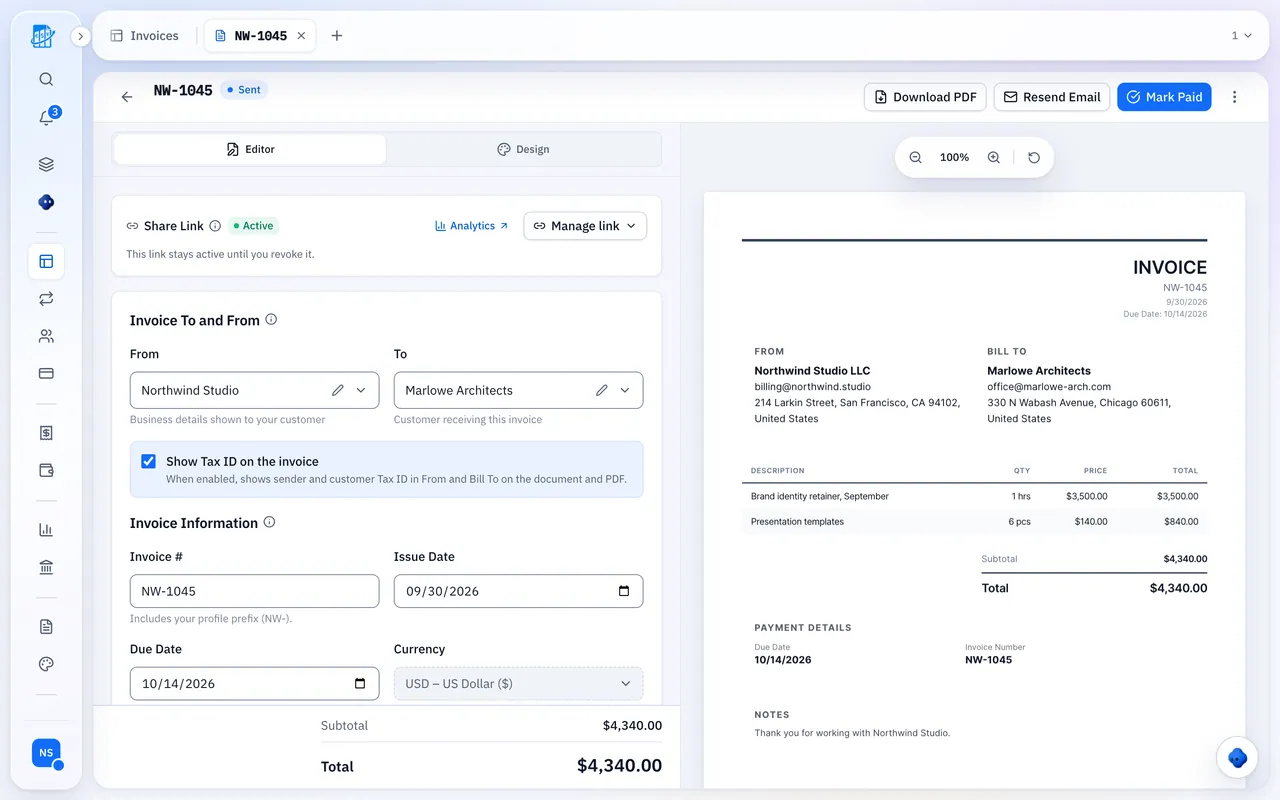
Your invoice is often the last thing a client sees before paying.
Your Exact Colors
Match your brand colors precisely on invoices and quotes, on Premium and Unlimited.
Your Fonts
Choose from professional font pairings so the invoice reads like the rest of your work.
Your Layout
Rearrange columns, hide fields you don’t need and add notes.
Notes And Payment Terms
Add your notes and terms once and they appear on every invoice and quote.
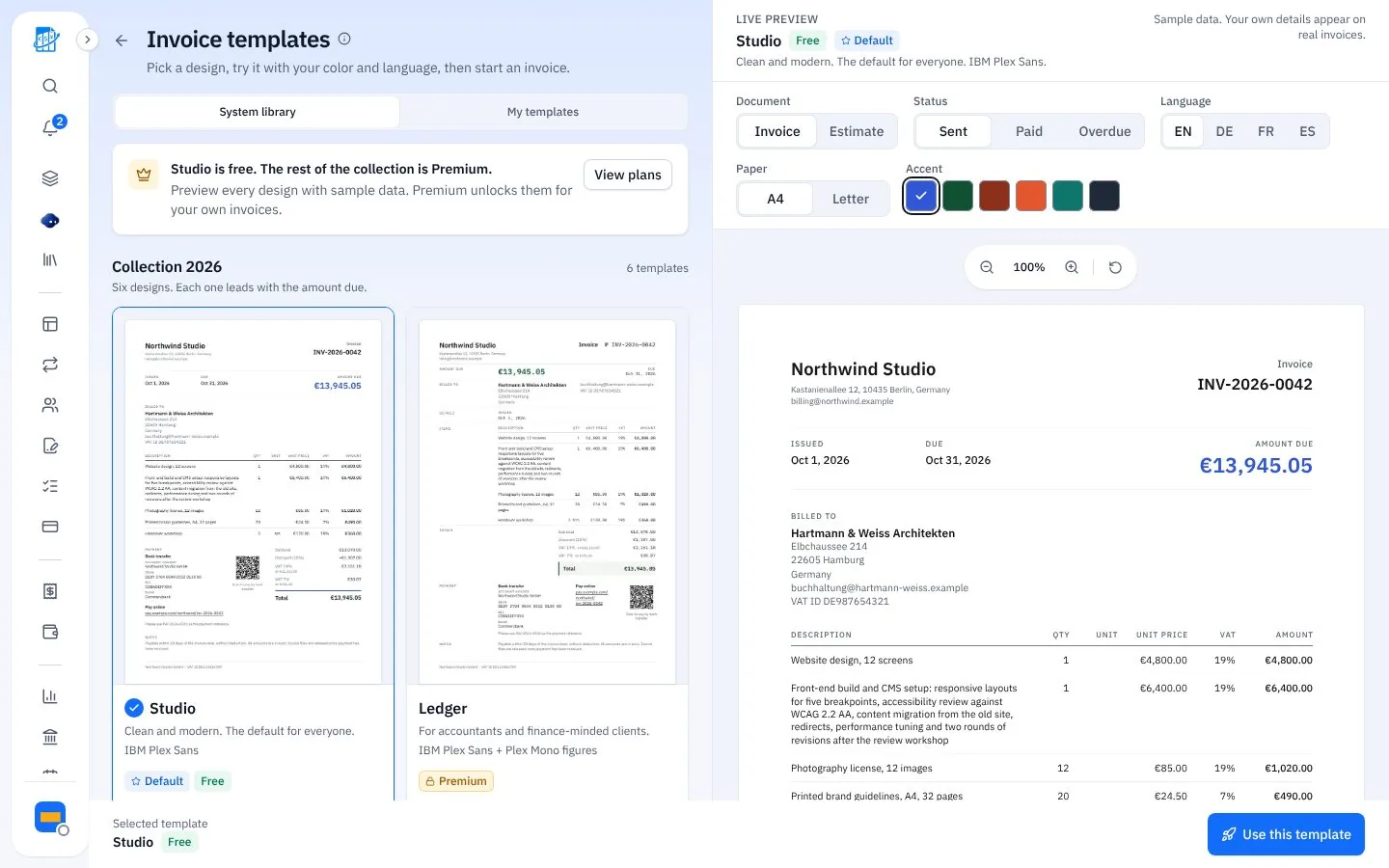
14 Built-In Templates
Free includes 2; Premium and Unlimited include all 14 and a builder for your own.
- Collection 2026: Studio, Ledger, Editorial, Swiss, Compact and Brief
- Classic: eight earlier layouts, including EU Compliant, German Rechnung and Indian GST
- Brief (DIN 5008) for German business letters
From Blank To Branded In Three Steps
Set it once, reuse it on every invoice.
Pick A Design
Start with Studio, Compact or Brief.
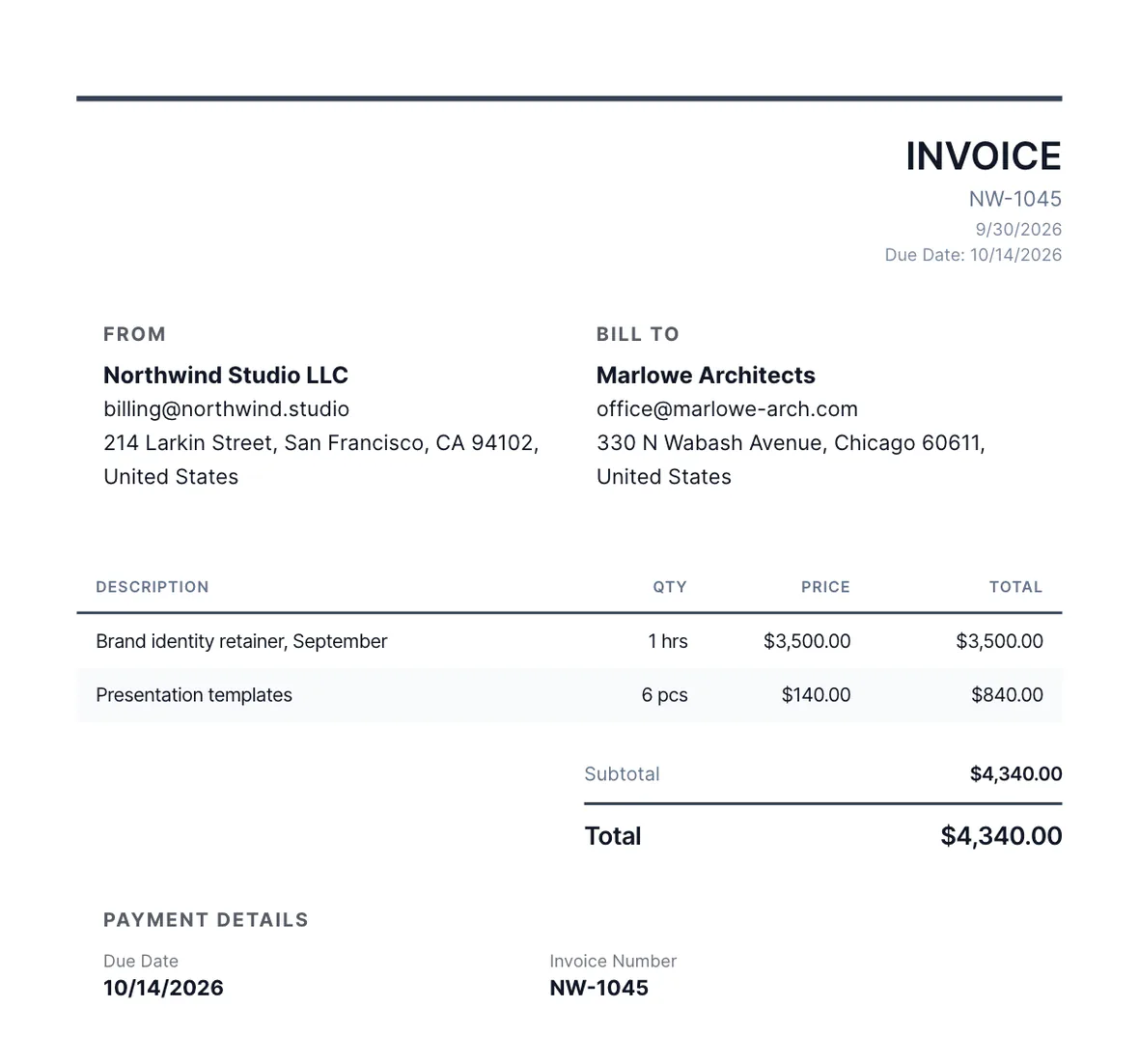
Add Your Brand
Logo, colors, fonts and notes.
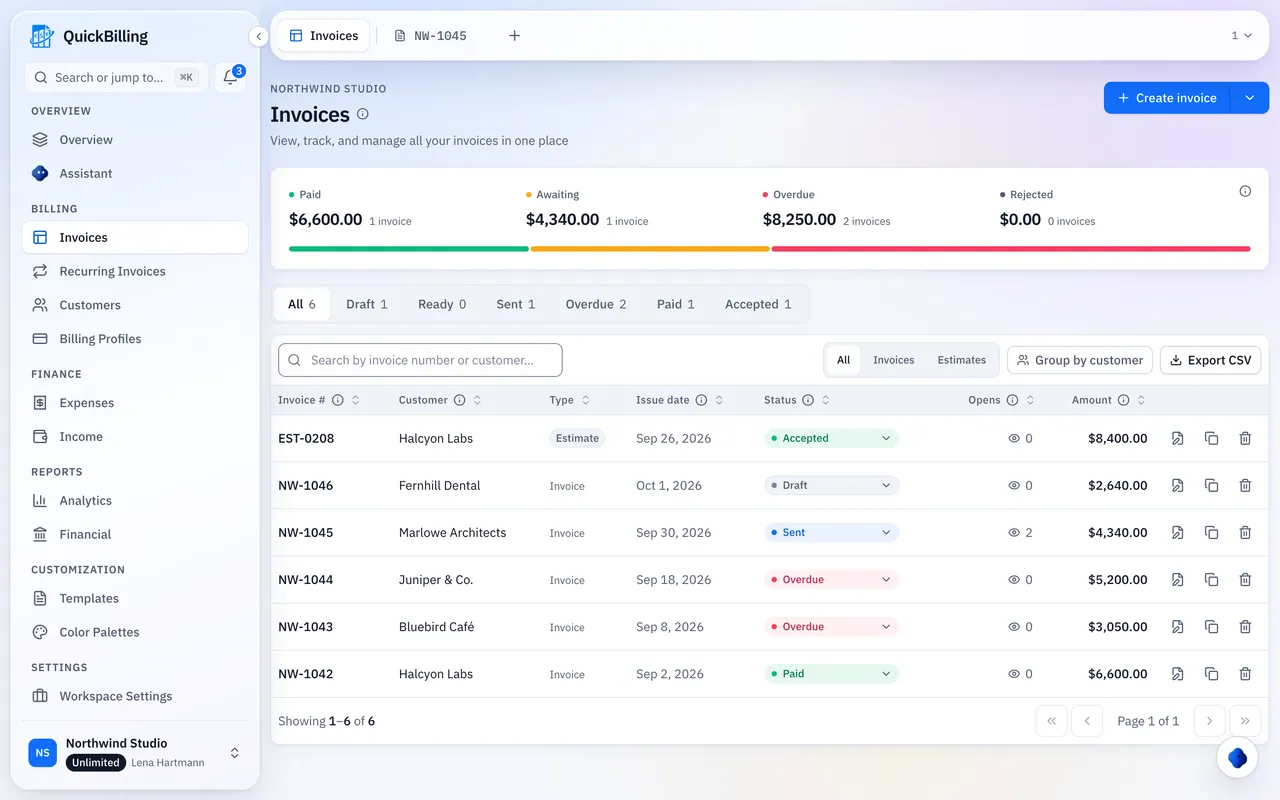
Send It
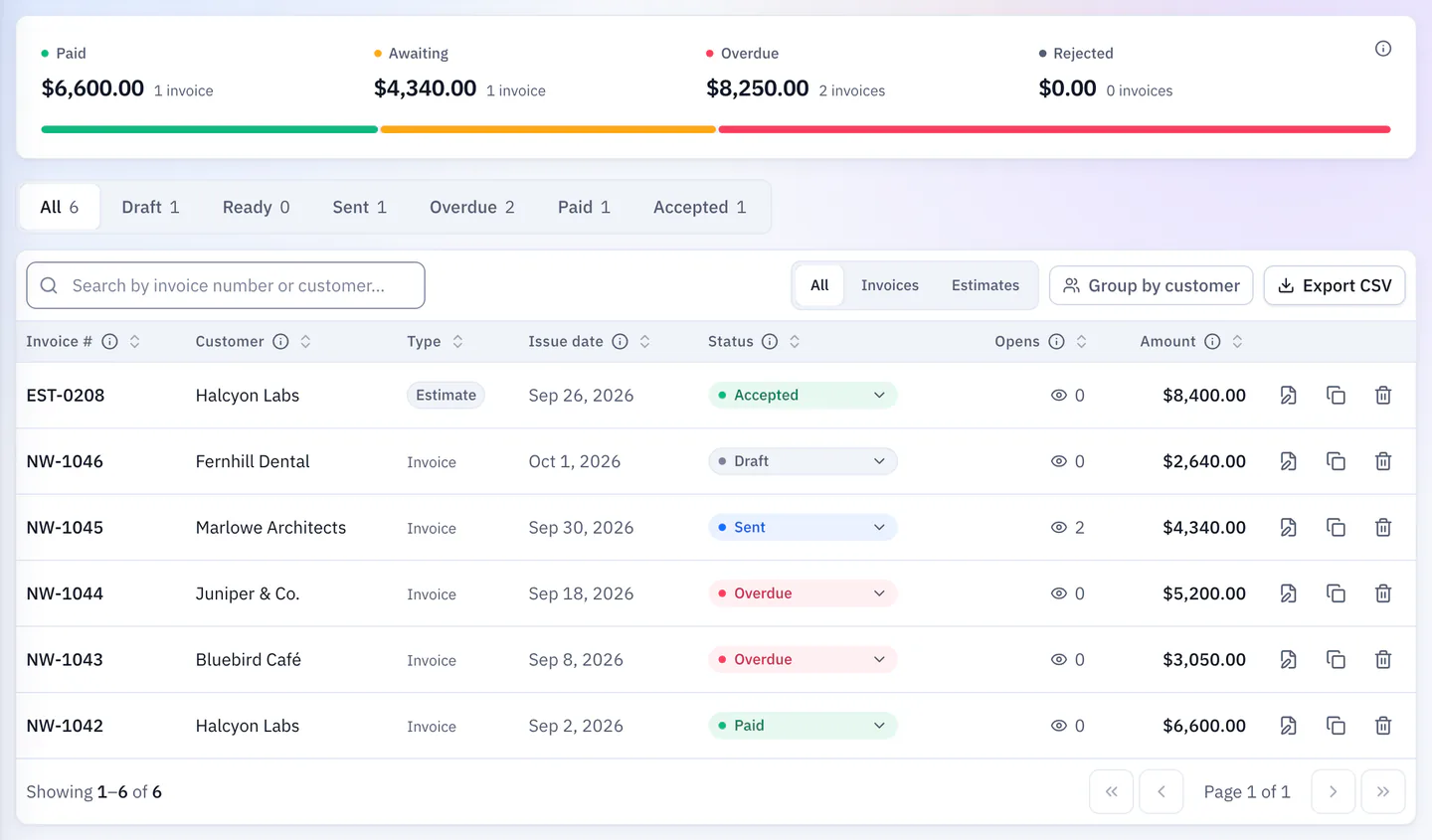
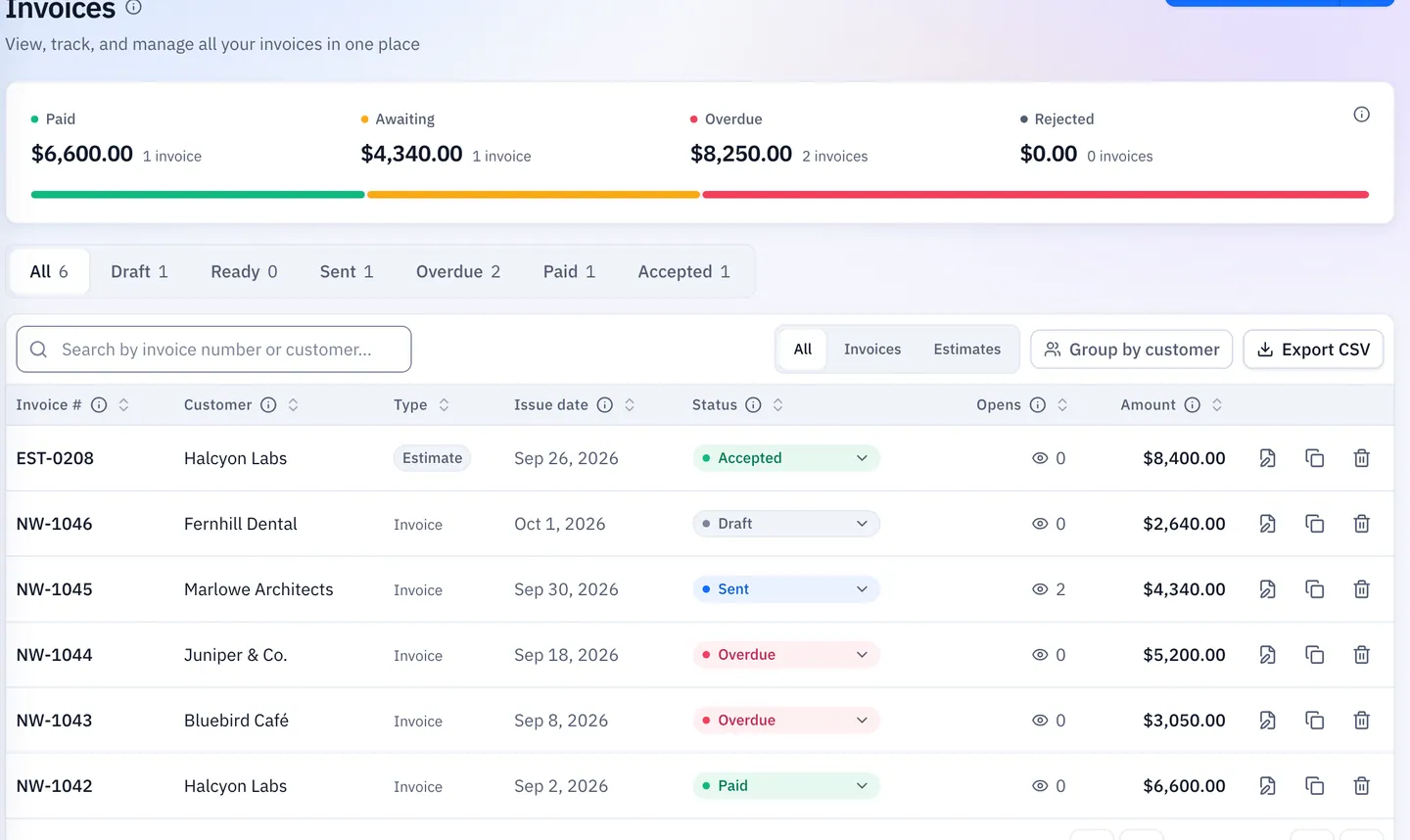
As a link, email or PDF.
Built For Your Kind Of Work
Templates that suit different businesses.
Creative Agencies
A minimal layout with your logo and colors, so the invoice matches your work.
Software Developers
Line items for sprints, hours or milestones, with notes for scope.
Consultants
Retainers and day rates with clear payment terms.
Contractors
Labor and materials lines, billed in one go or stage by stage.
What’s Included
Templates on every plan, more on paid plans.
- 2 templates on Free
- All 14 templates on Premium and Unlimited
- Template builder on paid plans
- Brand colors, fonts and palettes on paid plans
- Invoices and quotes
- Share link and PDF
- Notes and payment terms
- Documents in 4 languages
- 41 currencies
What Customers Say
“I built QuickBilling because sending an invoice should feel like sending a link. I want to know when it has been opened, and I want reminders to go out before and after the due date without me writing them by hand.”

“I send an estimate as a link, my client accepts it without needing an account, and I convert it to an invoice in one click.”

“I can see when a client has opened an invoice, and the reminder schedule does the nudging for me. I no longer write those awkward follow-up emails.”

Why Businesses Trust QuickBilling
Encrypted In Transit And At Rest
HTTPS on every connection; stored data encrypted at rest by our database and storage providers.
Separate Workspaces
Every request is checked against your workspace and role.
Your Data Stays Yours
Export your account as JSON and invoices or reports as CSV, or delete your account.
Never Sold, Never Used For AI Training
No selling, no advertising, no training AI on your content.
Clear About Where Data Lives
Servers and files in Sweden (EU); database and email in the US. Operated from Sharjah, UAE.
A Record For Every Signature
Each signed estimate has a record: name, time, IP, device and SHA-256 fingerprint.
Simple Plans, Free To Start
In US dollars. Save 10% yearly. Cancel any time.
Free $0/ month
For your first invoices and seeing when clients open them.
- Up to 5 customers
- Unlimited invoices and estimates
- 2 invoice templates
- See when and how often links are viewed
Premium $15/ month
For freelancers with a steady client list.
- Unlimited customers
- You + 2 team members
- All 14 templates plus your own
- IP, location and device tracking
- Your own branding
Unlimited $30/ month
For agencies, several businesses or API work.
- Everything in Premium
- Unlimited workspaces and team members
- REST API keys
- 1,000 AI assistant messages a day
Free Invoice Templates FAQs
Short answers to what people ask before they start.
How Many Invoice Templates Are There?
There are 14 built-in templates. You get 2 on the Free plan, and every design plus a template builder on Premium and Unlimited.
Are The Invoice Templates Free?
Yes, 2 designs are free on the Free plan, with unlimited invoices for up to 5 customers. All 14 designs come with Premium ($15 a month) and Unlimited ($30 a month).
Can I Add My Logo And Brand Colors?
Yes. Premium and Unlimited add your own branding, colors, fonts and palettes, and remove the QuickBilling branding from shared pages.
Which Template Suits My Business?
Studio is a clean modern layout, Compact suits long item lists, and Brief follows DIN 5008 for German business letters. Classic includes EU Compliant, German Rechnung and Indian GST layouts.
Do Templates Work For Quotes Too?
Yes. The same templates work for invoices and estimates, each with its own email wording.
Can I Download The Invoice As A PDF?
Yes. Every invoice has a print-ready PDF that matches the online version, and clients can download it from the link.
Can I Create My Own Template?
Yes, with the template builder on Premium and Unlimited.
Can I Send Invoices In Other Languages?
Yes. Each document can be in English, German, French or Spanish, in any of 41 currencies.
Can I Print My Managing Director, Register Court And VAT ID On The Invoice?
Yes. In your billing profile you enter managing director(s), registered seat, register court, register number and your VAT ID. Switch on “Show company details in the footer” and QuickBilling prints your company, bank and tax details in the page footer; it is on by default for German invoices. Which details your invoice needs is a question for your accountant.