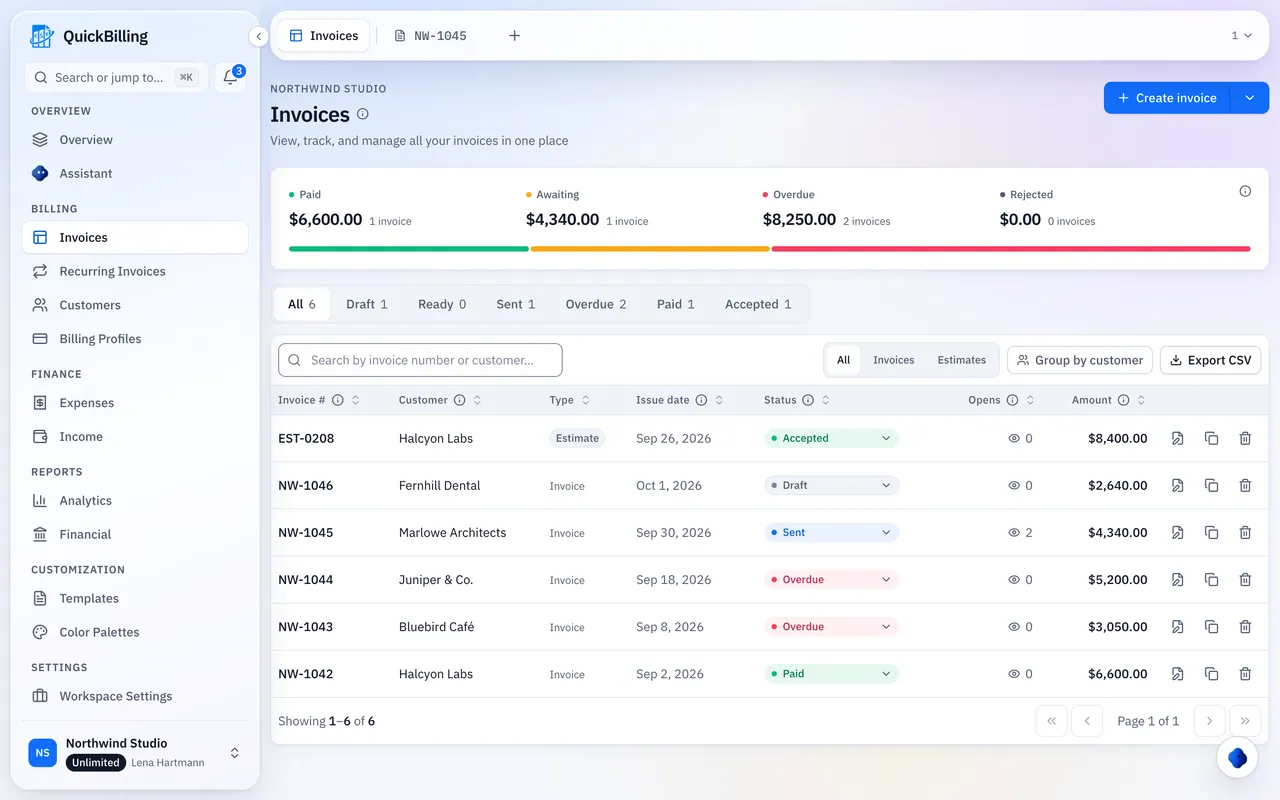
Log An Expense Your Way
By hand or with the receipt attached; QuickBilling does the math.
Receipts Attached
Up to 10 files per expense, 10 MB each: photos, PDFs, text or CSV.
Your Categories
Match your chart of accounts, each with a deductible percentage.
Team Approvals
Submit, approve or reject, then mark paid.
Recurring Expenses
Rent and software recorded automatically each week, month, quarter or year.
Budget Vs Actual Spending
Set budgets by month, quarter, year or custom dates, per workspace, category, client or supplier.
- Flagged once spending passes your alert level (80% by default)
- Progress bars for every budget
- Any period you choose
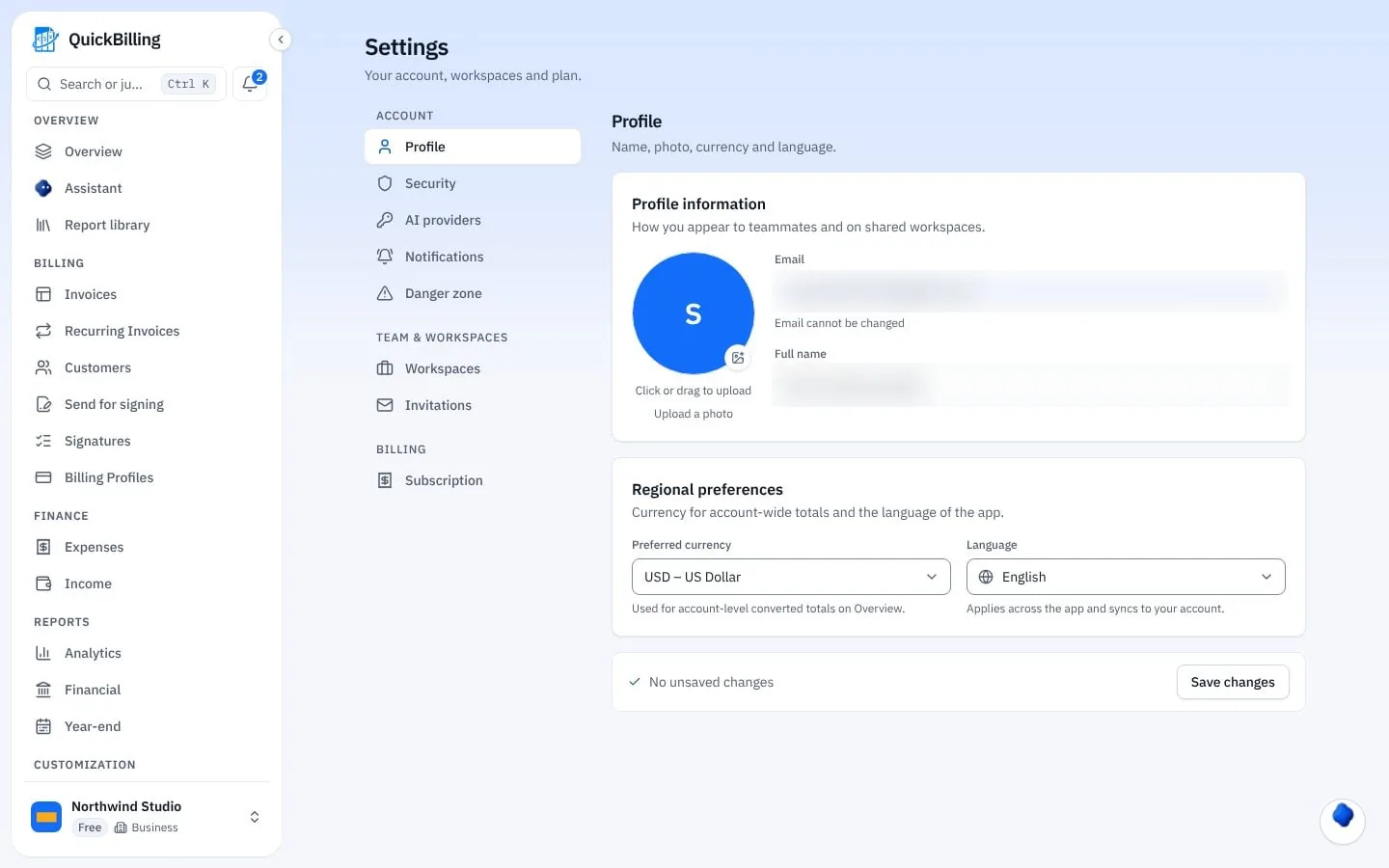
Ready For Your Accountant From Day One
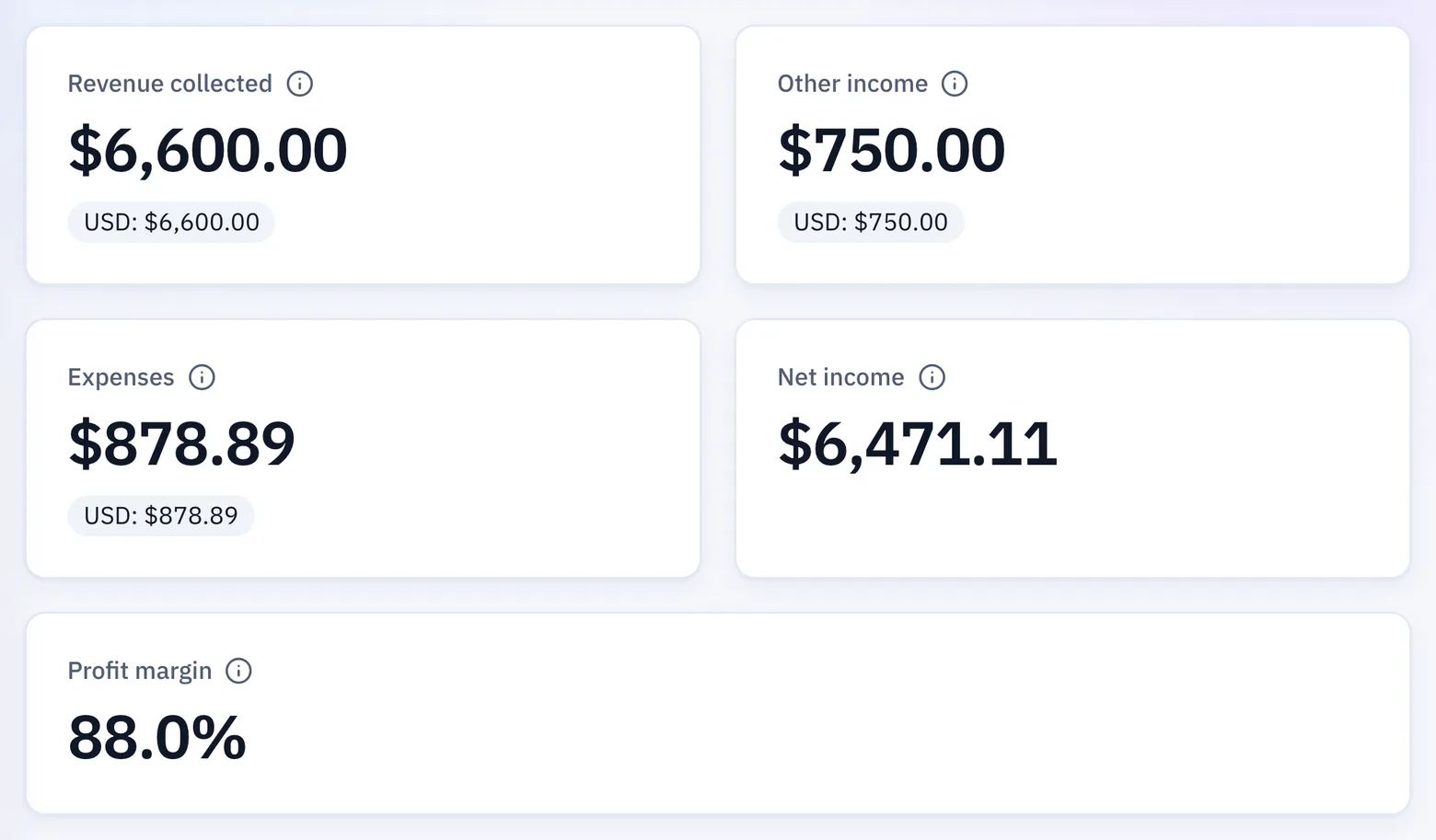
Numbers you can hand to an accountant.
Reports For Your Accountant
Expense totals with your deductible percentages, supplier breakdowns and monthly trends.
Any Currency
Reports convert to your main currency and show the exchange-rate date used.
Other Income
Log salary, interest and dividends alongside your expenses.
Built For Real Spending
Freelancer
Log software and travel, mark what’s deductible and see your real profit next to your invoices.
Trade Business
Mark materials as billable and link them to the customer’s invoice.
Team With Approvals
Staff submit expenses, you approve or reject, then mark them paid.
Personal Space
Track your own spending, income and budgets with invoicing hidden.
What’s Included
Expense tracking on every plan.
- Receipts on every expense
- Custom categories
- Deductible percentages
- Billable expenses
- Recurring expenses
- Approvals
- Budgets with alerts
- Profit and loss
- Multi-currency reports
- Income tracking
- CSV export
What Customers Say
“I built QuickBilling because sending an invoice should feel like sending a link. I want to know when it has been opened, and I want reminders to go out before and after the due date without me writing them by hand.”

“I send an estimate as a link, my client accepts it without needing an account, and I convert it to an invoice in one click.”

“I can see when a client has opened an invoice, and the reminder schedule does the nudging for me. I no longer write those awkward follow-up emails.”

Why Businesses Trust QuickBilling
Encrypted In Transit And At Rest
HTTPS on every connection; stored data encrypted at rest by our database and storage providers.
Separate Workspaces
Every request is checked against your workspace and role.
Your Data Stays Yours
Export your account as JSON and invoices or reports as CSV, or delete your account.
Never Sold, Never Used For AI Training
No selling, no advertising, no training AI on your content.
Clear About Where Data Lives
Servers and files in Sweden (EU); database and email in the US. Operated from Sharjah, UAE.
A Record For Every Signature
Each signed estimate has a record: name, time, IP, device and SHA-256 fingerprint.
Simple Plans, Free To Start
In US dollars. Save 10% yearly. Cancel any time.
Free $0/ month
For your first invoices and seeing when clients open them.
- Up to 5 customers
- Unlimited invoices and estimates
- 2 invoice templates
- See when and how often links are viewed
Premium $15/ month
For freelancers with a steady client list.
- Unlimited customers
- You + 2 team members
- All 14 templates plus your own
- IP, location and device tracking
- Your own branding
Unlimited $30/ month
For agencies, several businesses or API work.
- Everything in Premium
- Unlimited workspaces and team members
- REST API keys
- 1,000 AI assistant messages a day
Expense Tracking FAQs
Short answers to what people ask before they start.
What Can I Track?
Expenses, receipts, budgets, recurring costs and other income, all in the same ledger as your invoices.
Is Expense Tracking On The Free Plan?
Yes, on every plan. File storage is 10 MB per workspace on Free, 50 MB on Premium and 100 MB on Unlimited.
How Many Receipts Can I Attach?
Up to 10 files per expense, 10 MB each. Photos, PDFs, text and CSV files are accepted.
Can I Mark Expenses As Tax Deductible?
Yes. Each category can carry a deductible percentage, and the reports for your accountant show the totals.
Can I Bill Expenses To A Client?
Yes. Mark a cost as billable and link it to an invoice, so nothing goes unbilled.
Do I Need A Bank Connection?
No. You enter expenses or attach receipts; there’s no bank connection.
Can I Only Track Spending?
Yes. Choose a Personal space for spending, income and budgets with invoicing hidden. A business can switch invoicing off in a Business space.
How Are Different Currencies Handled?
Reports convert to your main currency and show the exchange-rate date used.
Is QuickBilling Accounting And Invoicing Software?
It’s invoice accounting software for the day to day: billing and invoicing software with your expenses, profit and loss and budgets in the same ledger. It doesn’t do double-entry bookkeeping or track inventory.