Make Billing As Scheduled As The Service
The service is booked; the billing usually isn’t.
Quarterly Homes
A route of quarterly plans slips a month.
Monthly Restaurants
A commercial account goes two cycles unbilled.
Annual Inspections
Termite inspections billed whenever someone remembers.
Recurring Service Plans, Handled End To End
Plans, one-offs and costs together.
Every Plan On Its Own Cycle
Monthly to annual. You review and send each draft, so nothing is billed twice.
Automatic Payment Reminders
The day before and two days after the due date, in the invoice language, plus 7- and 14-day follow-ups if you add them.
One-Off Treatments
Initial knockdowns, emergency call-outs and add-ons, with quotes for bigger commercial jobs.
Chemical And Vehicle Costs
Products, licensing and fuel per customer.
Commercial Contracts On Schedule
Restaurants, warehouses and property managers get the same format, reference and terms every month.
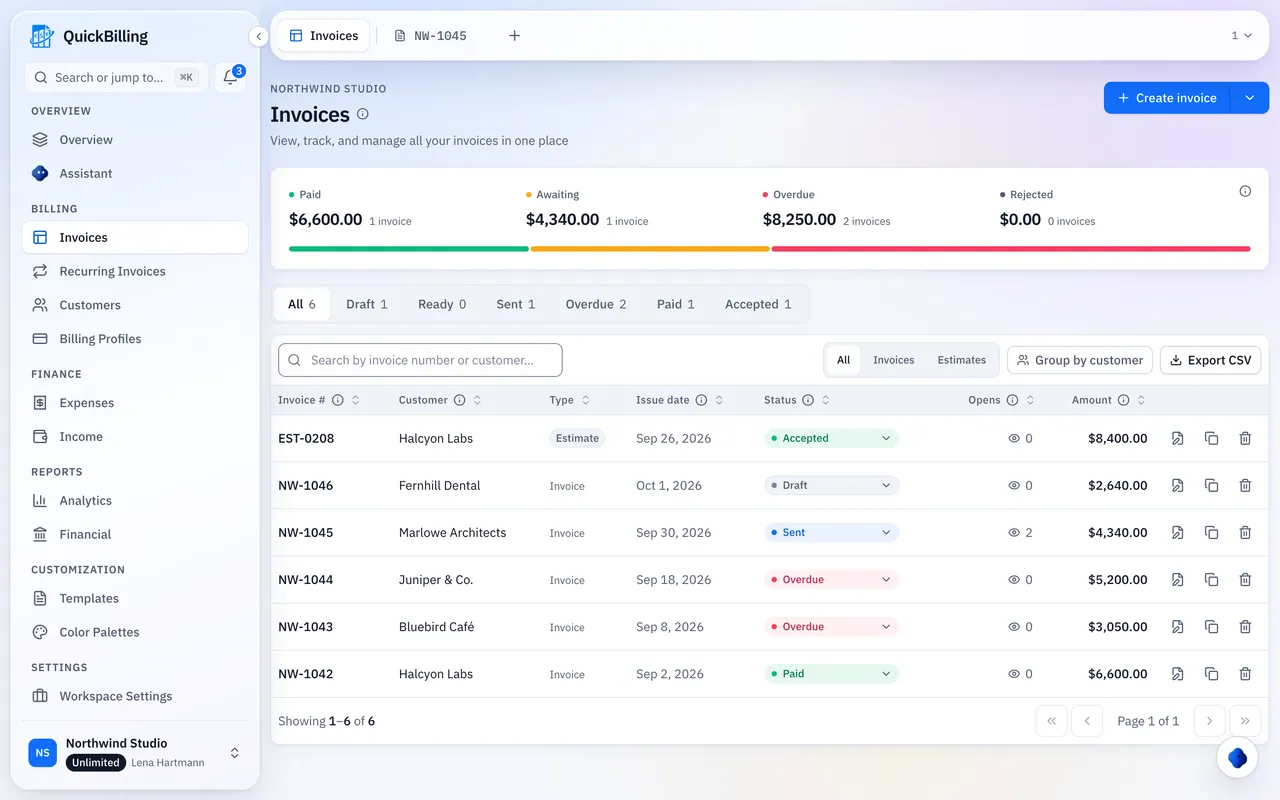
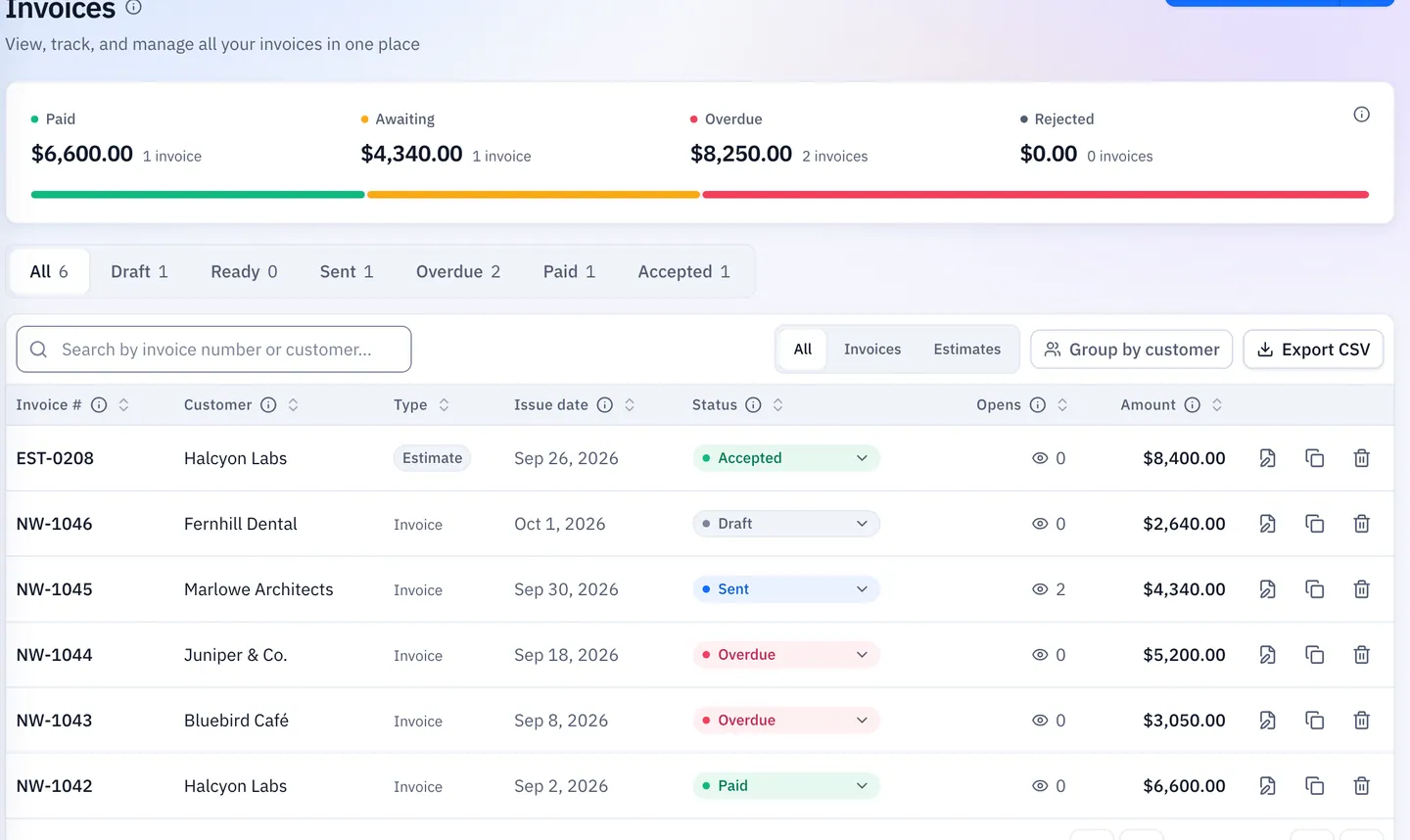
- Open tracking shows when it was opened
- Upcoming runs visible in advance
- Pause, restart or end any schedule
Set The Plan Once, Bill It For Years
Build The Plan Invoice
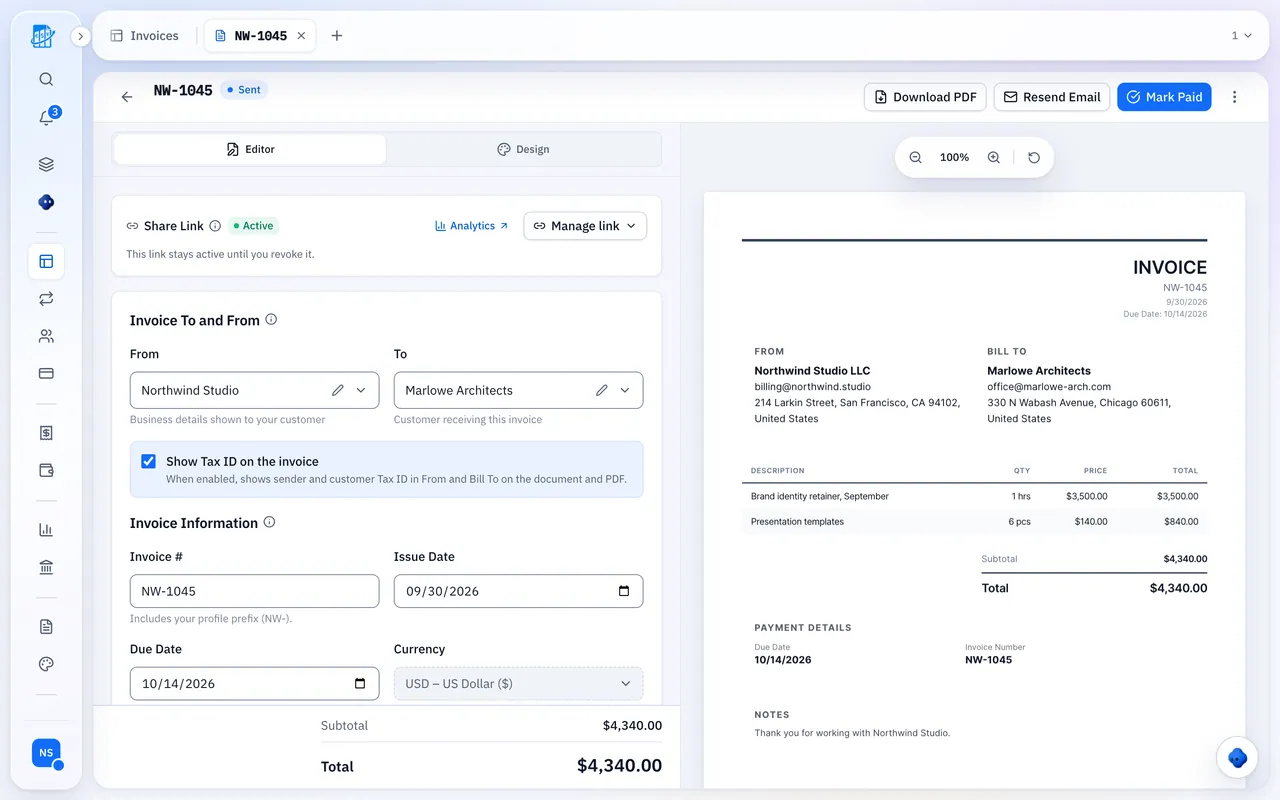
Customer, service, amount and terms.
Set The Cycle
Quarterly, monthly, annual or custom.
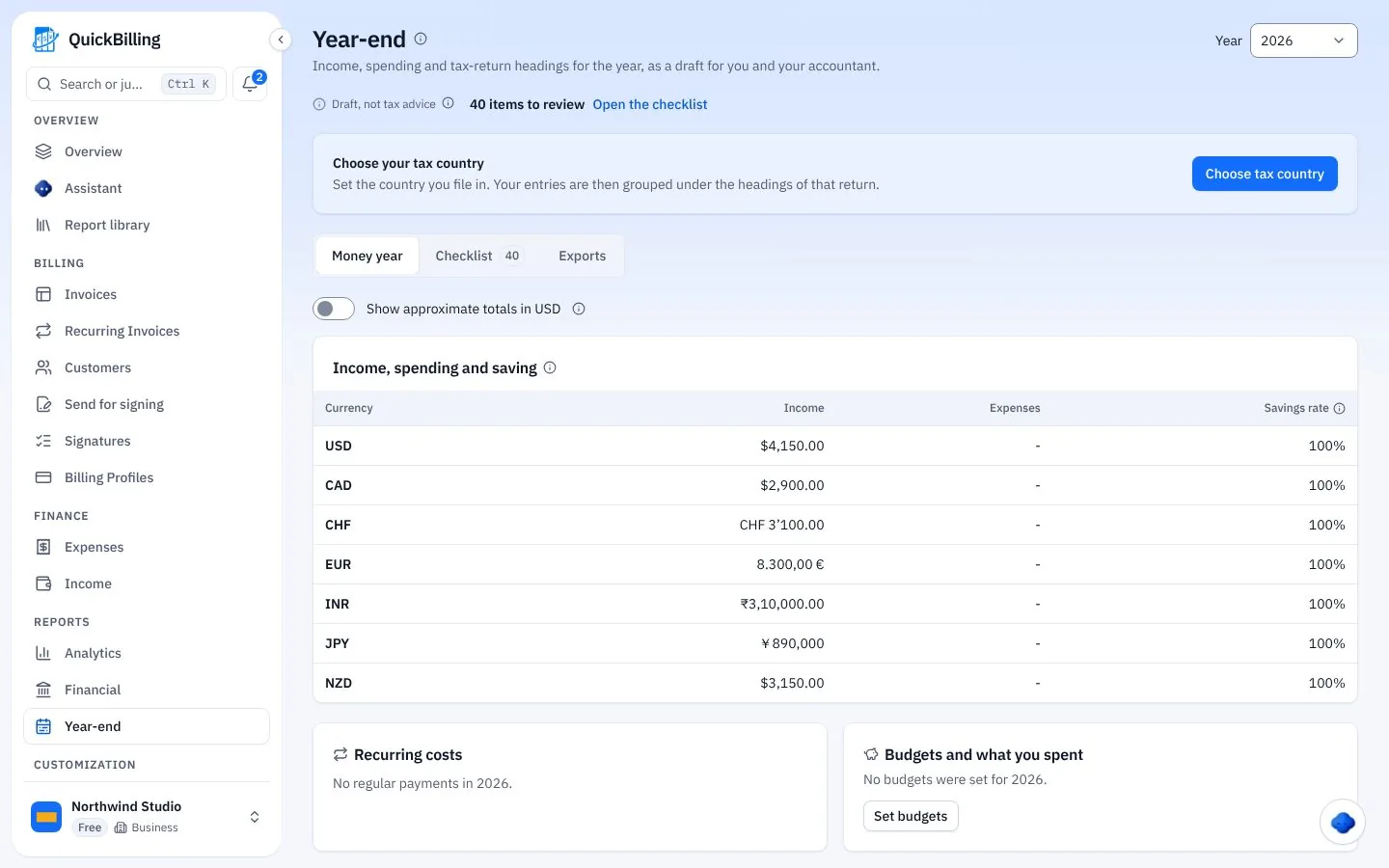
Let It Run
Drafts on schedule; you see opens.
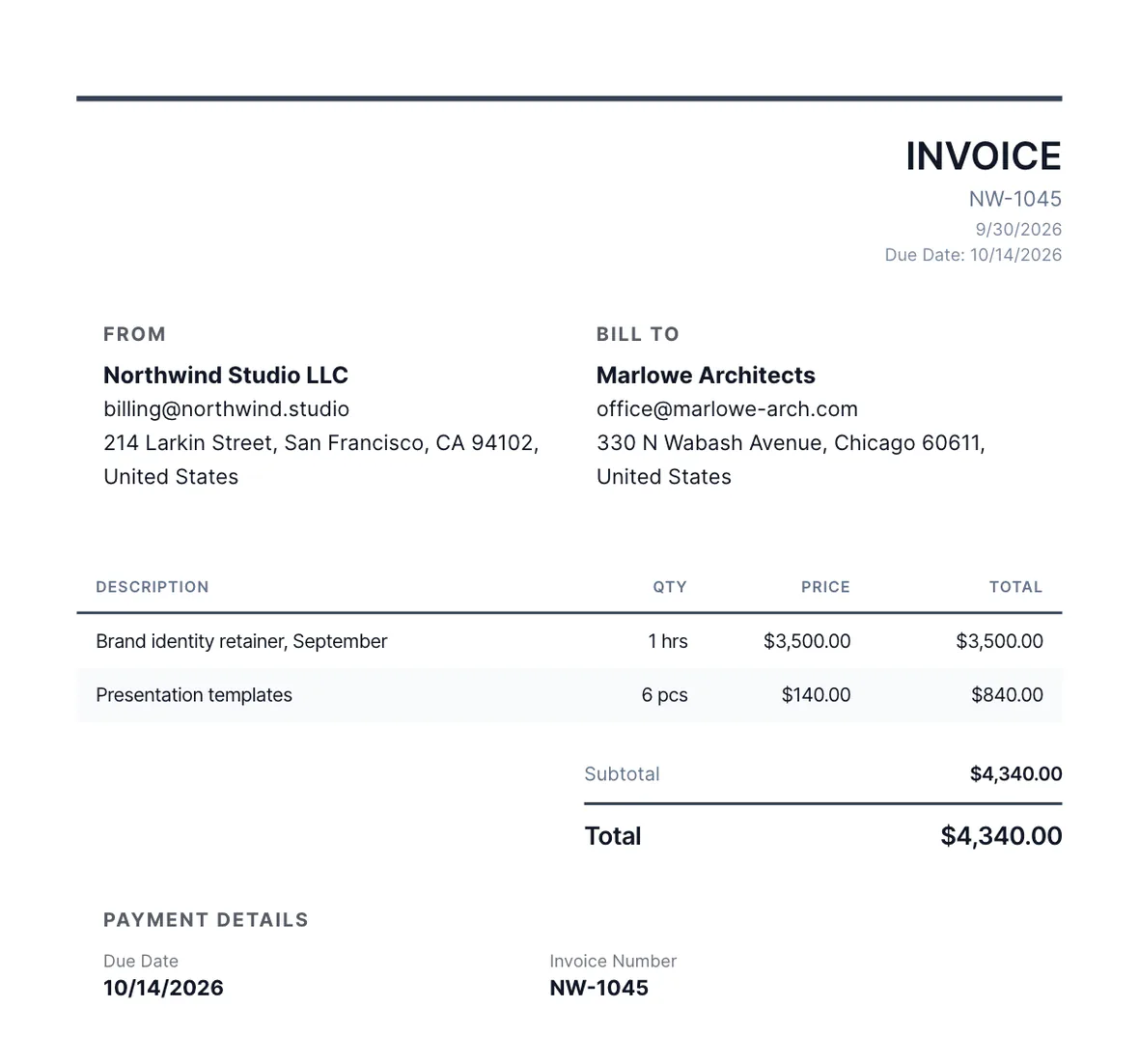
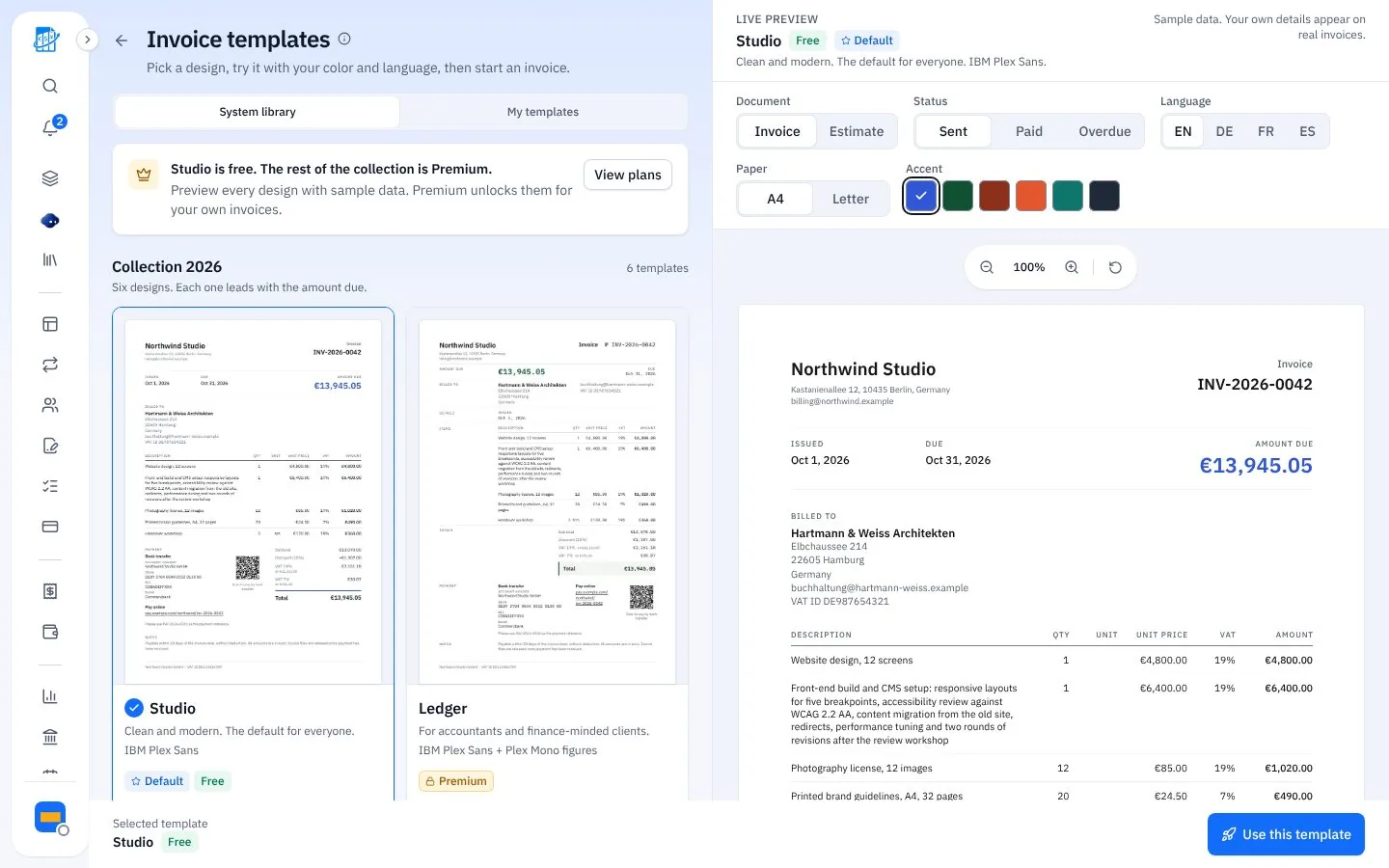
Billing Plans By Hand Vs QuickBilling
Same plans, nothing missed.
The Old Way
Plans billed from a spreadsheet
- Missed cycles found months later
- Collection calls
- Costs worked out at year end
With QuickBilling
Plans become drafts on their cycle
- Upcoming runs visible in advance
- Reminders replace collection calls
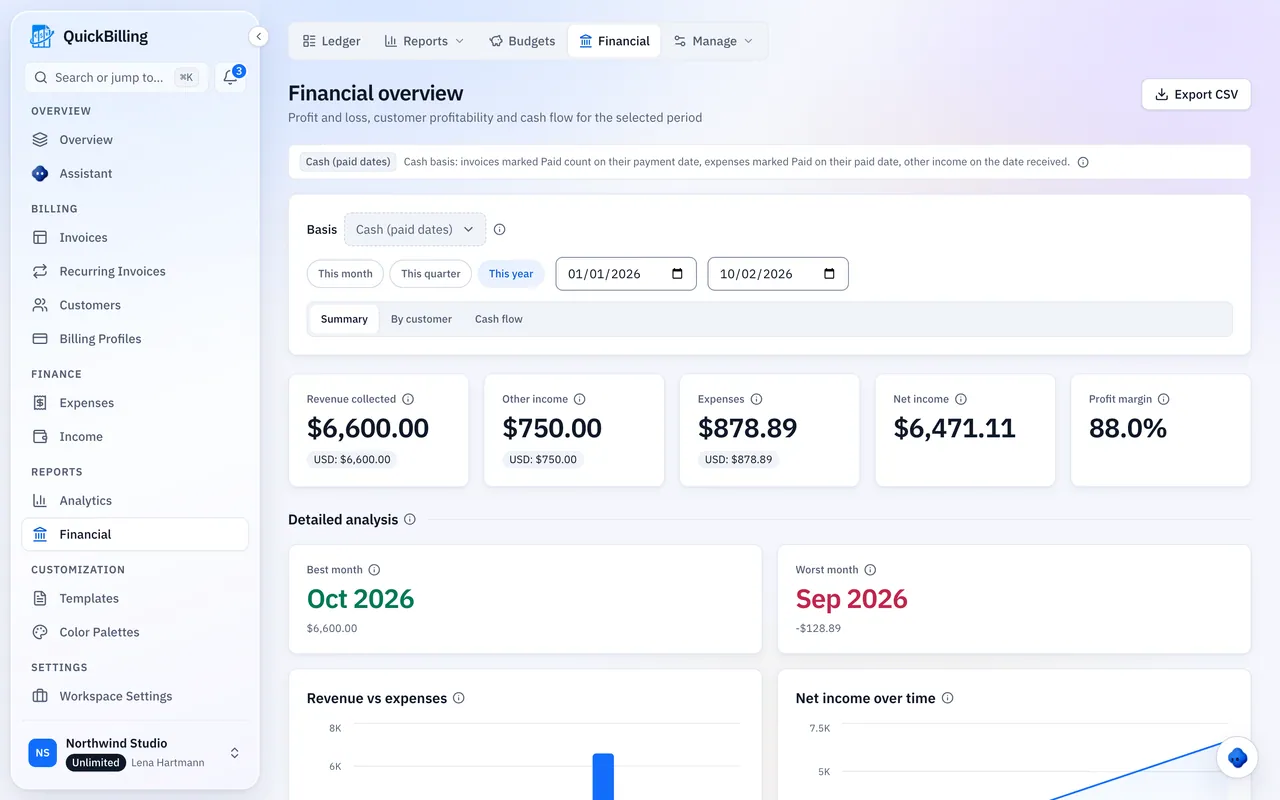
- Costs next to revenue
What QuickBilling Doesn’t Do
It isn’t scheduling or dispatch software: it doesn’t plan routes or book technicians. There’s no mobile app or time tracking; it runs in your browser.
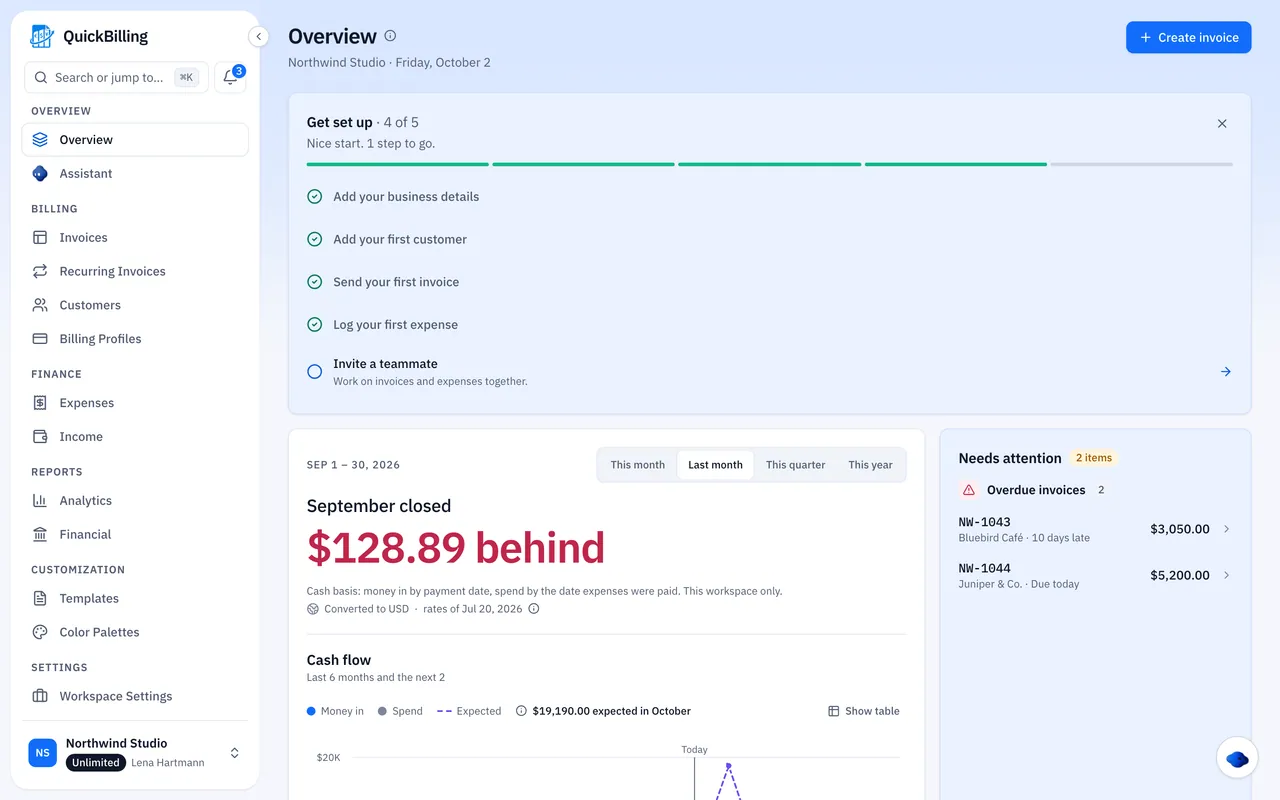
Built For Real Pest Control Work
Quarterly Home Plan
Build the plan invoice once; every quarter a draft is ready.
Restaurant Contract
Monthly invoices with the same reference for accounts payable.
Emergency Rodent Call
A one-off invoice from your phone’s browser.
Annual Termite Inspection
A yearly draft on the anniversary.
What’s Included For Pest Control
Real features, on every plan.
- Recurring service-plan drafts
- Custom cycles
- One-off treatment invoices
- Commercial quotes
- Payment reminders
- Chemical and vehicle expenses
- Bank transfer and PayPal details
- Open tracking
- Profit per customer
What Customers Say
“I built QuickBilling because sending an invoice should feel like sending a link. I want to know when it has been opened, and I want reminders to go out before and after the due date without me writing them by hand.”

“I send an estimate as a link, my client accepts it without needing an account, and I convert it to an invoice in one click.”

“I can see when a client has opened an invoice, and the reminder schedule does the nudging for me. I no longer write those awkward follow-up emails.”

Why Businesses Trust QuickBilling
Encrypted In Transit And At Rest
HTTPS on every connection; stored data encrypted at rest by our database and storage providers.
Separate Workspaces
Every request is checked against your workspace and role.
Your Data Stays Yours
Export your account as JSON and invoices or reports as CSV, or delete your account.
Never Sold, Never Used For AI Training
No selling, no advertising, no training AI on your content.
Clear About Where Data Lives
Servers and files in Sweden (EU); database and email in the US. Operated from Sharjah, UAE.
A Record For Every Signature
Each signed estimate has a record: name, time, IP, device and SHA-256 fingerprint.
Simple Plans, Free To Start
In US dollars. Save 10% yearly. Cancel any time.
Free $0/ month
For your first invoices and seeing when clients open them.
- Up to 5 customers
- Unlimited invoices and estimates
- 2 invoice templates
- See when and how often links are viewed
Premium $15/ month
For freelancers with a steady client list.
- Unlimited customers
- You + 2 team members
- All 14 templates plus your own
- IP, location and device tracking
- Your own branding
Unlimited $30/ month
For agencies, several businesses or API work.
- Everything in Premium
- Unlimited workspaces and team members
- REST API keys
- 1,000 AI assistant messages a day
Invoicing For Other Trades
Pest Control Invoicing Software FAQs
Short answers to what people ask before they start.
What Is Pest Control Invoicing Software?
Billing software built around recurring service plans, one-off treatments and commercial contracts.
Can I Bill Quarterly And Monthly Plans On A Schedule?
Yes. Each plan prepares a draft on every billing date for as long as it runs, and you send it.
What If A Customer Pauses Or Cancels?
Pause, restart or end the schedule. Nothing has to be rebuilt.
Can I Invoice One-Off Treatments?
Yes: initial knockdowns, emergency call-outs and add-ons.
Can I Track Chemical And Vehicle Costs?
Yes. Products, licensing and fuel are logged per customer, next to revenue.
Is It Scheduling Or Dispatch Software?
No. It doesn’t plan routes or book technicians, and there’s no mobile app or time tracking; it runs in your browser. If you schedule elsewhere, QuickBilling handles the invoices.
How Do Customers Pay?
By bank transfer or PayPal, shown on the invoice, share page and PDF. Customers don’t need an account.
Does It Chase Late Payers?
Yes. Reminders go out the day before and two days after the due date, plus optional 7- and 14-day follow-ups. You can switch them off on any invoice.
Is This Pest Control Invoice Software?
Yes: recurring drafts for quarterly and monthly service plans that you review and send, reminders on unpaid invoices and costs per client.