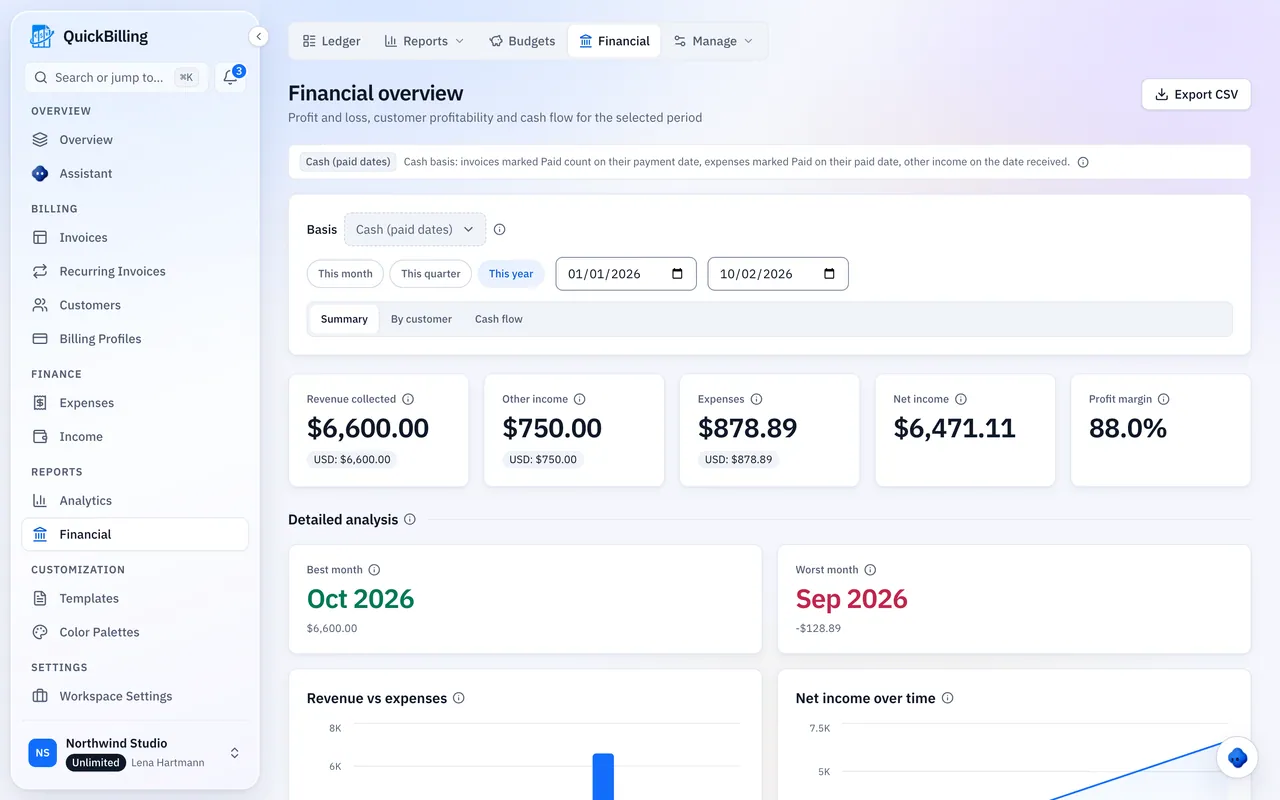
Bill Every Phase You Delivered
An architectural fee is rarely one number.
Split Fees
A percentage split across phases, plus reimbursables.
Additional Services
Agreed in a meeting and easy to forget.
Under-Billing
Across a dozen projects it goes unnoticed. QuickBilling gives each engagement one billing trail.
Built For Phased Fees And Long Timelines
From proposal to final phase.
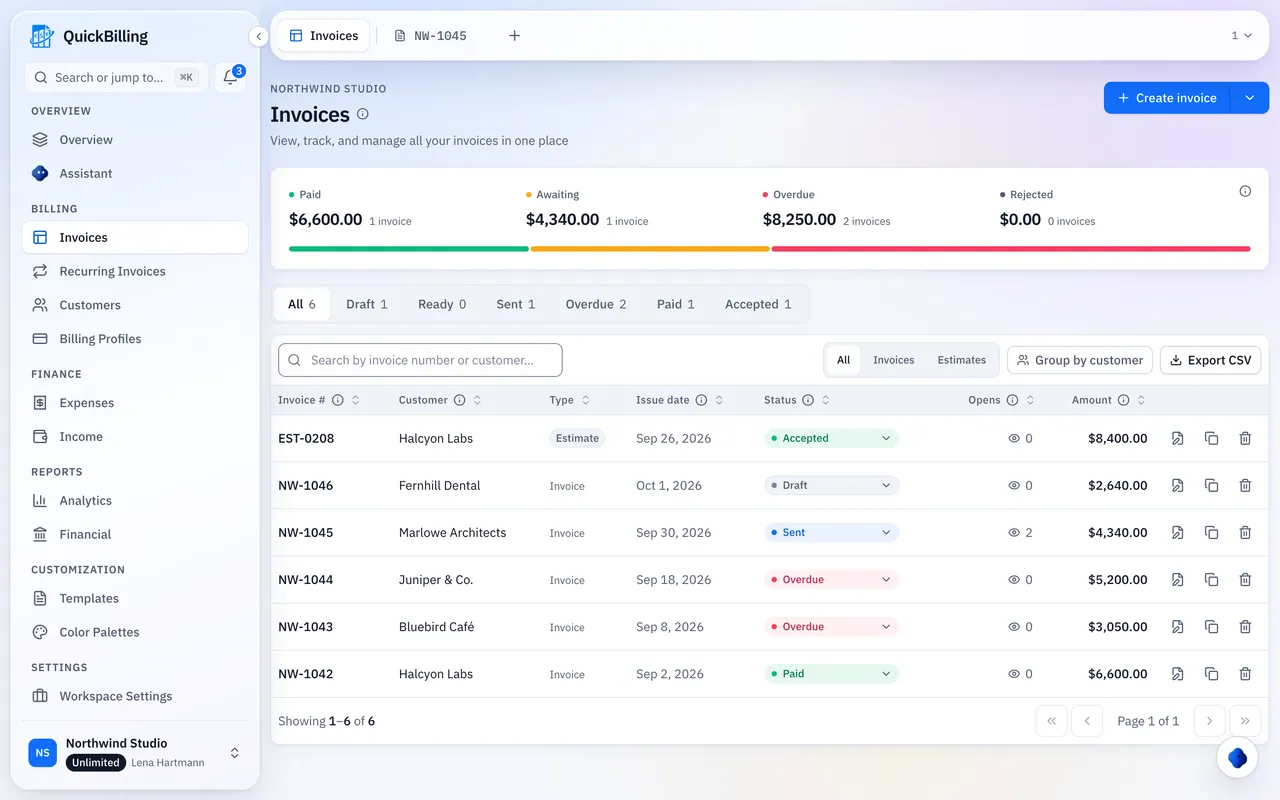
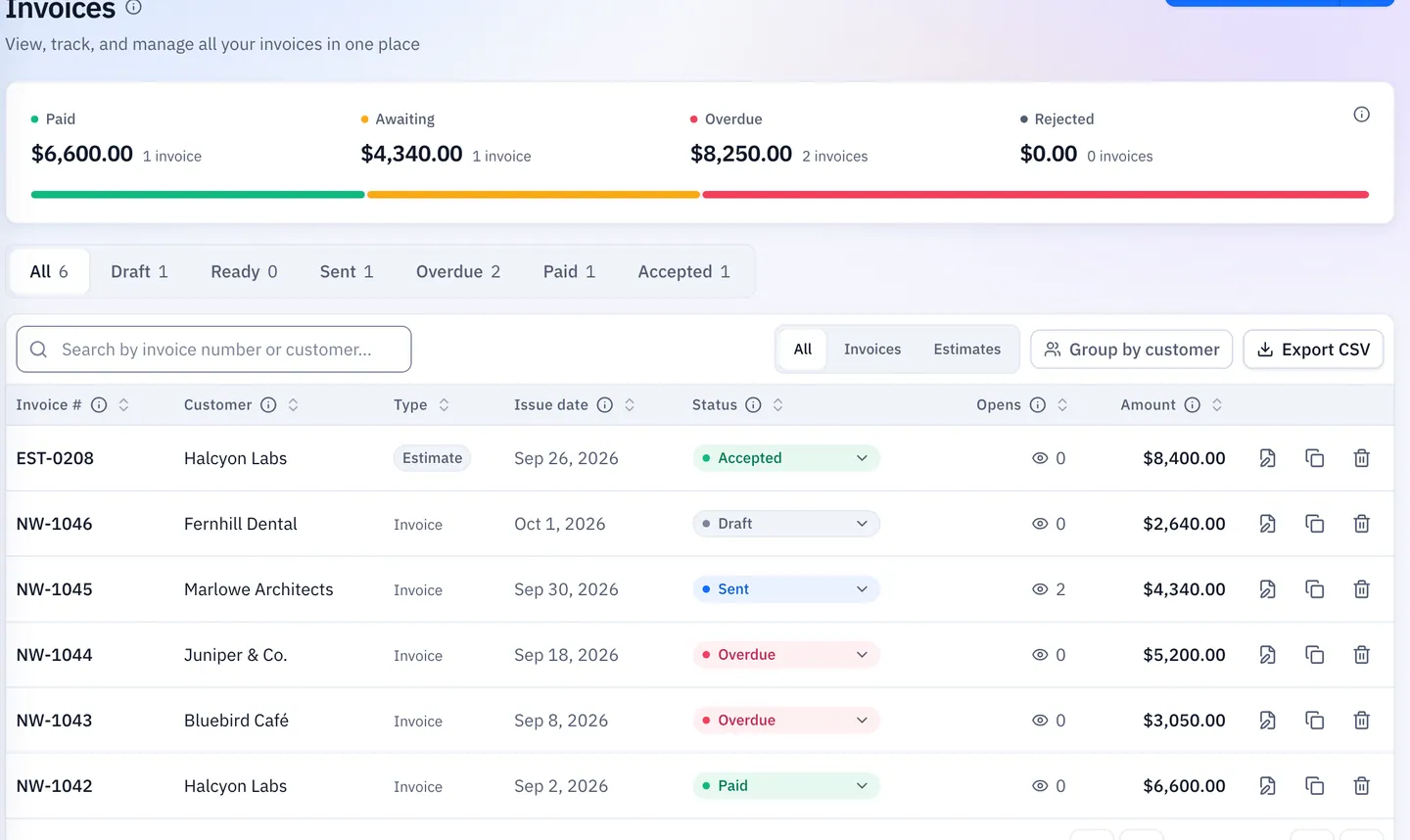
One Invoice Per Phase
Same branding, numbering and terms on every stage.
Retainers On Schedule
Drafts on the agreed date; pause when a project is on hold.
Fee Proposals That Convert
Convert on sign-off, then trim to the first phase.
Consultants And Reimbursables
Engineer fees, printing and planning fees, linked to the client.
Invoice Clients Abroad
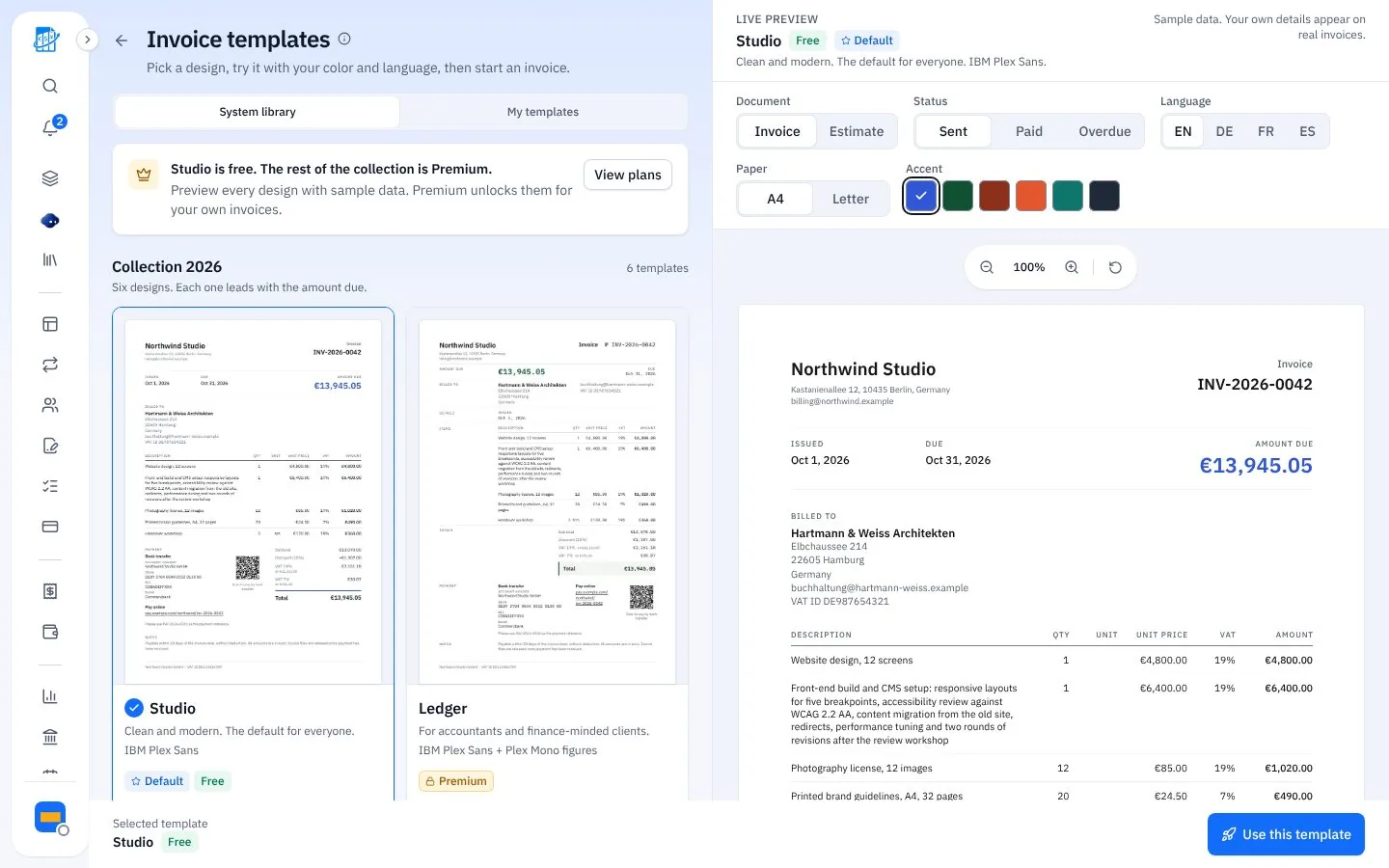
In USD, EUR, GBP, INR and more, and in English, German, French or Spanish.
- 41 currencies
- Open tracking shows when it was opened
- Your branding on paid plans
Three Steps Per Project
Proposal, phases, collection.
Send The Fee Proposal
As a link the client accepts online.
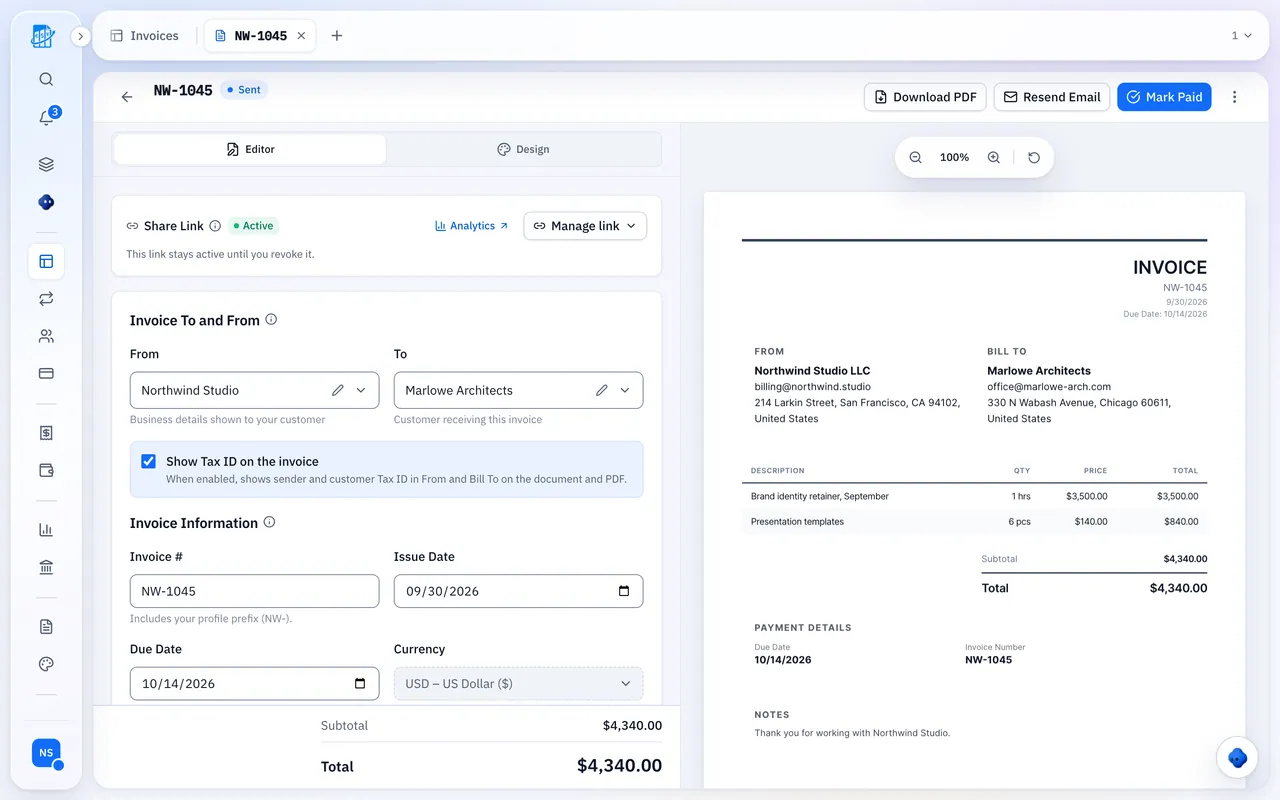
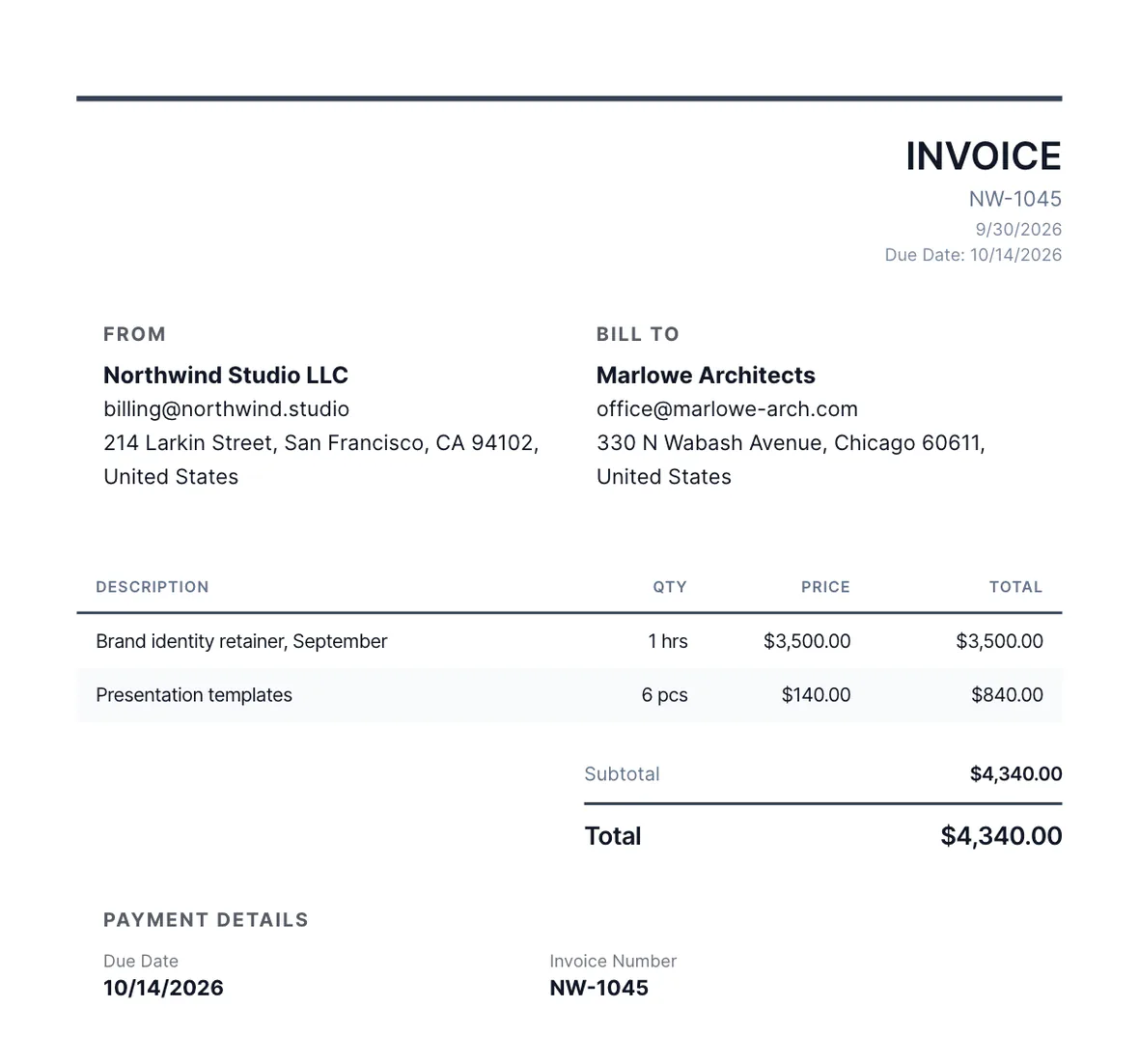
Invoice Each Phase
Convert, then trim to the phase you’re billing.
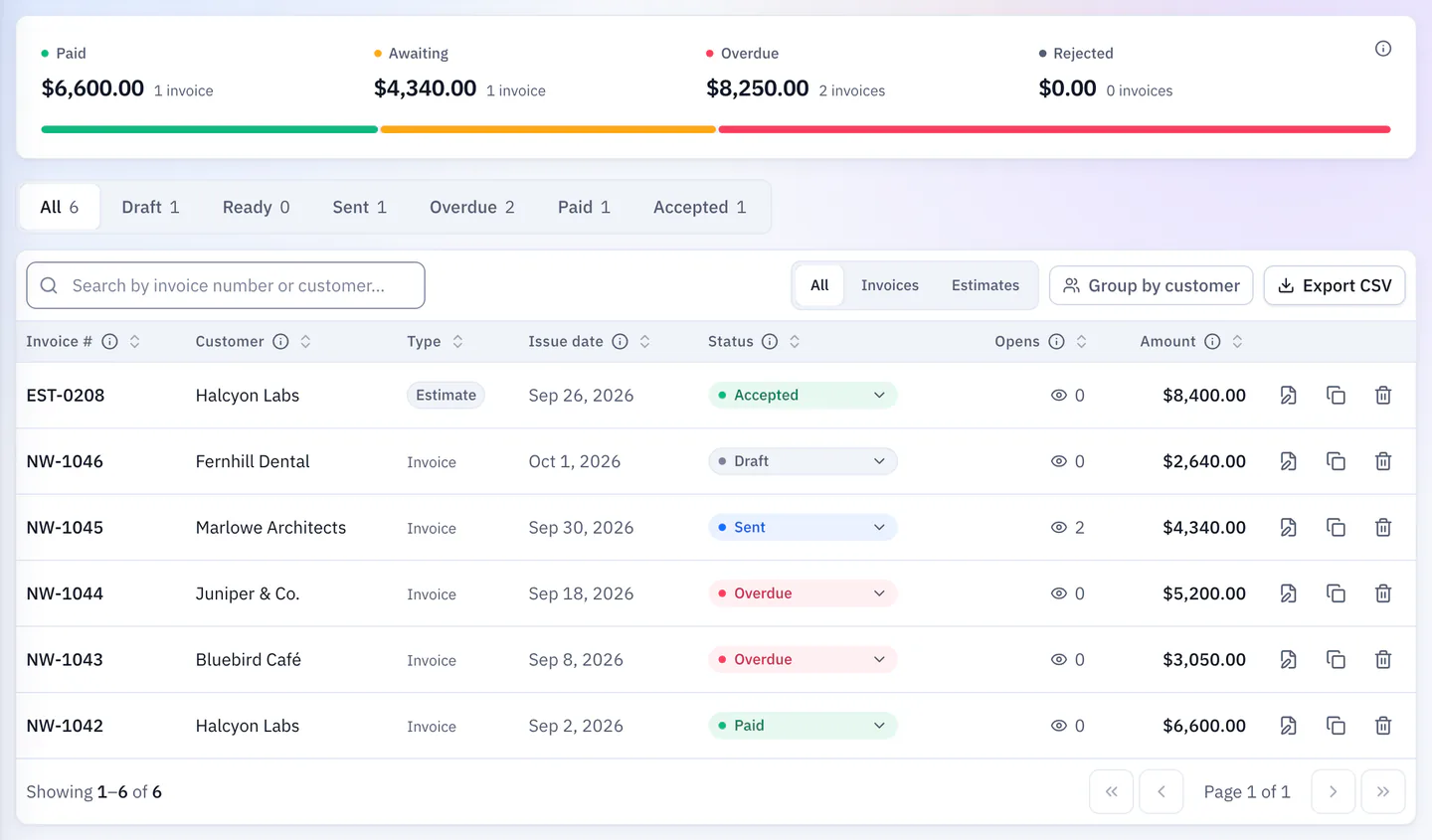
Track Costs And Collect
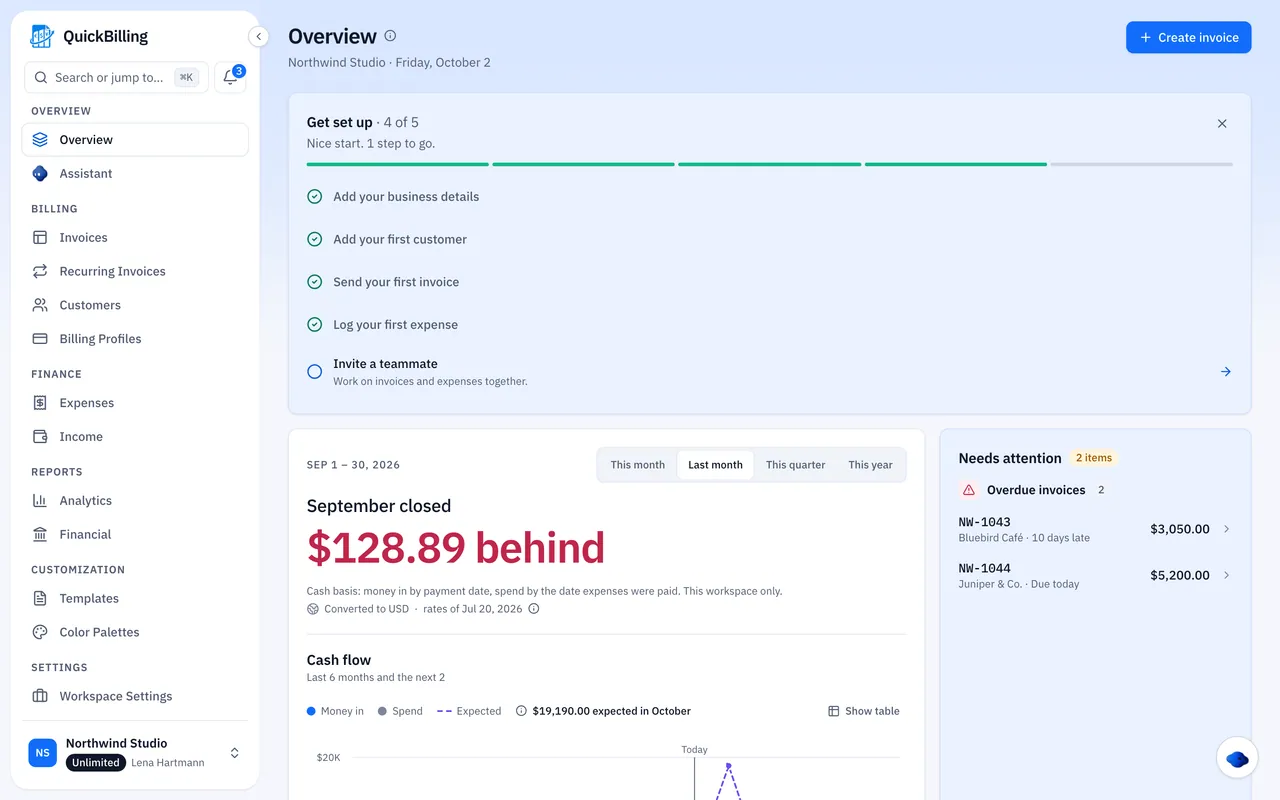
Log costs as they arise; reminders go out the day before and two days after the due date.
Spreadsheets Vs QuickBilling
One billing trail per engagement.
The Old Way
Phase fees tracked in a spreadsheet
- Reimbursables absorbed
- Retainers billed from memory
- No view of billed vs cost
With QuickBilling
A separate invoice per phase
- Reimbursables as line items
- Retainers prepared on schedule
- Costs linked per client
What QuickBilling Doesn’t Do
There’s no time tracking or timesheet billing. Converting a proposal copies all of it, so trim it to the phase you’re billing; earlier payments aren’t deducted automatically.
Built For Real Practice Work
Residential Project
Concept, design development and construction administration as three invoices.
Monthly Retainer
A draft on the agreed date each month.
Reimbursables
Printing and planning fees logged and added as lines.
Overseas Client
Invoice in EUR or GBP, in the client’s language.
What’s Included For Architects
Real features, on every plan.
- Phase invoices in one sequence
- Fee proposals online
- One-click proposal to invoice
- Recurring retainer drafts
- Reimbursable expenses
- Consultant cost tracking
- 41 currencies
- Documents in 4 languages
- Open tracking
- Payment reminders
What Customers Say
“I built QuickBilling because sending an invoice should feel like sending a link. I want to know when it has been opened, and I want reminders to go out before and after the due date without me writing them by hand.”

“I send an estimate as a link, my client accepts it without needing an account, and I convert it to an invoice in one click.”

“I can see when a client has opened an invoice, and the reminder schedule does the nudging for me. I no longer write those awkward follow-up emails.”

Why Businesses Trust QuickBilling
Encrypted In Transit And At Rest
HTTPS on every connection; stored data encrypted at rest by our database and storage providers.
Separate Workspaces
Every request is checked against your workspace and role.
Your Data Stays Yours
Export your account as JSON and invoices or reports as CSV, or delete your account.
Never Sold, Never Used For AI Training
No selling, no advertising, no training AI on your content.
Clear About Where Data Lives
Servers and files in Sweden (EU); database and email in the US. Operated from Sharjah, UAE.
A Record For Every Signature
Each signed estimate has a record: name, time, IP, device and SHA-256 fingerprint.
Simple Plans, Free To Start
In US dollars. Save 10% yearly. Cancel any time.
Free $0/ month
For your first invoices and seeing when clients open them.
- Up to 5 customers
- Unlimited invoices and estimates
- 2 invoice templates
- See when and how often links are viewed
Premium $15/ month
For freelancers with a steady client list.
- Unlimited customers
- You + 2 team members
- All 14 templates plus your own
- IP, location and device tracking
- Your own branding
Unlimited $30/ month
For agencies, several businesses or API work.
- Everything in Premium
- Unlimited workspaces and team members
- REST API keys
- 1,000 AI assistant messages a day
Invoicing For Other Trades
Invoicing Software For Architects: FAQs
Short answers to what people ask before they start.
What Is The Best Invoicing Software For Architects?
One with phased billing, retainers, reimbursables and linked expenses. QuickBilling covers them and is free to start.
Can I Bill By Project Phase?
Yes. Each phase is its own invoice with the same branding, numbering and terms.
Can I Set Up A Monthly Retainer?
Yes. It’s prepared as a draft on the agreed date; pause it when a project is on hold.
Can I Send A Fee Proposal First?
Yes. Convert it on sign-off, then trim it to the phase you’re billing; earlier payments aren’t deducted automatically.
How Do I Handle Reimbursables?
Add them as line items and log the costs against the client.
Can I Invoice International Clients?
Yes, in 41 currencies and in English, German, French or Spanish.
Can My Practice Manager Send Invoices?
Yes, on Premium or Unlimited. Invited members get full admin access.
Is There Time Tracking?
No. QuickBilling has no time tracking or timesheet billing.