From Photo To Expense In Three Steps
One approval, file kept.
Attach
Add up to 5 photos or PDFs to a message.
Check
Review the vendor, date, amount and tax it found, and fix anything wrong.
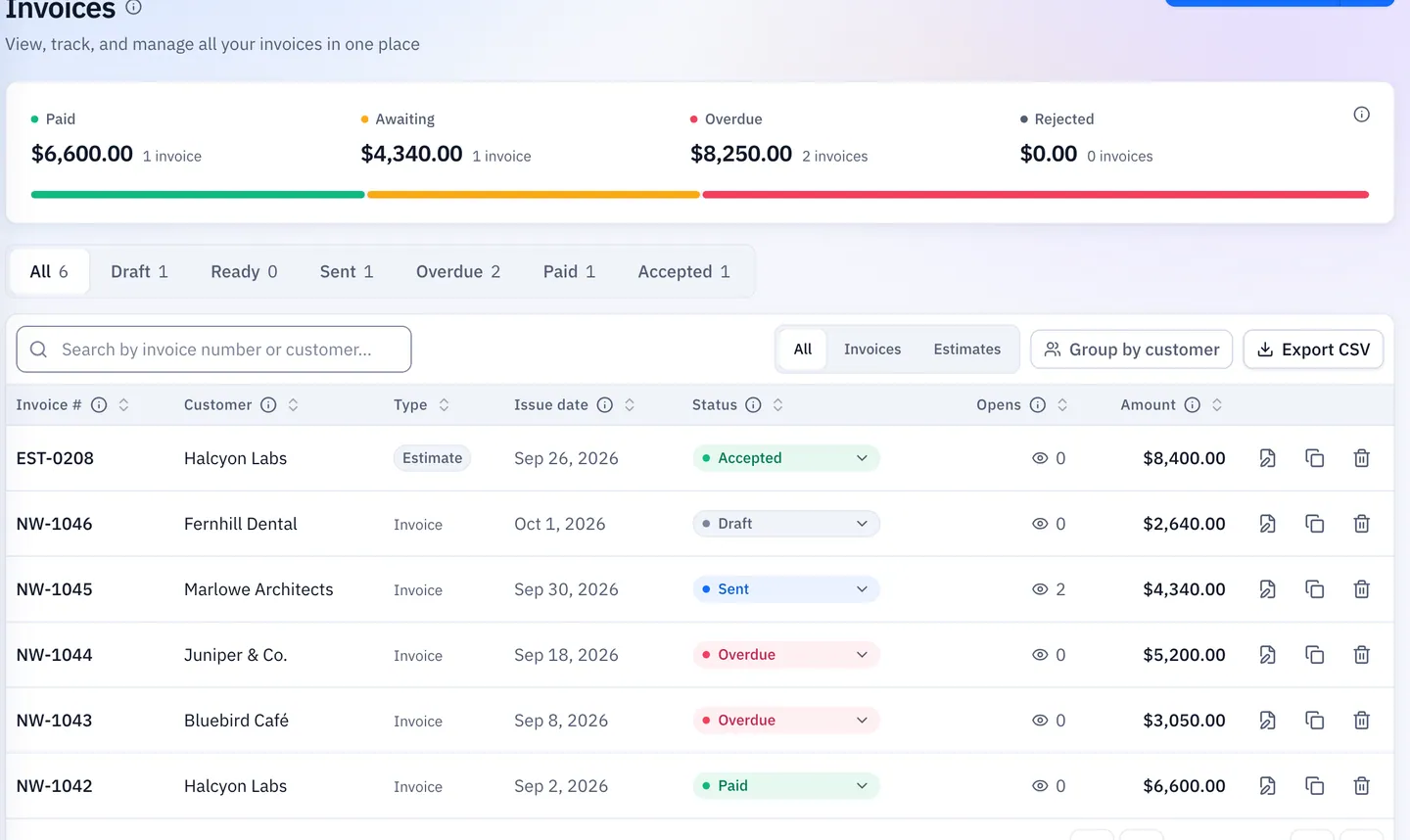
Approve
One approval creates the expense and attaches the file.
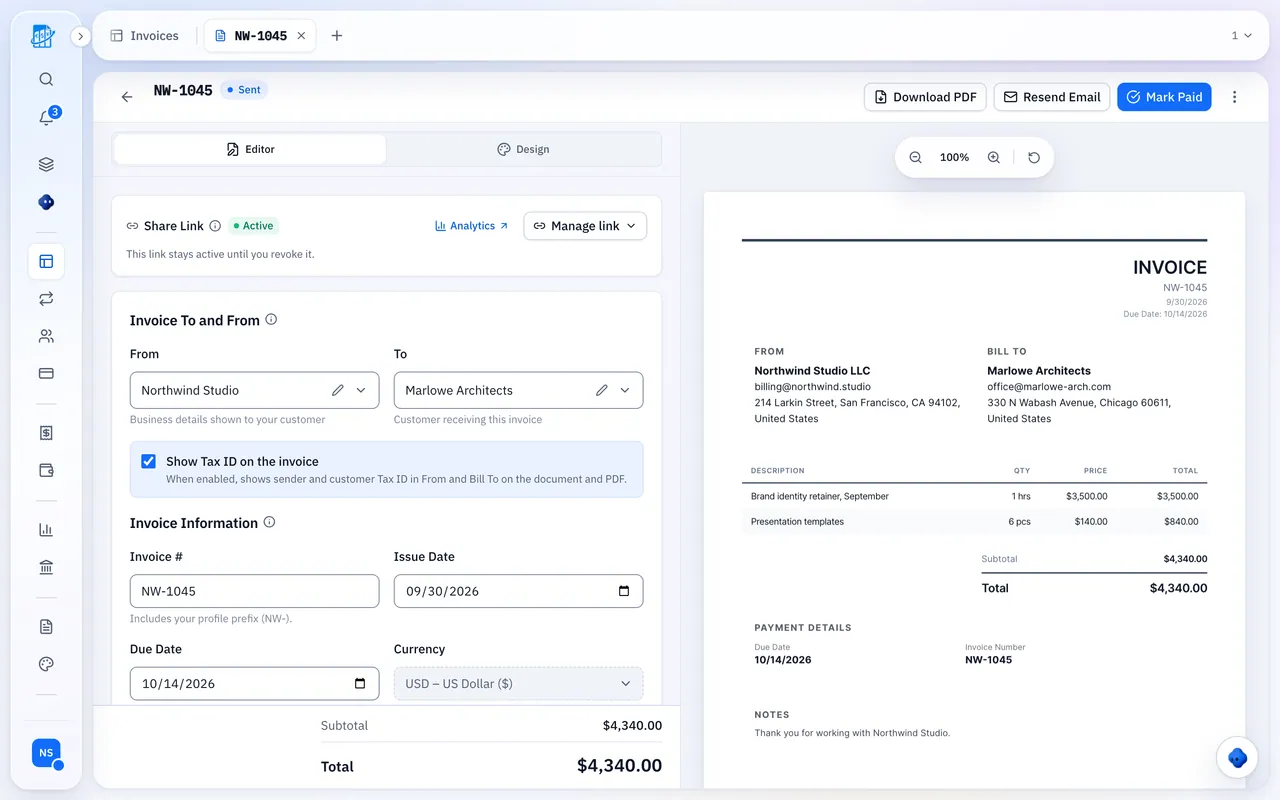
No App Store Download
Open QuickBilling in your browser and you’re ready.
On Your Phone
Photograph the receipt and check what was read before approving.
On Your Computer
Drop in a PDF or photo; same approval step.
Original Kept
The file stays on the expense for when you review your year.
Attach Receipts Yourself
Prefer to skip the assistant? Attach files to any expense directly.
- Photos and PDFs
- Up to 10 files per expense, 10 MB each
- For example the receipt and the supplier’s invoice
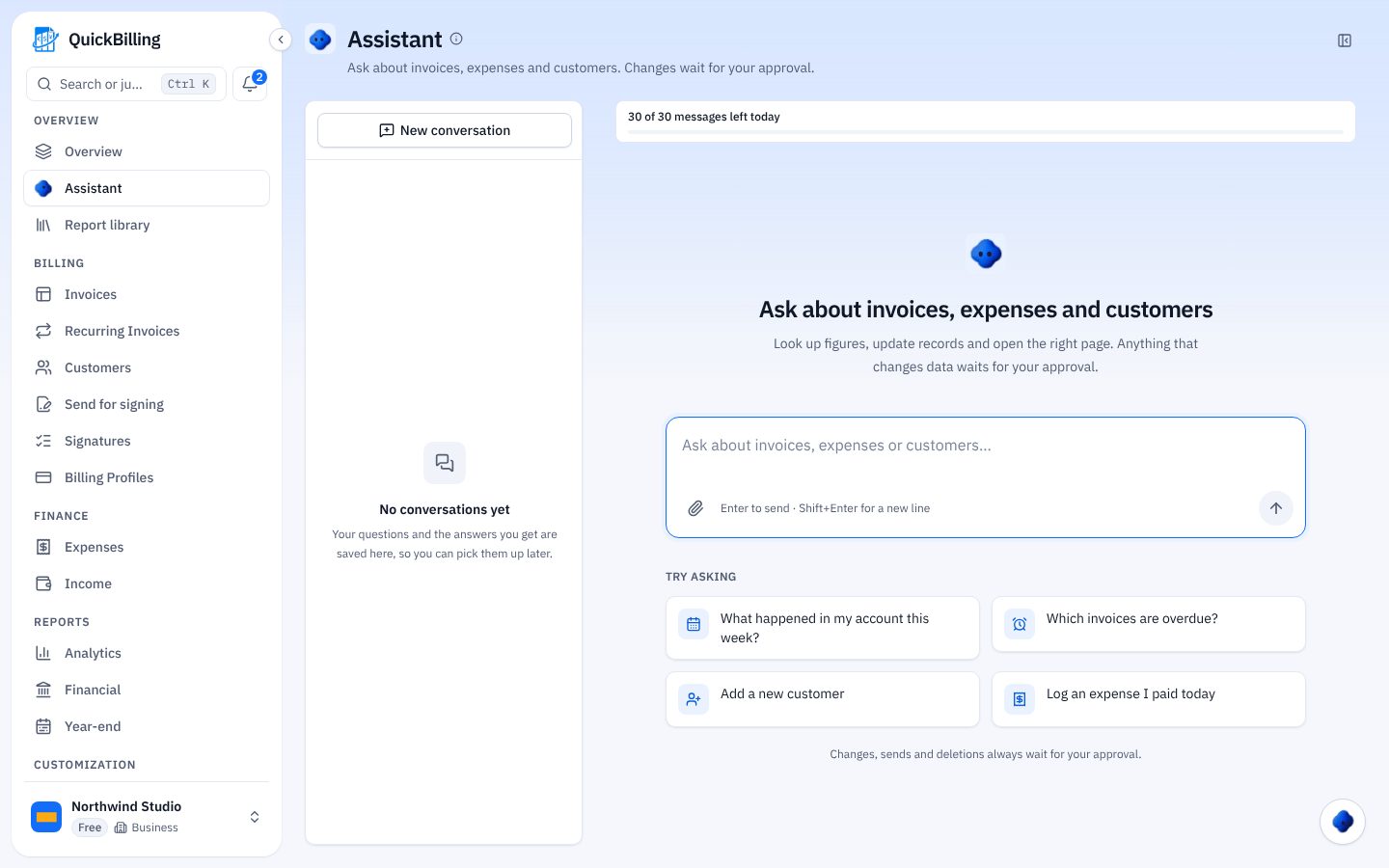
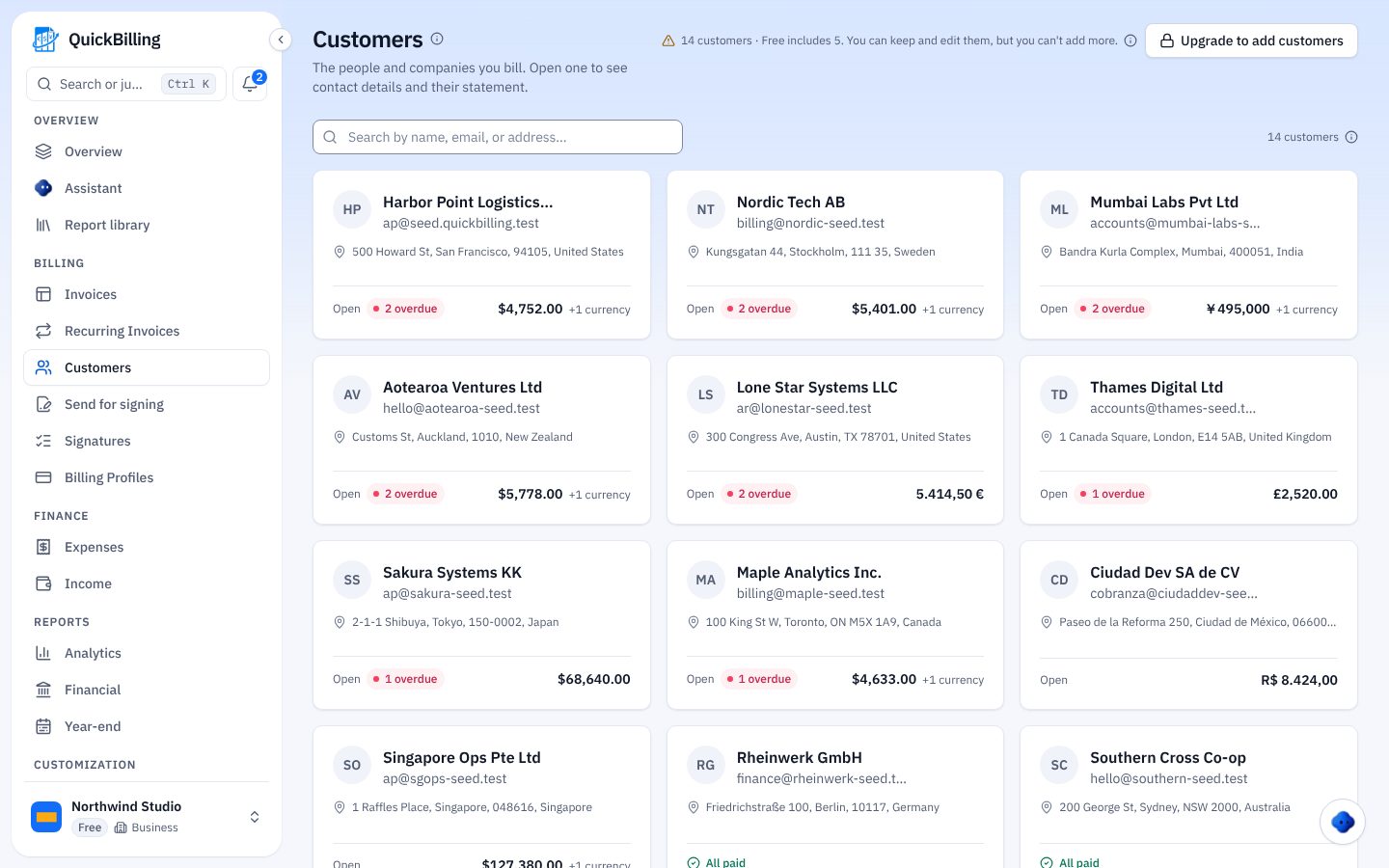
Storage By Plan
Per workspace. Chat files are kept 24 hours and don’t count.
On The Free Plan
10 MB of expense file storage per workspace.
On Premium
50 MB per workspace.
On Unlimited
100 MB per workspace.
Built For The Receipt Pile
Where it saves the most time.
Fuel On The Road
Snap the receipt at the pump and approve it before you drive off.
Supplier Run
Attach the receipt and the supplier invoice to one expense.
Month-End Shoebox
Attach up to 5 at a time and approve each one.
Tax Time
Every original stays on its expense, ready for your year-end review.
What’s Included
Receipt scanning on every plan.
- Phone browser, no app
- Vendor, date, amount and tax read
- Approval before saving
- Up to 5 files per message
- Up to 10 files per expense
- 10 MB per file
- Original kept on the expense
- Works from Claude via MCP
- Storage from 10 MB
What Customers Say
“I built QuickBilling because sending an invoice should feel like sending a link. I want to know when it has been opened, and I want reminders to go out before and after the due date without me writing them by hand.”

“I send an estimate as a link, my client accepts it without needing an account, and I convert it to an invoice in one click.”

“I can see when a client has opened an invoice, and the reminder schedule does the nudging for me. I no longer write those awkward follow-up emails.”

Why Businesses Trust QuickBilling
Encrypted In Transit And At Rest
HTTPS on every connection; stored data encrypted at rest by our database and storage providers.
Separate Workspaces
Every request is checked against your workspace and role.
Your Data Stays Yours
Export your account as JSON and invoices or reports as CSV, or delete your account.
Never Sold, Never Used For AI Training
No selling, no advertising, no training AI on your content.
Clear About Where Data Lives
Servers and files in Sweden (EU); database and email in the US. Operated from Sharjah, UAE.
A Record For Every Signature
Each signed estimate has a record: name, time, IP, device and SHA-256 fingerprint.
Simple Plans, Free To Start
In US dollars. Save 10% yearly. Cancel any time.
Free $0/ month
For your first invoices and seeing when clients open them.
- Up to 5 customers
- Unlimited invoices and estimates
- 2 invoice templates
- See when and how often links are viewed
Premium $15/ month
For freelancers with a steady client list.
- Unlimited customers
- You + 2 team members
- All 14 templates plus your own
- IP, location and device tracking
- Your own branding
Unlimited $30/ month
For agencies, several businesses or API work.
- Everything in Premium
- Unlimited workspaces and team members
- REST API keys
- 1,000 AI assistant messages a day
Receipt Scanner FAQs
Short answers to what people ask before they start.
Is This An App I Install?
No. It runs in your phone’s browser, with no app store download. It works on a computer too.
Can The Assistant Read A Photo Or PDF?
Yes. Attach up to 5 at once and it reads the vendor, date, amount and tax. One approval logs the expense with the file.
Will It Always Read The Receipt Correctly?
Not always, for example with a blurry photo. That’s why it shows what it read before saving, so you can fix it.
Which Files Can I Attach?
Photos and PDFs, up to 10 per expense and 10 MB each.
How Much Storage Does My Plan Include?
10 MB per workspace on Free, 50 MB on Premium and 100 MB on Unlimited.
Do Chat Files Count Toward Storage?
No. Files sent in the assistant chat are kept for 24 hours. The copy saved on the expense counts.
Does QuickBilling Store Files I Share In Claude?
No. Your assistant reads them and logs the expense. To keep the original, ask for an upload link; it works for 30 minutes.
Is Receipt Scanning On The Free Plan?
Yes. The assistant is on every plan, with 30 messages a day on Free.