How It Works
Log as you go; the summary builds itself.
Log As You Go
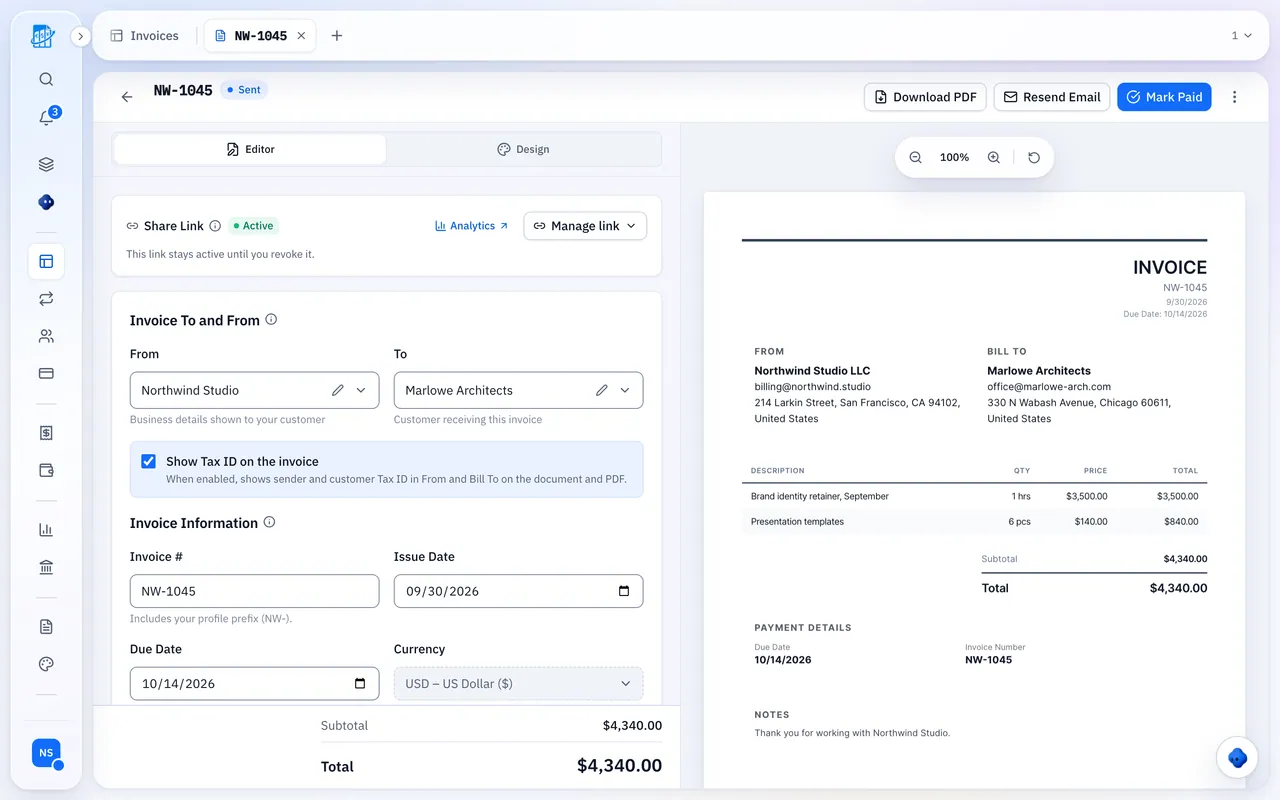
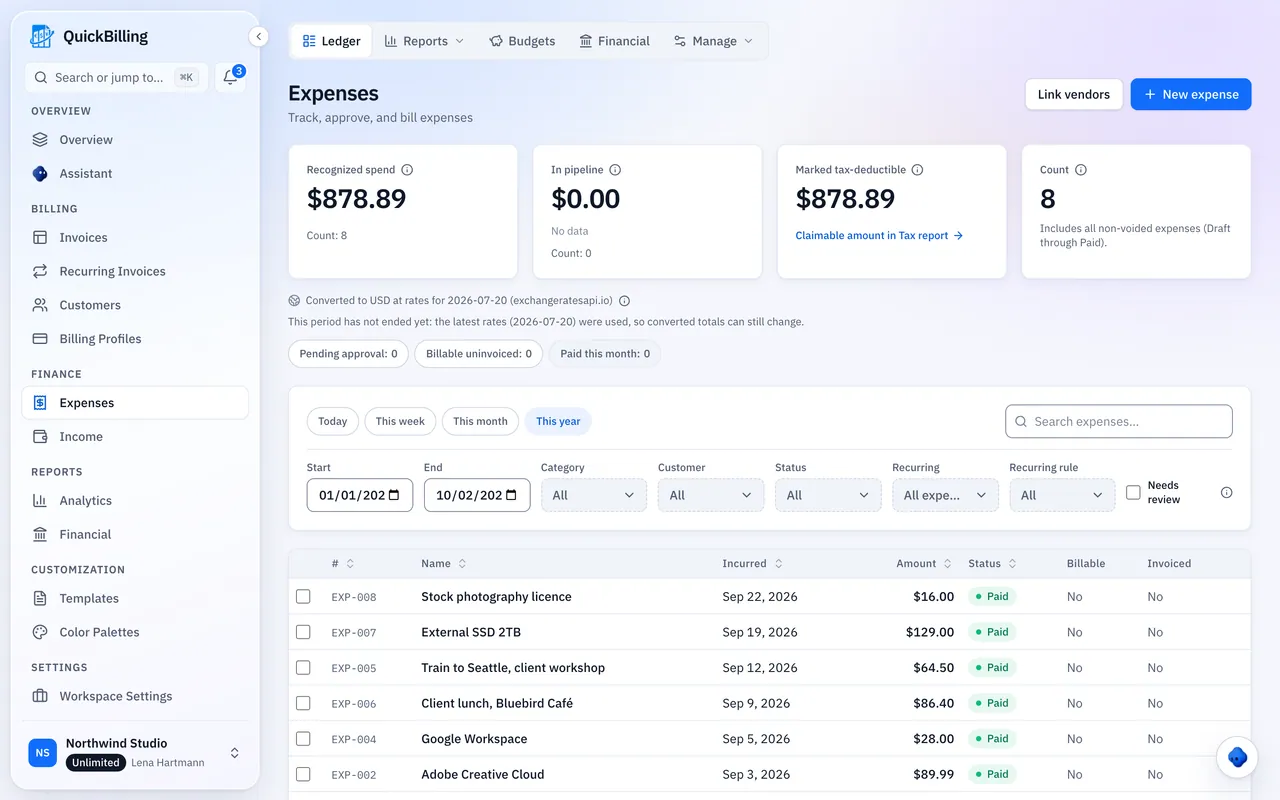
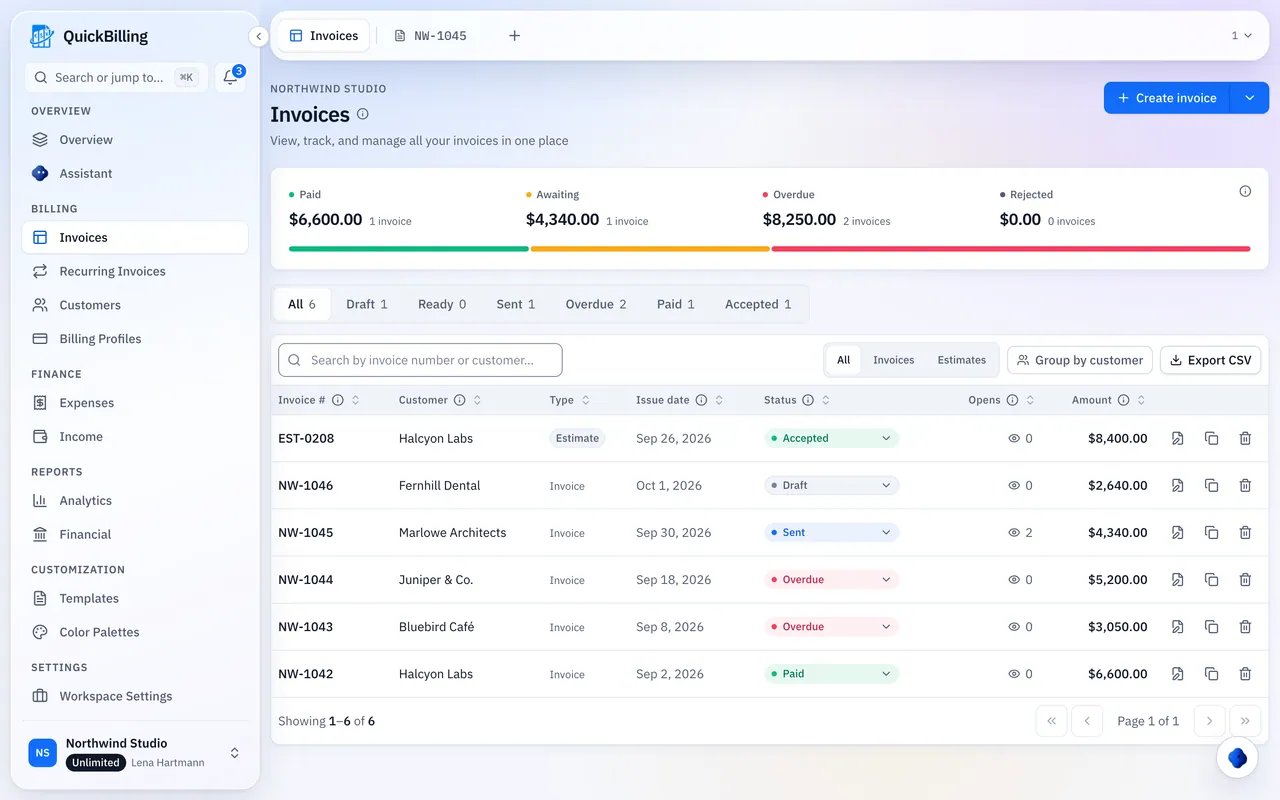
Add invoices, expenses and income, or ask the assistant. Built-in categories suggest a tax heading.
Check What’s Missing
Entries without a category or receipt, possible duplicates and entries from another year.
Export It
Download a CSV or save it as a report.
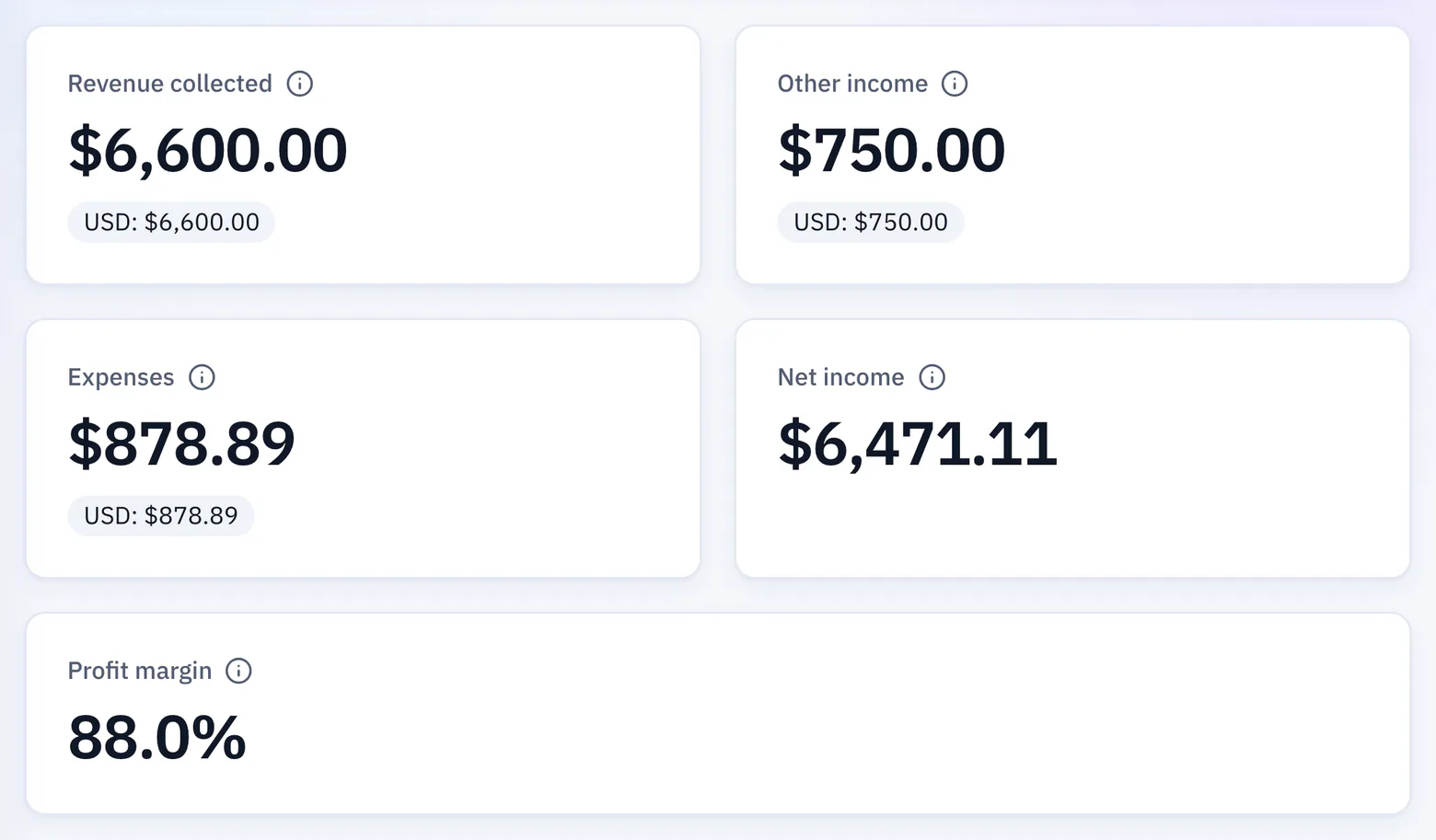
What The Summary Includes
A grouping of your entries, not a decision about what you can claim.
Your Money Year
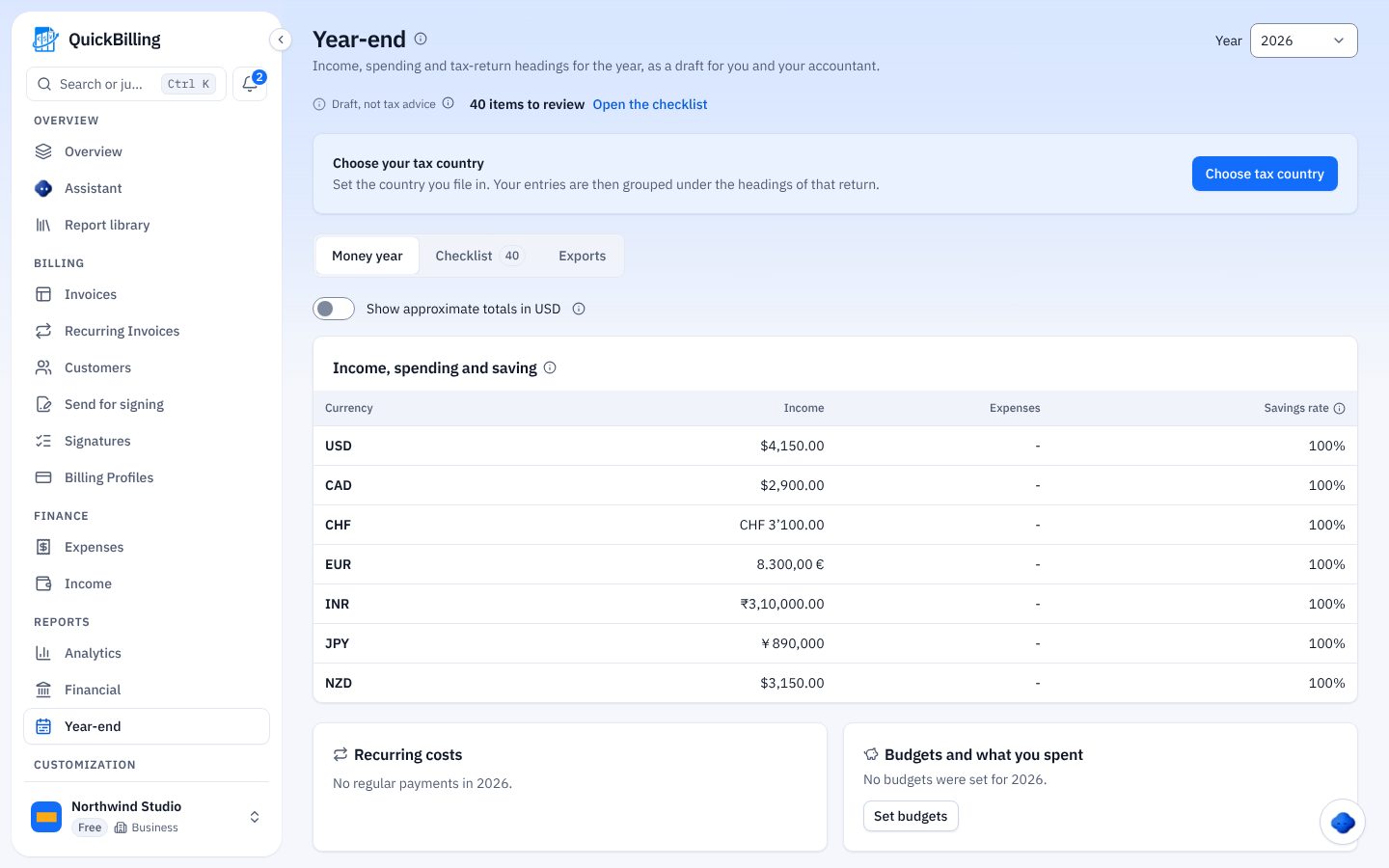
Income, spending and savings rate per currency, plus regular payments and budgets.
Tax Headings
Entries grouped under your country’s return headings, with form lines.
What Was Left Out
Each excluded entry, with the reason.
Sources Shown
Which form layout is used, its official source and when it was checked.
Tax Headings For Four Countries
The United States (Schedule C), Germany (Anlage EÜR), France (2042-C-PRO and 2035) and Spain (direct estimation). Every other country, including the UAE, gets the money summary.
- If this year’s form isn’t published, the latest layout is used and labeled
- A French micro regime shows income headings only
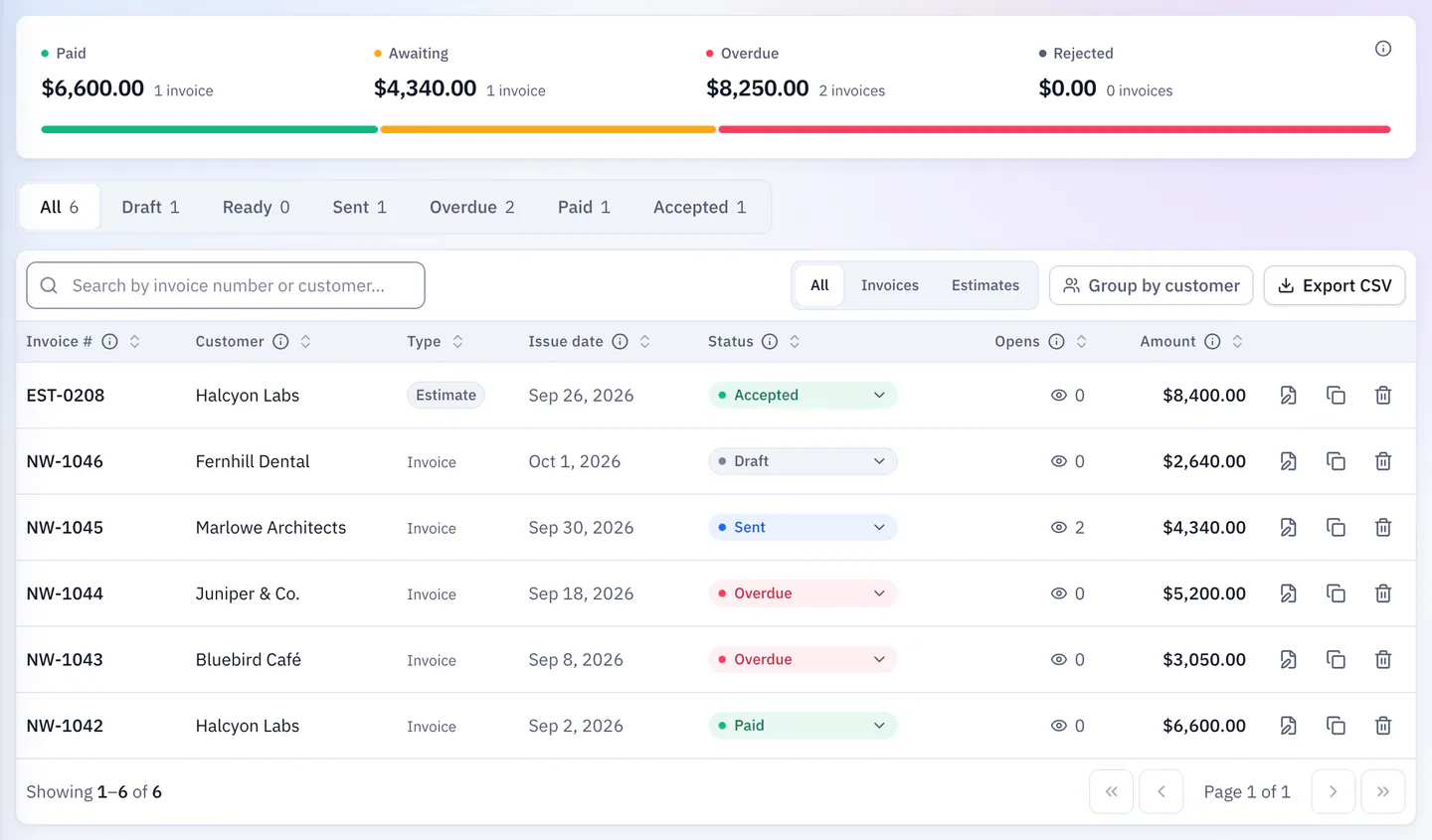
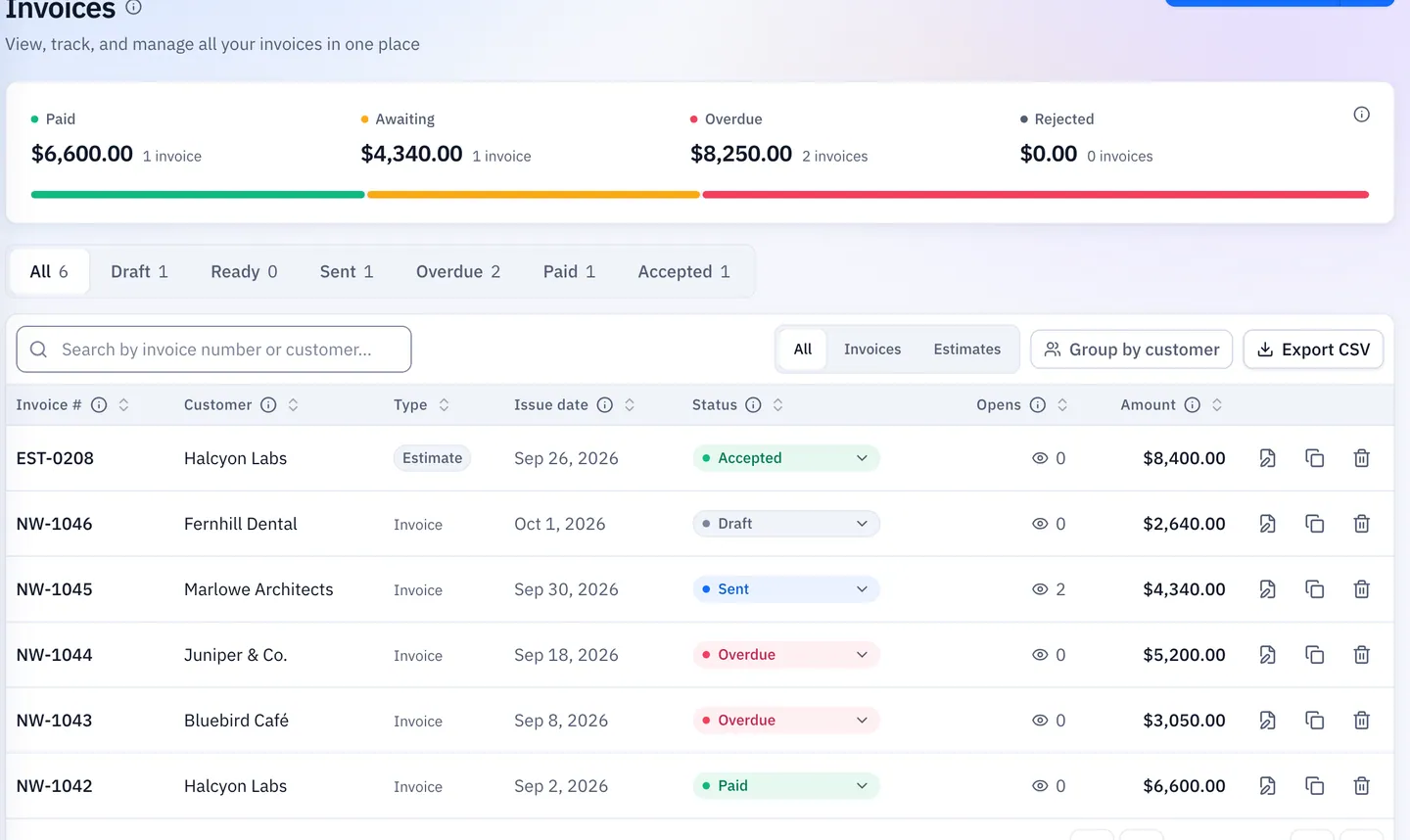
Each Currency On Its Own
Never guessed, always labeled.
Per Currency
Every heading shown per currency by default.
Approximate View
Converted at each entry’s date rate and labeled approximate.
Rates Shown
Pair, date and source for every rate; entries without a rate are named, never guessed.
Draft, Not Tax Advice
QuickBilling doesn’t file your return, say what you can claim, approve the draft or replace your originals. Confirm it with a tax adviser before you file.
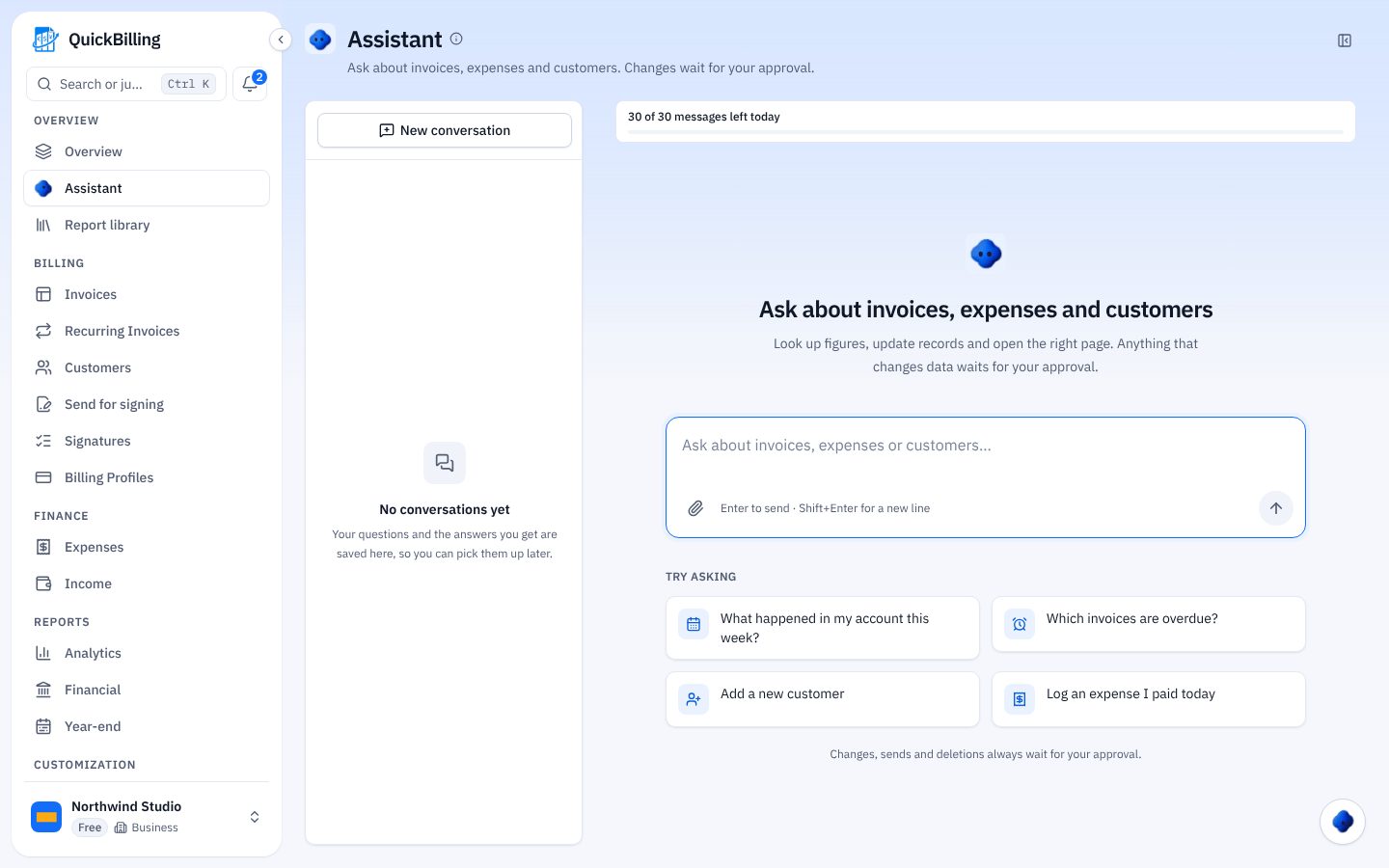
Built For Tax Season
Who uses the year-end summary.
US Freelancer
Entries grouped under Schedule C headings, exported as CSV for your preparer.
German Freiberufler
An Anlage EÜR grouping with a checklist of what’s missing.
Income In Two Currencies
Each currency shown on its own, with an optional approximate view.
Accountant Hand-Off
Share CSVs or a report link, each carrying the draft note.
What’s Included
Free covers the whole summary at total level.
- Year per currency
- Tax headings for 4 countries
- Money summary everywhere else
- Year-end checklist
- Excluded-entries list
- CSV export
- Save as report
- Assistant review
- Entries behind each heading (paid)
What Customers Say
“I built QuickBilling because sending an invoice should feel like sending a link. I want to know when it has been opened, and I want reminders to go out before and after the due date without me writing them by hand.”

“I send an estimate as a link, my client accepts it without needing an account, and I convert it to an invoice in one click.”

“I can see when a client has opened an invoice, and the reminder schedule does the nudging for me. I no longer write those awkward follow-up emails.”

Why Businesses Trust QuickBilling
Encrypted In Transit And At Rest
HTTPS on every connection; stored data encrypted at rest by our database and storage providers.
Separate Workspaces
Every request is checked against your workspace and role.
Your Data Stays Yours
Export your account as JSON and invoices or reports as CSV, or delete your account.
Never Sold, Never Used For AI Training
No selling, no advertising, no training AI on your content.
Clear About Where Data Lives
Servers and files in Sweden (EU); database and email in the US. Operated from Sharjah, UAE.
A Record For Every Signature
Each signed estimate has a record: name, time, IP, device and SHA-256 fingerprint.
Simple Plans, Free To Start
In US dollars. Save 10% yearly. Cancel any time.
Free $0/ month
For your first invoices and seeing when clients open them.
- Up to 5 customers
- Unlimited invoices and estimates
- 2 invoice templates
- See when and how often links are viewed
Premium $15/ month
For freelancers with a steady client list.
- Unlimited customers
- You + 2 team members
- All 14 templates plus your own
- IP, location and device tracking
- Your own branding
Unlimited $30/ month
For agencies, several businesses or API work.
- Everything in Premium
- Unlimited workspaces and team members
- REST API keys
- 1,000 AI assistant messages a day
Year-End Tax Summary FAQs
Short answers to what people ask before they start.
What’s In The Year-End Tax Summary?
Income, spending and what was left for each currency, grouped under your country’s tax headings, plus a checklist of entries to review.
Do I Need A Bank Connection?
No. It’s built from the invoices, expenses and income you log.
Does QuickBilling File My Tax Return?
No. It prepares a draft for you and your accountant to review; filing stays with you.
Which Countries Have Tax Headings?
The US (Schedule C), Germany (Anlage EÜR), France (2042-C-PRO and 2035) and Spain (direct estimation). Other countries get the money summary.
Which Currencies Are Supported?
41, each shown separately, with an optional approximate converted view.
Can My Accountant See It?
Only if you share CSVs or a report link. Every export carries the draft note.
What’s Free And What’s On Paid Plans?
On Free you see every heading as a total. Premium and Unlimited add the entries behind each heading and fuller exports.
Does It Work In ChatGPT?
No. Year-end tools are in the in-app assistant only.