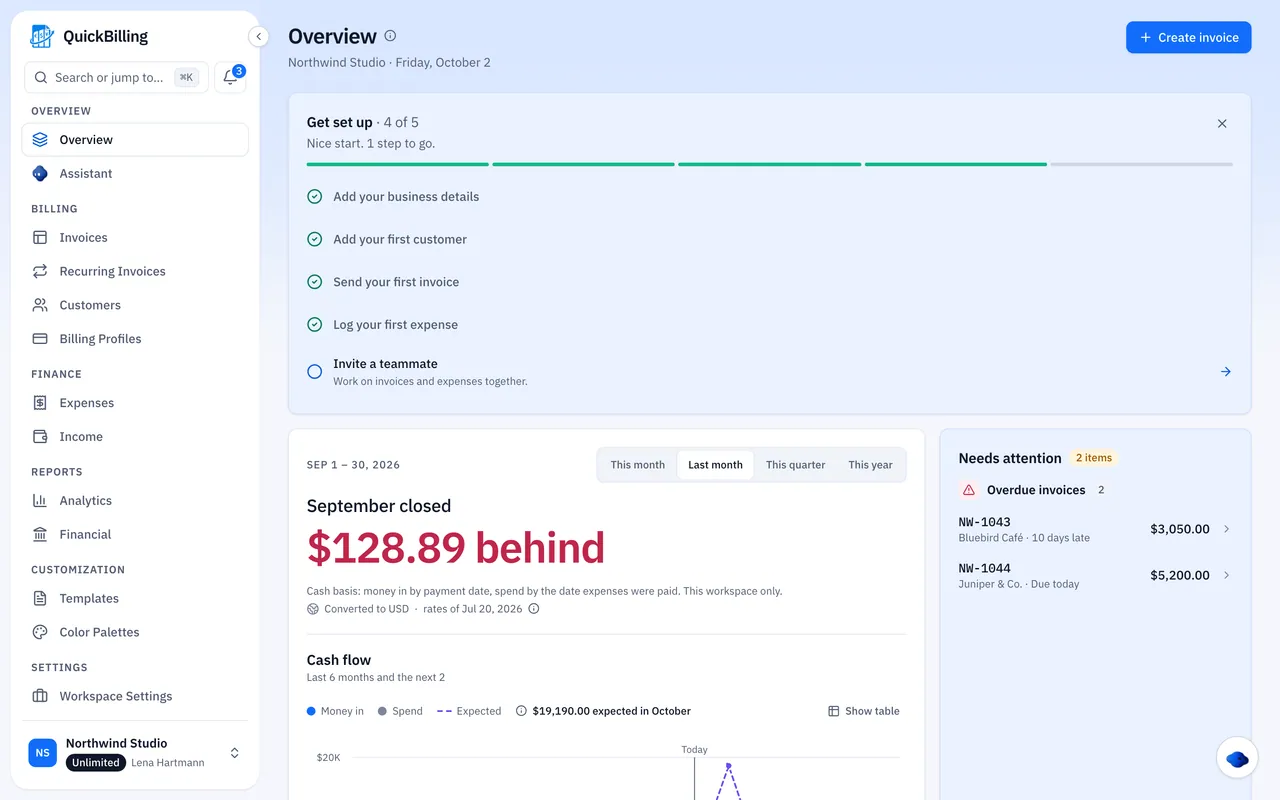
How The VAT Summary Works
It only assumes what you tell it.
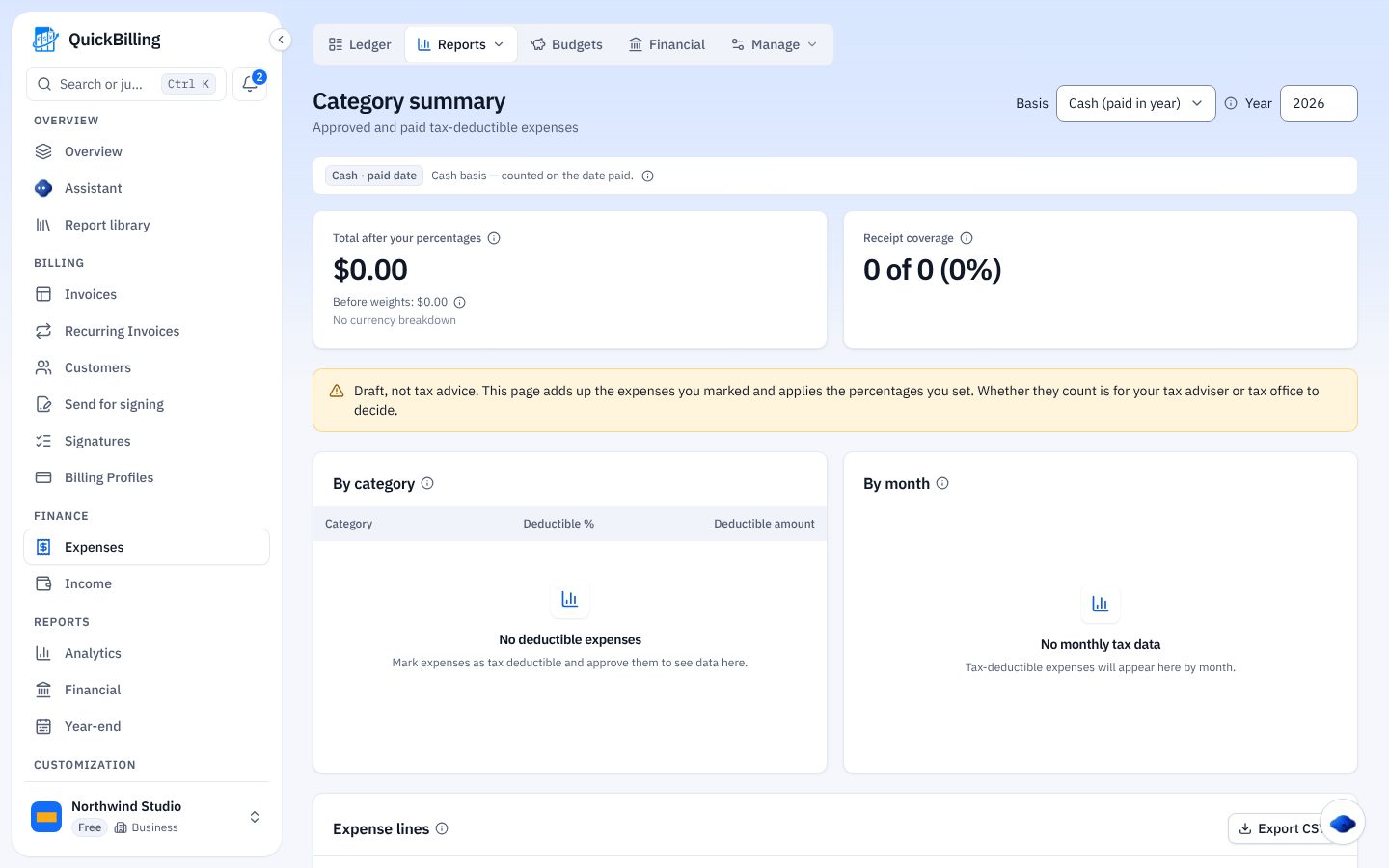
Answer A Few Questions
Country, VAT registration, how often you file and invoice or payment date. “I don’t know” is always an option.
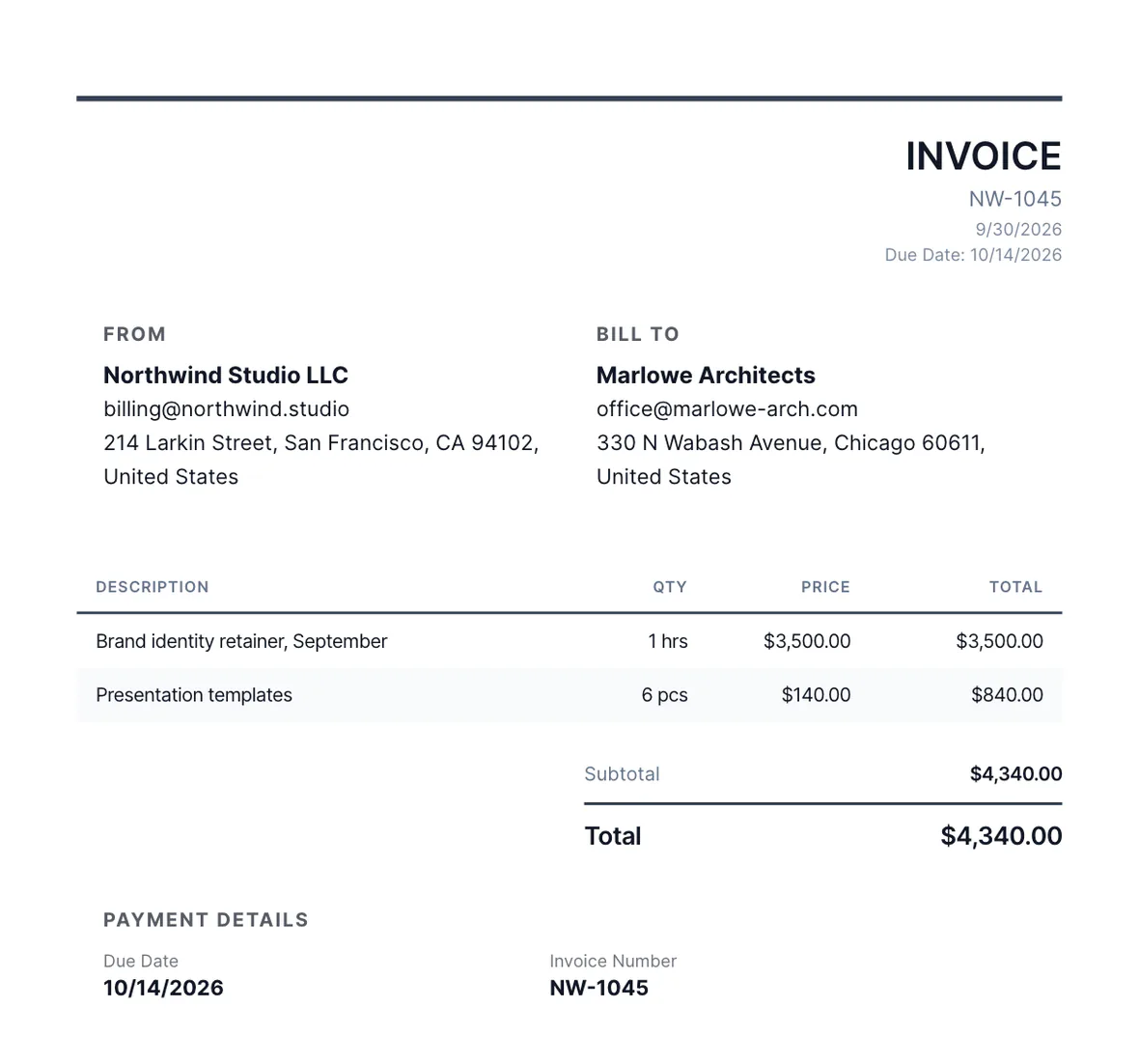
It Reads Your Records
VAT on issued invoices and on approved and paid expenses. Void invoices never count; drafts are listed.
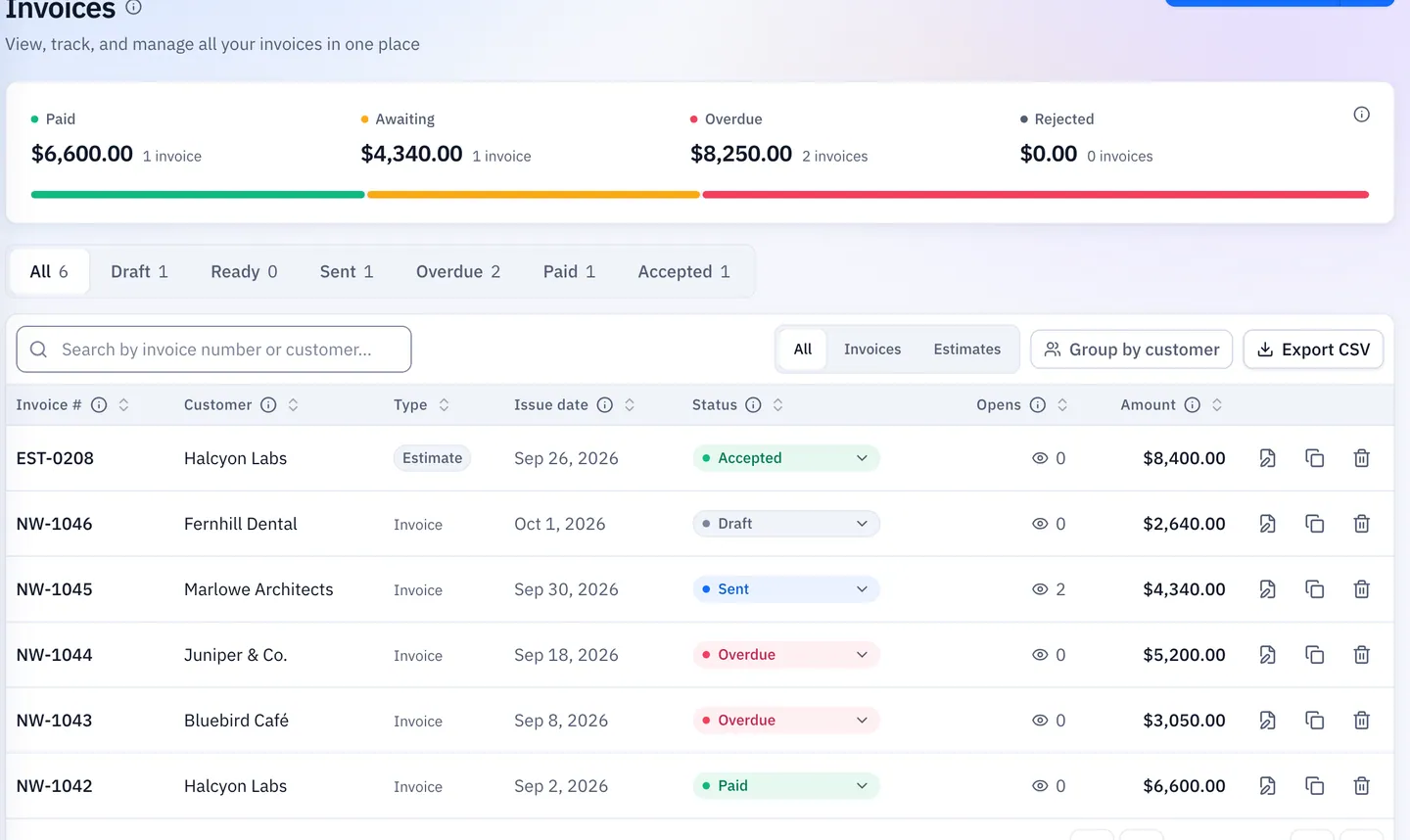
Check And Fix
See the totals, then the checks that could change them.
Never Guesses Your Rules
Your basis, rate and status stay your decision.
Both Views
Answer “I don’t know” to see VAT by invoice date and payment date side by side.
No Rates Assumed
It adds up the VAT on your documents rather than choosing rates.
No Status Assumed
If a billing profile has a VAT ID and you haven’t answered, it treats you as registered and labels that as a guess.
Nothing Is Filed
The summary stays in your workspace.
Every Currency On Its Own Row
VAT is never added across currencies; each gets its own row and net position.
- Checks flag records that may be incomplete
- A check that finds nothing doesn’t mean a figure is right
- Ask the in-app assistant for your VAT position
Free And Paid
What each plan covers.
On The Free Plan
The VAT profile, VAT on expenses and the current and previous period with totals per currency.
Premium And Unlimited
Any date range, VAT by rate, the records behind each check and CSV export.
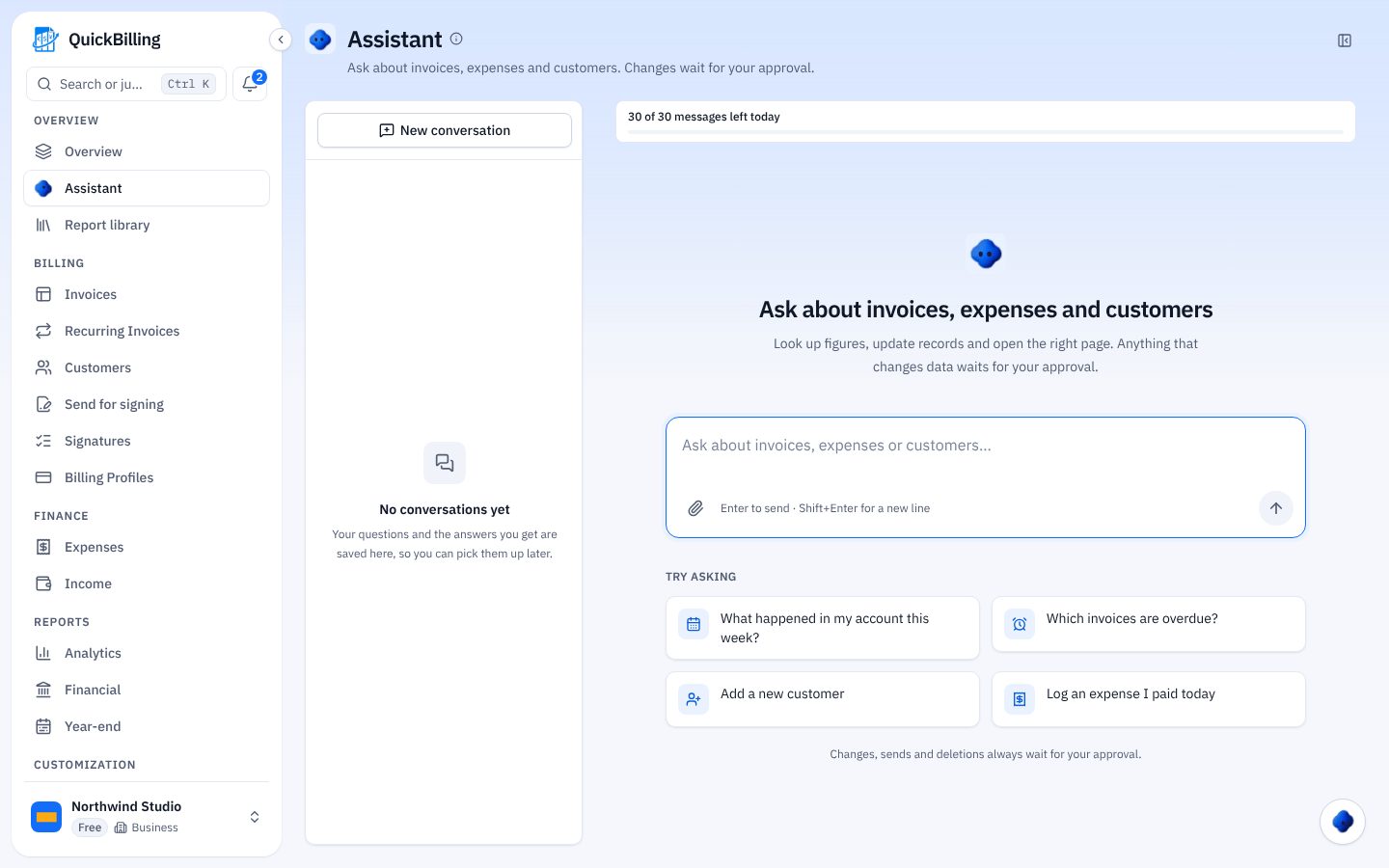
Assistant
VAT tools are in the in-app assistant only, not in ChatGPT or the hosted MCP server.
Draft, Not Tax Advice
QuickBilling doesn’t choose your rate, scheme or period, decide your registration, file a return or call a figure correct. Check every figure with your accountant or tax adviser, and see your tax authority’s own pages for the official rules.
Built For VAT-Registered Small Businesses
Clients In Several Currencies
Each currency gets its own VAT row, never mixed.
Quarterly Filer
Pick the period and compare the totals with what you submit.
Unsure Of Your Basis
See invoice-date and payment-date views side by side.
Exempt Small Business
Choose the small-business exemption and reclaimable VAT isn’t counted.
What’s Included
VAT tools in your workspace.
- VAT collected and reclaimable
- Net per currency and period
- Invoice or payment date basis
- Checks for missing records
- Small-business exemption
- Assistant VAT lookups
- Any date range (paid)
- VAT by rate (paid)
- CSV export (paid)
What Customers Say
“I built QuickBilling because sending an invoice should feel like sending a link. I want to know when it has been opened, and I want reminders to go out before and after the due date without me writing them by hand.”

“I send an estimate as a link, my client accepts it without needing an account, and I convert it to an invoice in one click.”

“I can see when a client has opened an invoice, and the reminder schedule does the nudging for me. I no longer write those awkward follow-up emails.”

Why Businesses Trust QuickBilling
Encrypted In Transit And At Rest
HTTPS on every connection; stored data encrypted at rest by our database and storage providers.
Separate Workspaces
Every request is checked against your workspace and role.
Your Data Stays Yours
Export your account as JSON and invoices or reports as CSV, or delete your account.
Never Sold, Never Used For AI Training
No selling, no advertising, no training AI on your content.
Clear About Where Data Lives
Servers and files in Sweden (EU); database and email in the US. Operated from Sharjah, UAE.
A Record For Every Signature
Each signed estimate has a record: name, time, IP, device and SHA-256 fingerprint.
Simple Plans, Free To Start
In US dollars. Save 10% yearly. Cancel any time.
Free $0/ month
For your first invoices and seeing when clients open them.
- Up to 5 customers
- Unlimited invoices and estimates
- 2 invoice templates
- See when and how often links are viewed
Premium $15/ month
For freelancers with a steady client list.
- Unlimited customers
- You + 2 team members
- All 14 templates plus your own
- IP, location and device tracking
- Your own branding
Unlimited $30/ month
For agencies, several businesses or API work.
- Everything in Premium
- Unlimited workspaces and team members
- REST API keys
- 1,000 AI assistant messages a day
VAT Summary FAQs
Short answers to what people ask before they start.
Is The VAT Summary Tax Advice?
No. It’s a draft calculated from your invoices and expenses using your settings. Your accountant or tax office decides what applies.
Does QuickBilling File My VAT Return?
No. It gives you totals to compare with what you submit. It doesn’t fill in return boxes yet, such as the UK VAT Return or UAE VAT 201.
Invoice Date Or Payment Date?
The basis you set. Answer “I don’t know” and you see both side by side.
How Are Several Currencies Handled?
Each currency has its own row and net position. Nothing is added across currencies.
What Does Free Include?
The VAT profile, VAT on expenses, and the current and previous period with totals per currency.
Does It Work If I Don’t Charge VAT?
Yes. Choose the small-business exemption and reclaimable VAT isn’t counted.
Does It Support The UK Flat Rate Scheme?
Not yet. It shows no position rather than a wrong one.
Does It Work In ChatGPT?
No. VAT tools are in the in-app assistant only.