Stop Billing Slipping
There’s no billing department.
Friday Pile
Invoices wait until Friday.
Quotes In Email
Quotes sit in email threads.
No Visibility
Nobody knows who opened what. Billing should be boring.
Invoicing That Stays Out Of Your Way
The essentials, without an accounting suite.
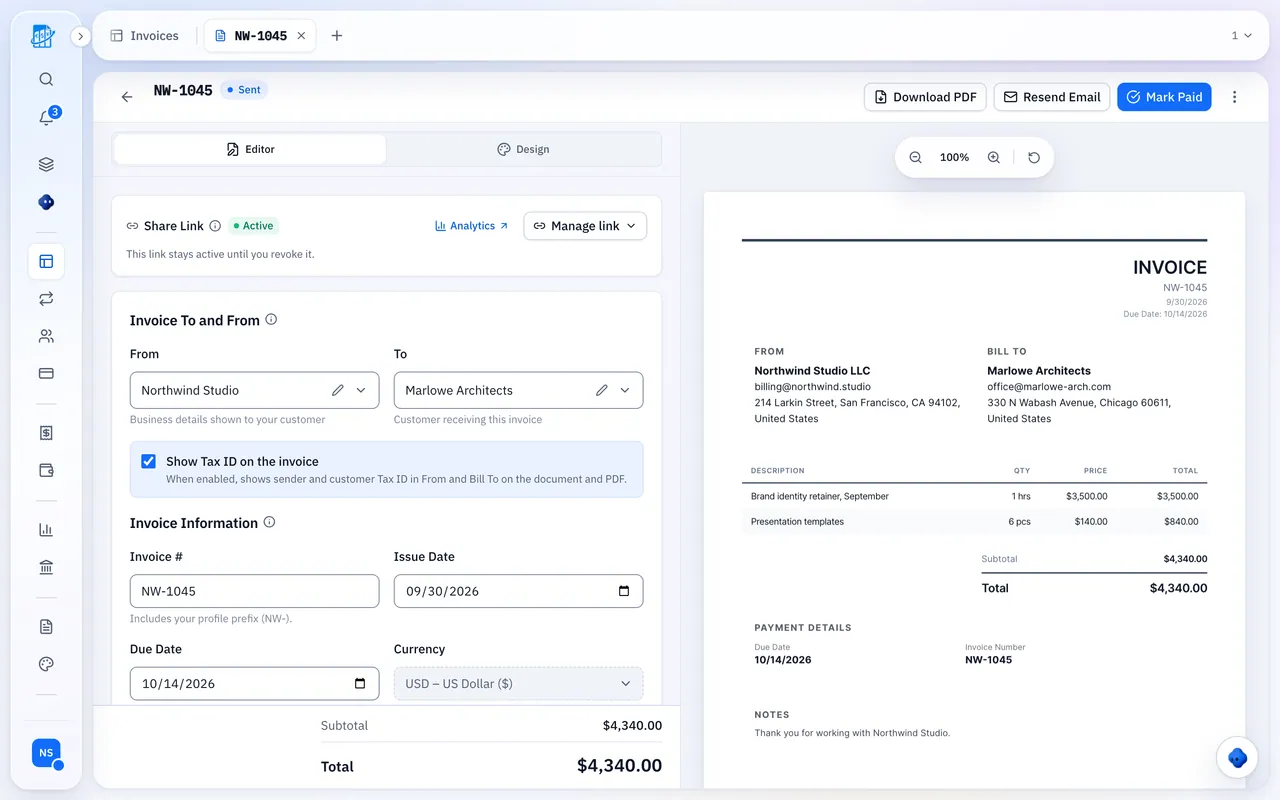
A Professional Invoice, Fast
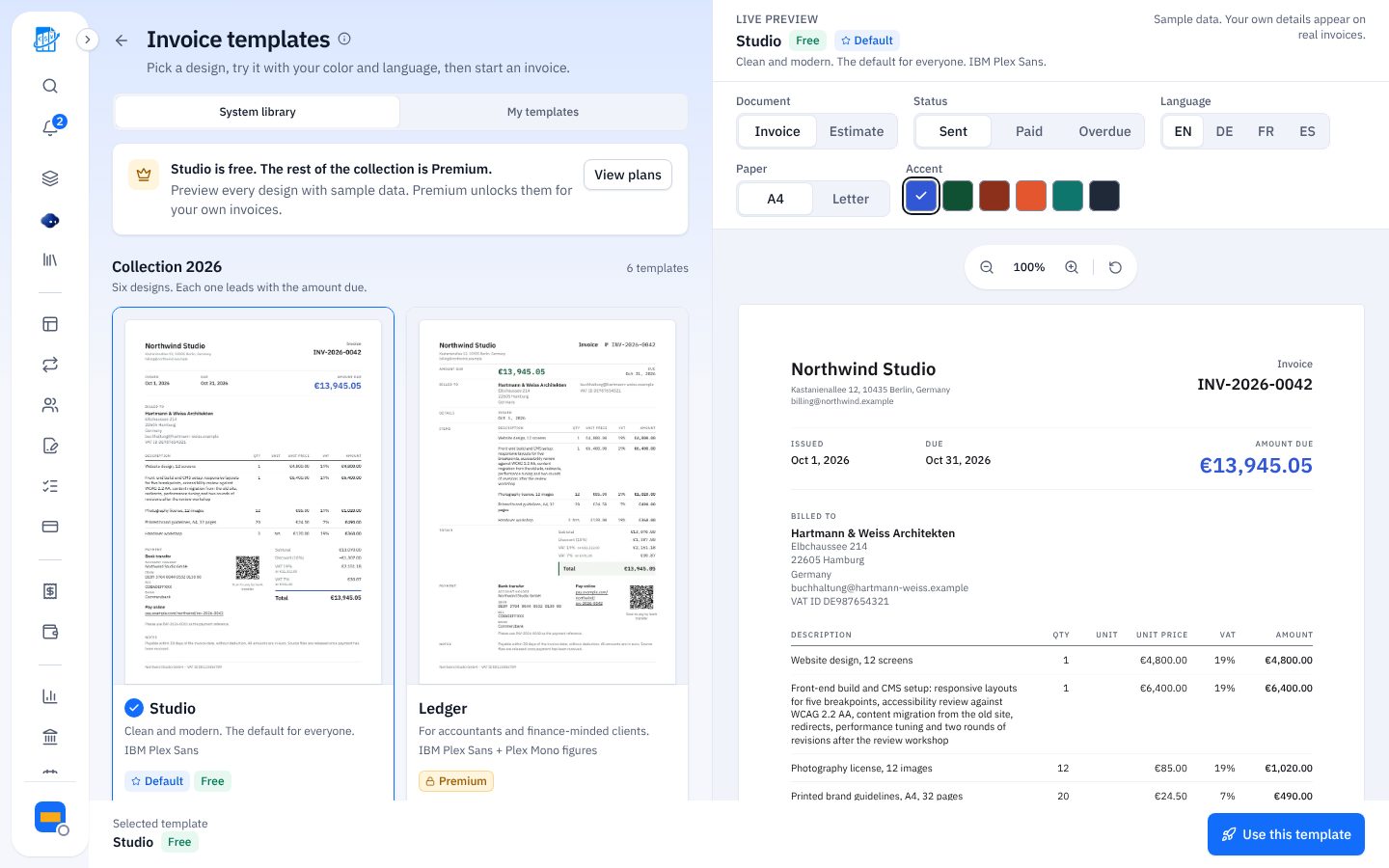
Templates, your logo on paid plans, a link or PDF, and no account for clients.
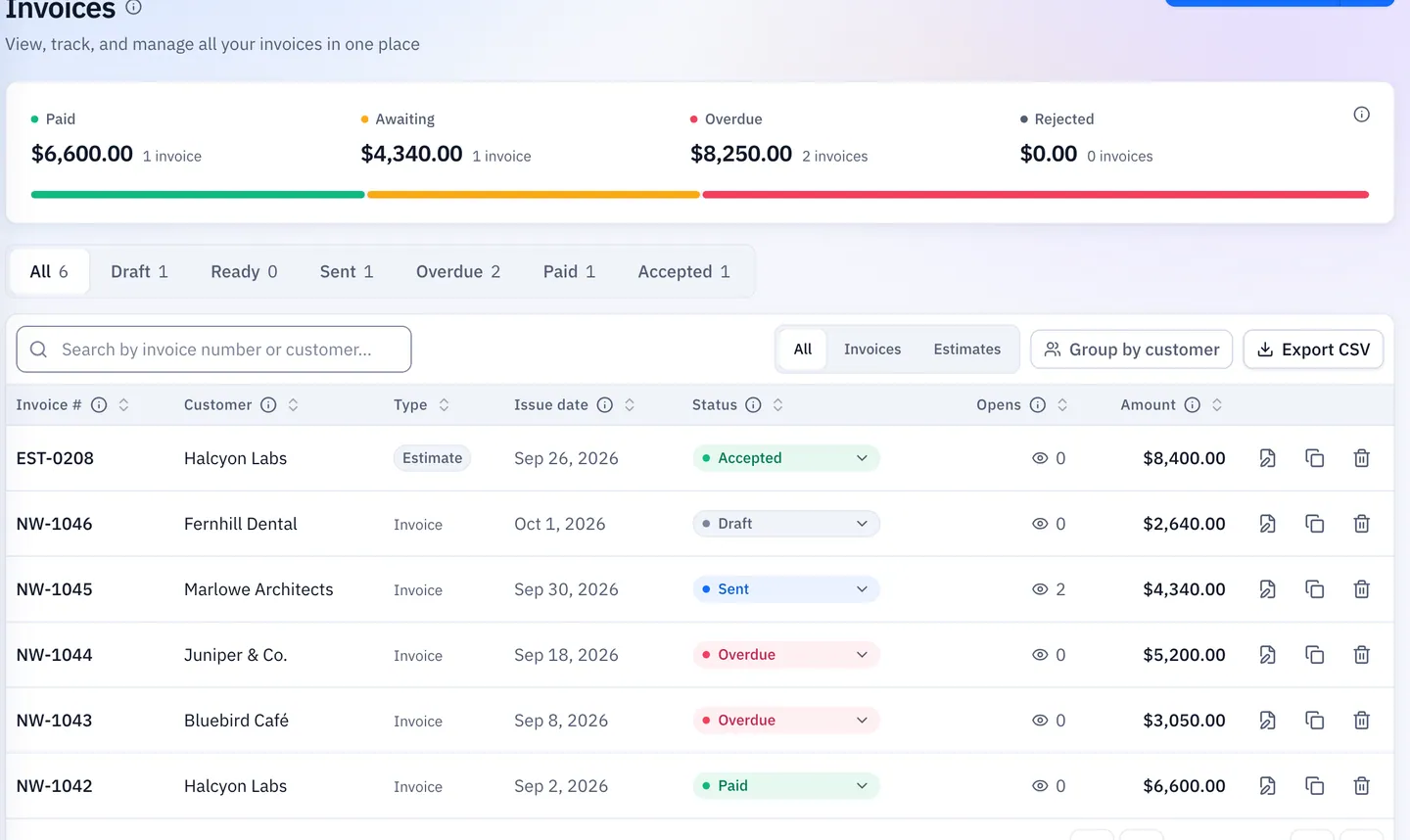
Know When It’s Opened
On every plan; device and location on paid plans.
Built For Your Team
Invite people on paid plans, with recurring drafts and expenses next to invoices.
How Clients Pay
Bank transfer or PayPal details on every invoice.
Next To The Books You Already Keep
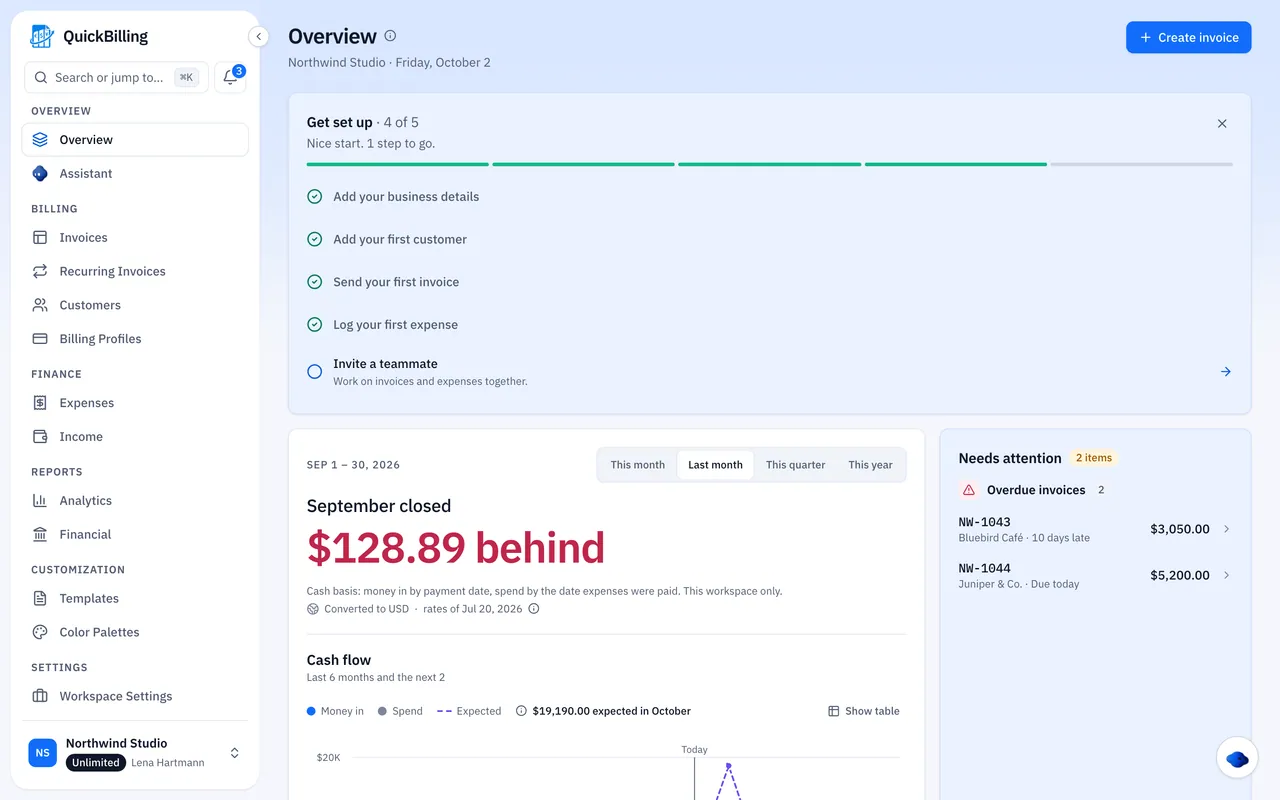
It handles the invoices you send and the expenses you log, with a profit and loss view from those numbers.
- Quotes, invoices and recurring drafts
- Expenses with receipts
- A year-end summary for your accountant
How A Small Business Bills With QuickBilling
Create A Workspace
Add your business details and payment info.
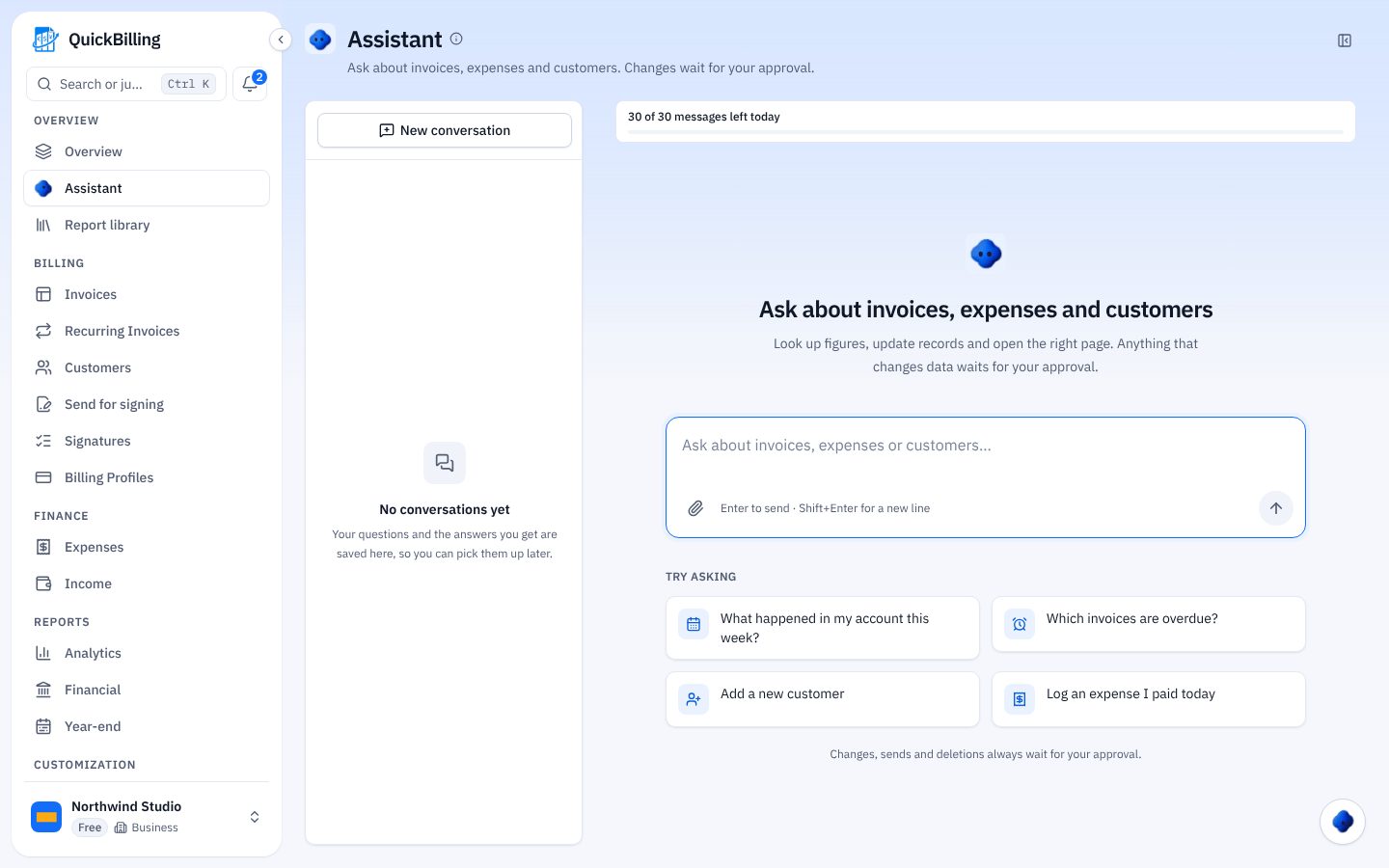
Send The Invoice
As a link, email or PDF.
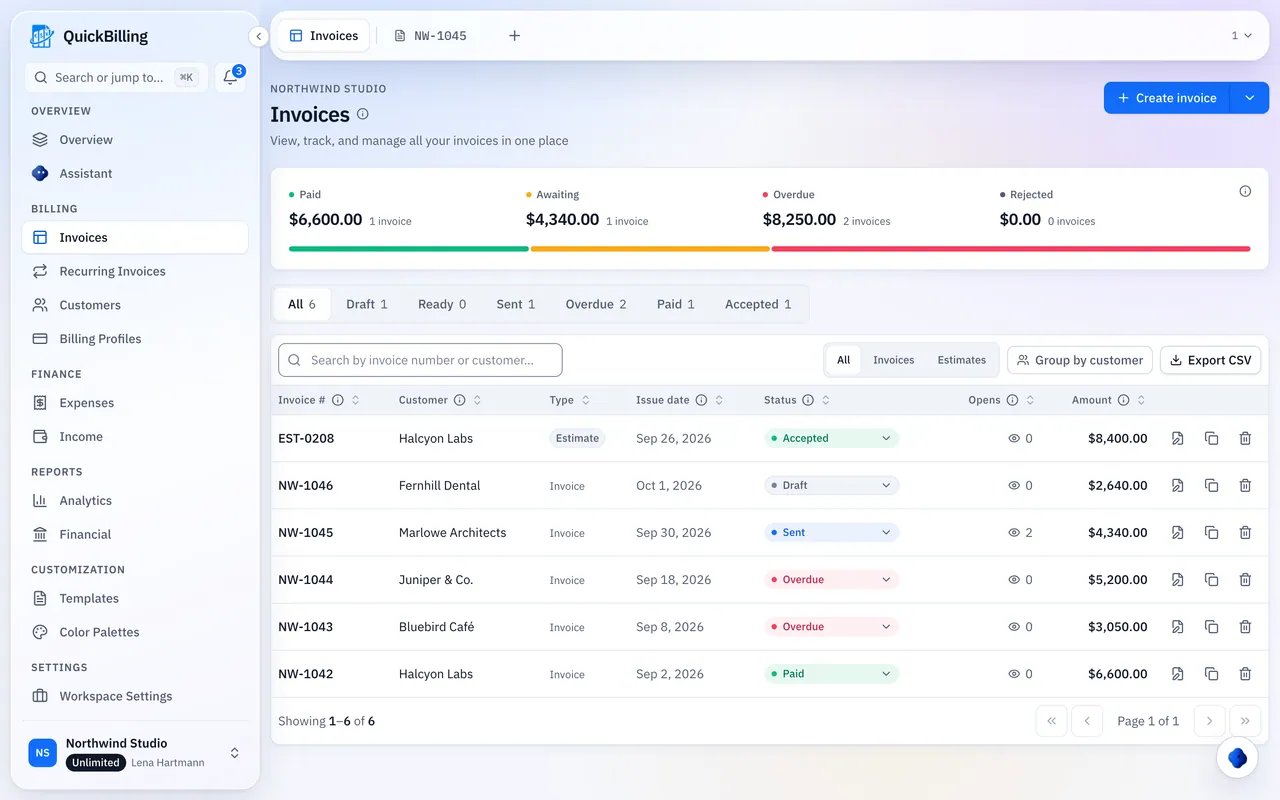
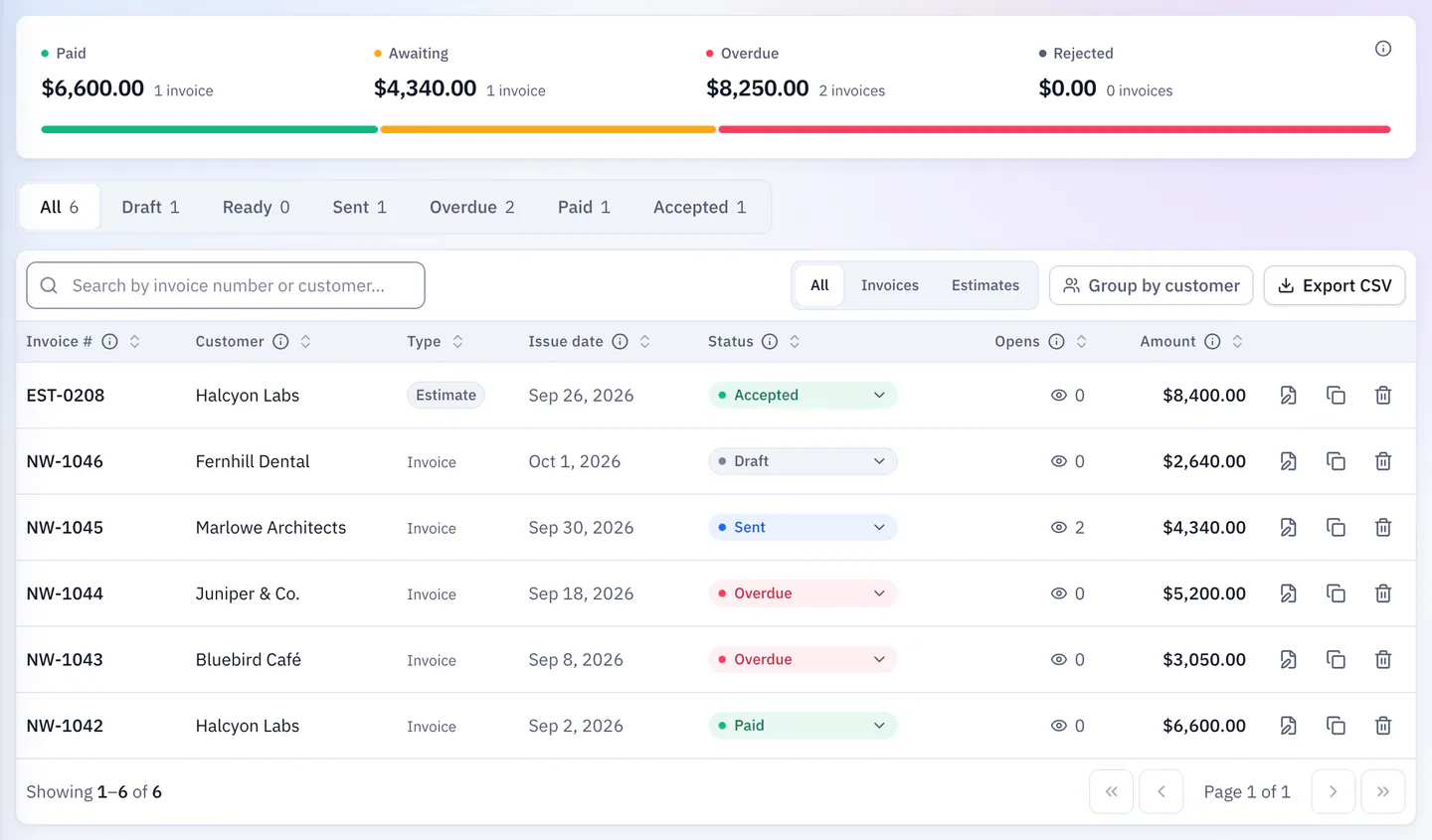
See It Opened And Paid
Reminders follow up for you.
Accounting Suite Vs QuickBilling
Start simple, grow later.
The Old Way
Weeks of setup
- Features you never use
- Attachments with no tracking
- Double-entry setup you may not need
With QuickBilling
A workspace and your first invoice
- Just invoicing and expenses
- Share links with open tracking
- Free to start, paid plans from $15 a month
Built For Real Small Businesses
Shop With Trade Customers
Monthly recurring drafts for regular accounts.
Service Business
Quote, convert and invoice from one editor.
Two-Person Office
Invite a colleague on Premium.
Two Companies
Separate workspaces on Unlimited.
What’s Included For Small Businesses
Real features, on every plan.
- Unlimited invoices and estimates
- PDFs, share links and email
- Accept or decline quotes online
- One-click quote to invoice
- Recurring invoice drafts
- Bank transfer and PayPal details
- 41 invoice currencies
- Open tracking on every link
- Expense and income tracking
- Profit and loss and tax reports
- Payment reminders you can switch off
- App in English, German, French, Spanish
What Customers Say
“I built QuickBilling because sending an invoice should feel like sending a link. I want to know when it has been opened, and I want reminders to go out before and after the due date without me writing them by hand.”

“I send an estimate as a link, my client accepts it without needing an account, and I convert it to an invoice in one click.”

“I can see when a client has opened an invoice, and the reminder schedule does the nudging for me. I no longer write those awkward follow-up emails.”

Why Businesses Trust QuickBilling
Encrypted In Transit And At Rest
HTTPS on every connection; stored data encrypted at rest by our database and storage providers.
Separate Workspaces
Every request is checked against your workspace and role.
Your Data Stays Yours
Export your account as JSON and invoices or reports as CSV, or delete your account.
Never Sold, Never Used For AI Training
No selling, no advertising, no training AI on your content.
Clear About Where Data Lives
Servers and files in Sweden (EU); database and email in the US. Operated from Sharjah, UAE.
A Record For Every Signature
Each signed estimate has a record: name, time, IP, device and SHA-256 fingerprint.
Simple Plans, Free To Start
In US dollars. Save 10% yearly. Cancel any time.
Free $0/ month
For your first invoices and seeing when clients open them.
- Up to 5 customers
- Unlimited invoices and estimates
- 2 invoice templates
- See when and how often links are viewed
Premium $15/ month
For freelancers with a steady client list.
- Unlimited customers
- You + 2 team members
- All 14 templates plus your own
- IP, location and device tracking
- Your own branding
Unlimited $30/ month
For agencies, several businesses or API work.
- Everything in Premium
- Unlimited workspaces and team members
- REST API keys
- 1,000 AI assistant messages a day
Invoicing For Other Trades
Invoicing Software For Small Business: FAQs
Short answers to what people ask before they start.
What Is Invoicing Software For Small Business?
Software to create, send and track invoices without a full accounting suite.
Is This Right For My Business?
Yes, if you want to send invoices, see opens and track expenses. For payroll, inventory or filed returns, you’ll still need your accountant.
Is There Free Invoicing Software For Small Business?
Yes. Free covers up to 5 customers and unlimited invoices, with no card.
Does It Replace My Accountant?
No. It keeps your invoices and expenses organized so your accountant gets clean numbers; tax advice and filing stay with them.
Can My Team Use It?
Yes. Premium includes you plus 2 team members; Unlimited has no limit.
Can I Run More Than One Business?
Yes, on Unlimited, with a separate workspace for each.
How Do Customers Pay?
By bank transfer or PayPal, shown on the invoice, share page and PDF. Customers don’t need an account.
Does It Chase Late Payers?
Yes. Reminders go out the day before and two days after the due date, plus optional 7- and 14-day follow-ups. You can switch them off on any invoice.