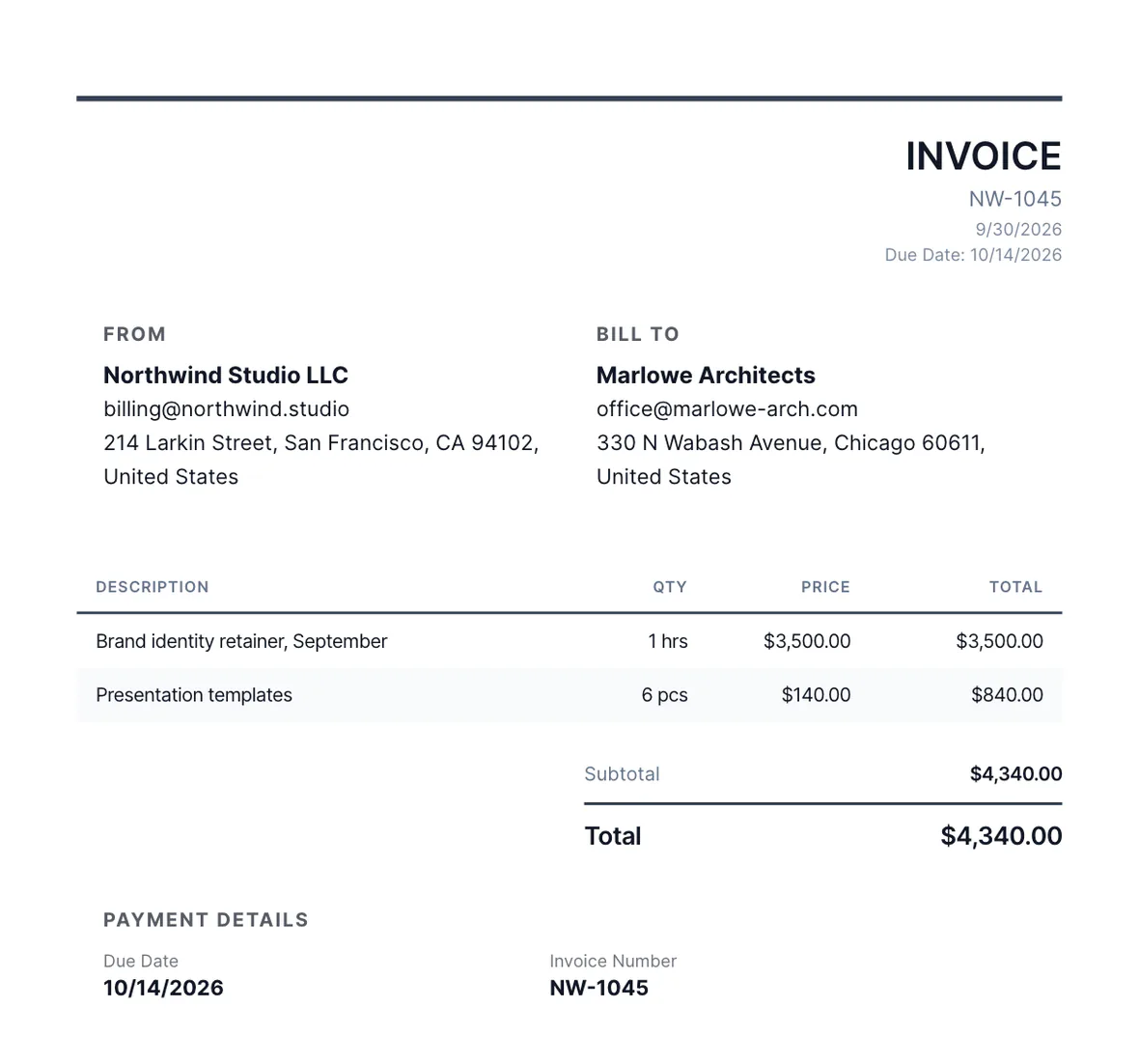
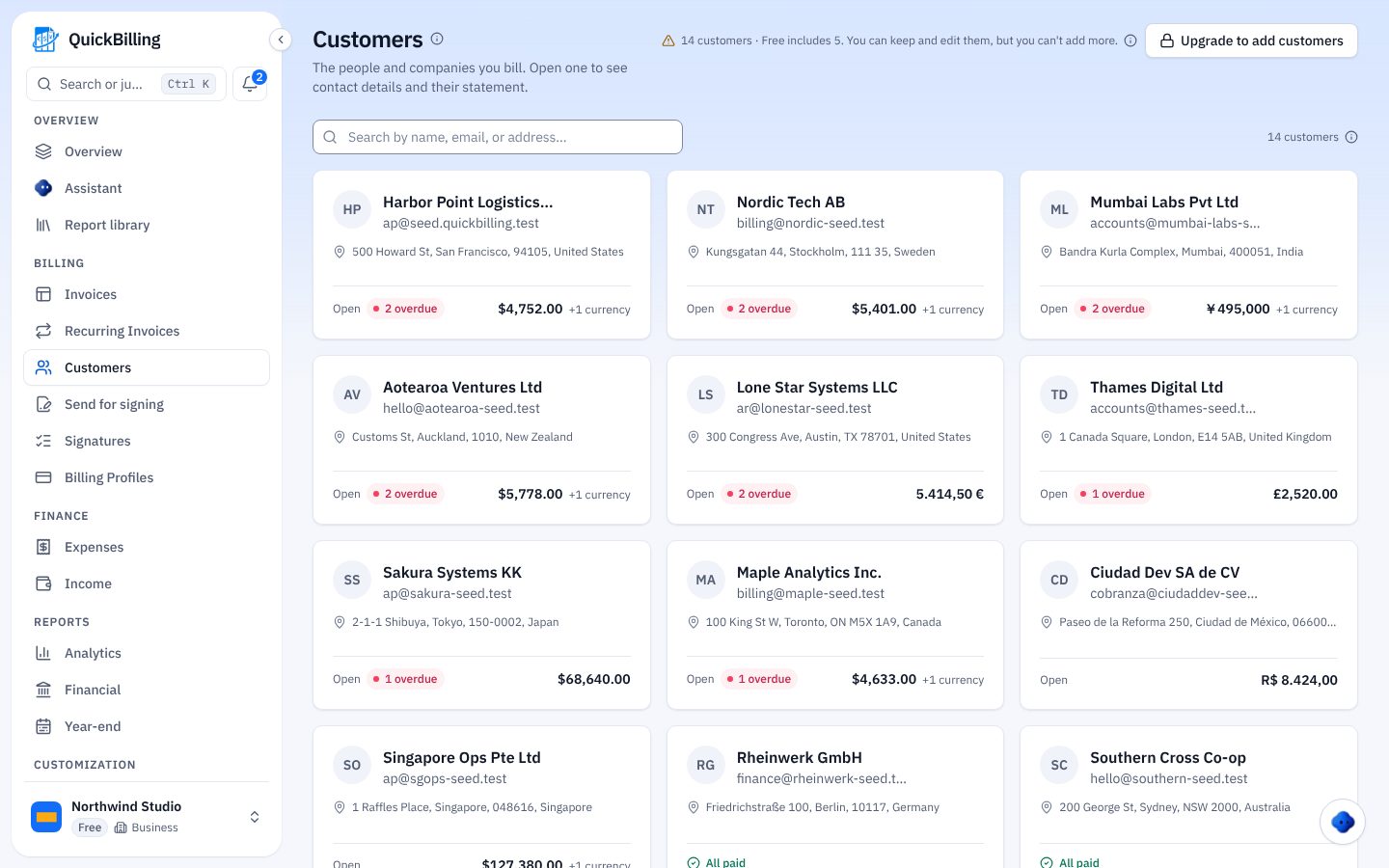
Ask, Upload, Accept
Three steps, no attachments.
Ask
Name what you need and send the link.
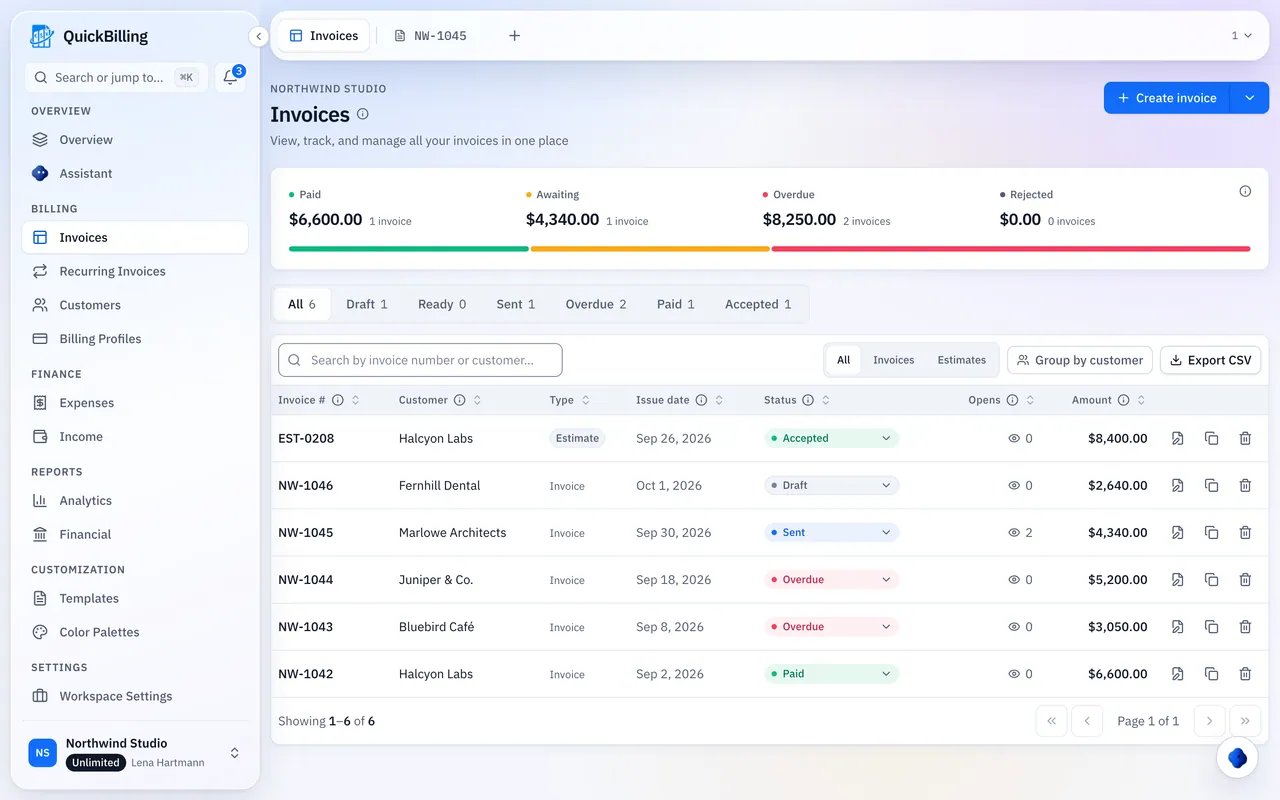
They Upload
From a phone or computer, with no password.
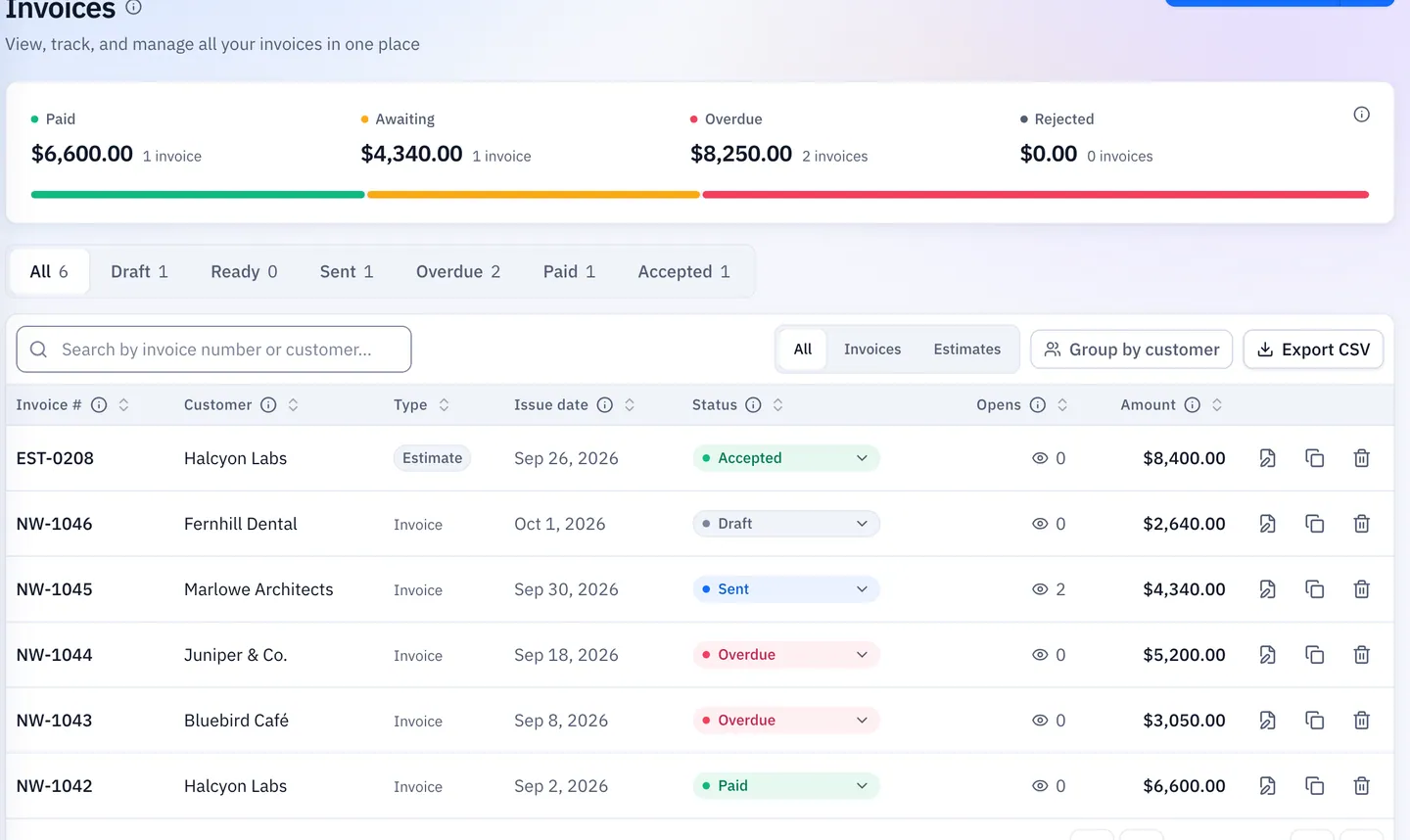
You Accept
Check it, accept it and find it later in their Files.
What Documents Can I Request?
Anything your client can photograph or save as a PDF.
Receipts And Bills
For bookkeepers: the paper behind a cost, uploaded straight to the client’s folder.
Signed Contracts
For lawyers: contracts and forms as a scan or photo.
Job Photos
For trades: before and after photos, or an item to quote.
Tax Forms
The forms you need on file at year end.
Accepted Files Land In Their Folder
Every accepted file goes straight into that client’s Files, next to their invoices.
- JPEG, PNG, WebP or PDF
- Up to 10 MB each
- Don’t accept the wrong file; ask for another
Built For Collecting Paperwork
Bookkeeper At Month End
Request every missing receipt with one link per client.
Lawyer Opening A Matter
Ask for the signed engagement letter and ID scans.
Trade Quote
Ask for photos of the job before you price it.
Tax Season
Collect the forms you need from each client in one place.
What’s Included
Document requests in your workspace.
- File request links
- No client account
- Phone or computer upload
- JPEG, PNG, WebP and PDF
- 10 MB per file
- Review before accepting
- Files saved per client
- Ready-made email wording
- Works with the client portal
What Customers Say
“I built QuickBilling because sending an invoice should feel like sending a link. I want to know when it has been opened, and I want reminders to go out before and after the due date without me writing them by hand.”

“I send an estimate as a link, my client accepts it without needing an account, and I convert it to an invoice in one click.”

“I can see when a client has opened an invoice, and the reminder schedule does the nudging for me. I no longer write those awkward follow-up emails.”

Why Businesses Trust QuickBilling
Encrypted In Transit And At Rest
HTTPS on every connection; stored data encrypted at rest by our database and storage providers.
Separate Workspaces
Every request is checked against your workspace and role.
Your Data Stays Yours
Export your account as JSON and invoices or reports as CSV, or delete your account.
Never Sold, Never Used For AI Training
No selling, no advertising, no training AI on your content.
Clear About Where Data Lives
Servers and files in Sweden (EU); database and email in the US. Operated from Sharjah, UAE.
A Record For Every Signature
Each signed estimate has a record: name, time, IP, device and SHA-256 fingerprint.
Simple Plans, Free To Start
In US dollars. Save 10% yearly. Cancel any time.
Free $0/ month
For your first invoices and seeing when clients open them.
- Up to 5 customers
- Unlimited invoices and estimates
- 2 invoice templates
- See when and how often links are viewed
Premium $15/ month
For freelancers with a steady client list.
- Unlimited customers
- You + 2 team members
- All 14 templates plus your own
- IP, location and device tracking
- Your own branding
Unlimited $30/ month
For agencies, several businesses or API work.
- Everything in Premium
- Unlimited workspaces and team members
- REST API keys
- 1,000 AI assistant messages a day
Request Documents From Clients: FAQs
Short answers to what people ask before they start.
How Do I Collect Documents From Clients?
Request the file, send the link, then review and accept the upload. Accepted files go into that client’s Files.
What Is File Request Software?
A way to receive files through a link instead of email attachments, so documents land in the right folder.
Can Clients Upload Without An Account?
Yes. They open the link and upload from a phone or computer, with no password.
What Can I Ask For?
Receipts, signed contracts, job photos or tax forms: anything your client can photograph or save as a PDF.
Which File Types And Sizes Are Accepted?
JPEG, PNG, WebP or PDF, up to 10 MB each.
Where Do Accepted Files Go?
Into the client’s Files, next to their invoices and documents.
What If They Send The Wrong File?
Don’t accept it; ask for another. Only files you accept are saved to the client’s Files.
Can I Combine Requests With The Client Portal?
Yes. File requests appear in the client’s portal next to open invoices and shared files.
Can I Ask By Email Instead?
Yes. Copy a ready-made message with a checklist and follow-up wording.