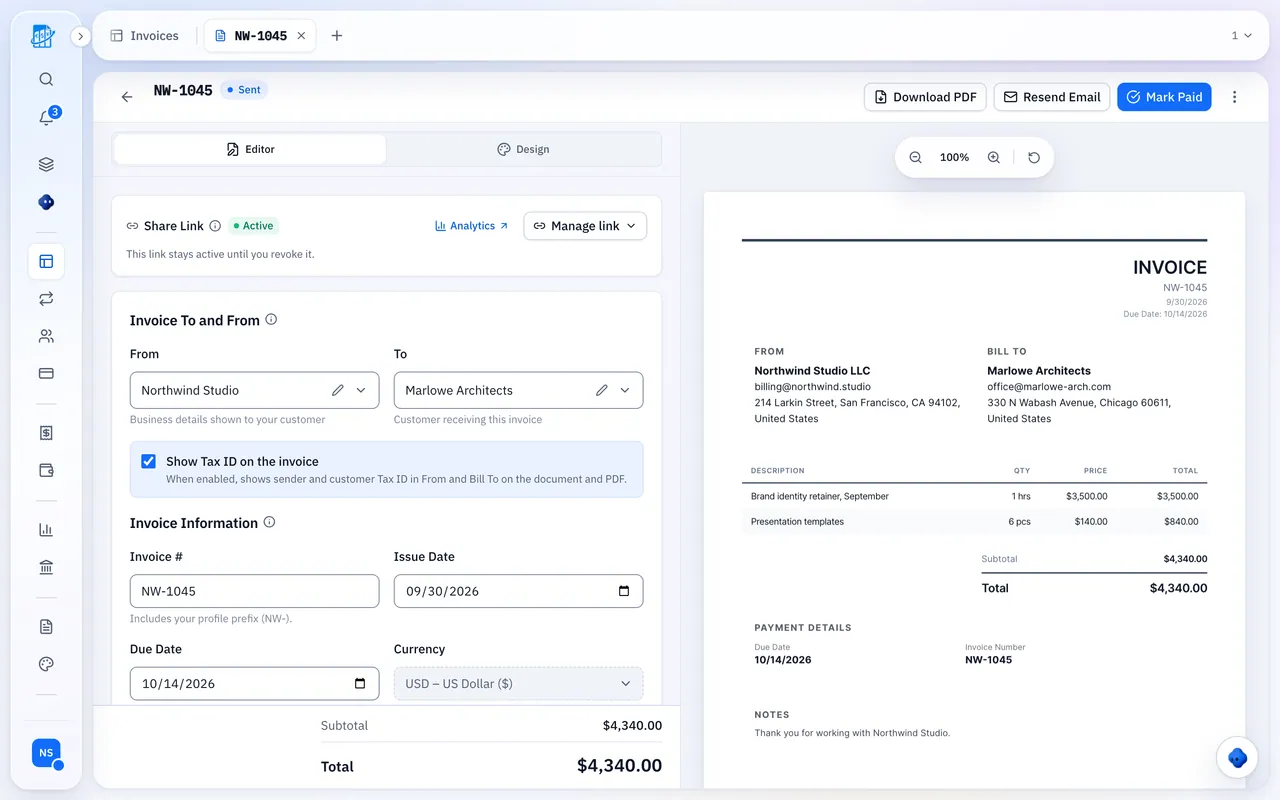

Stop Invoices Sitting Unsent
The work is delivered; the invoice waits.
Template Hunt
Your template and last rate never line up.
Late Invoice
By the time it goes out, the client has moved on.
Write It Once
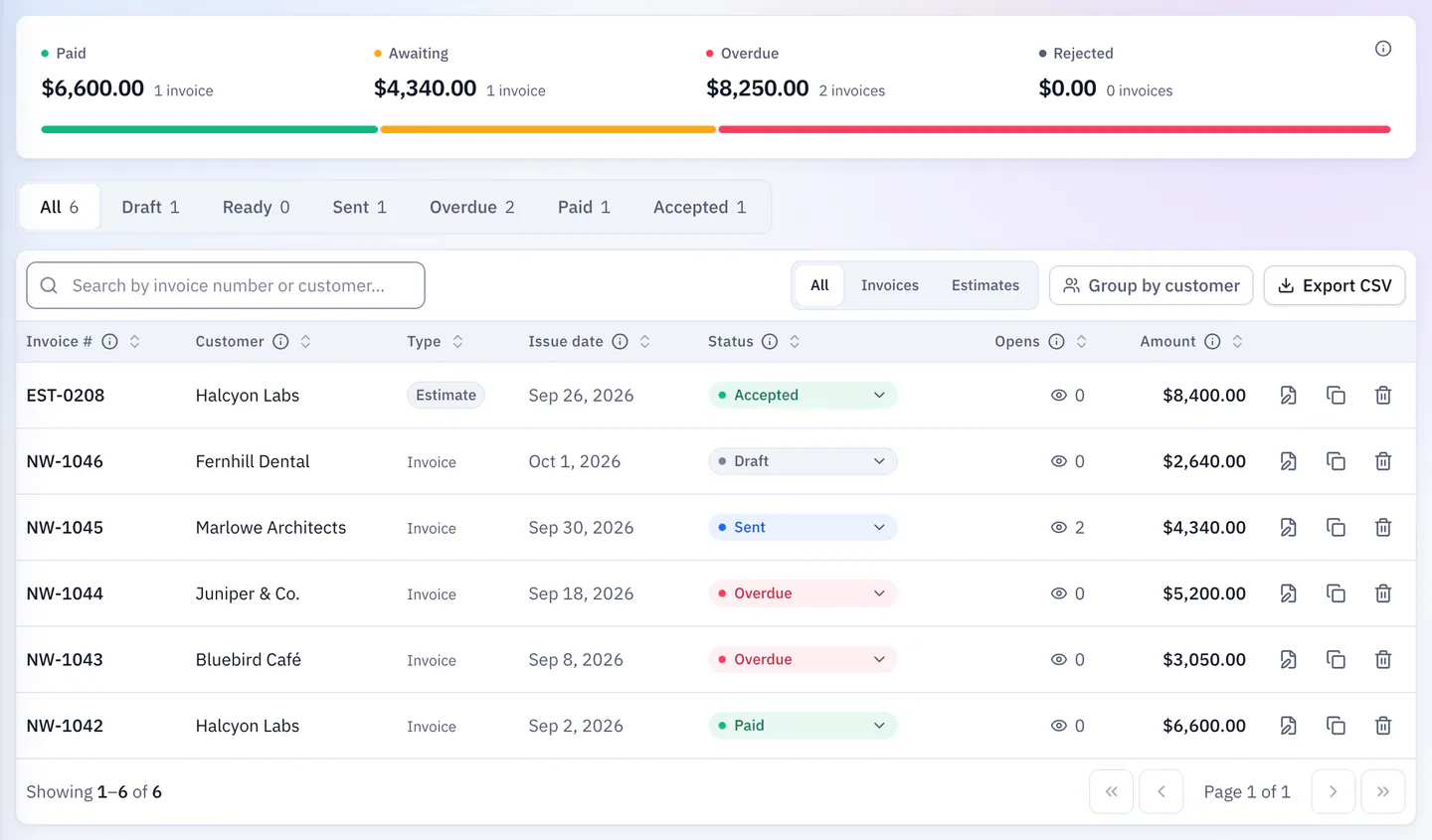
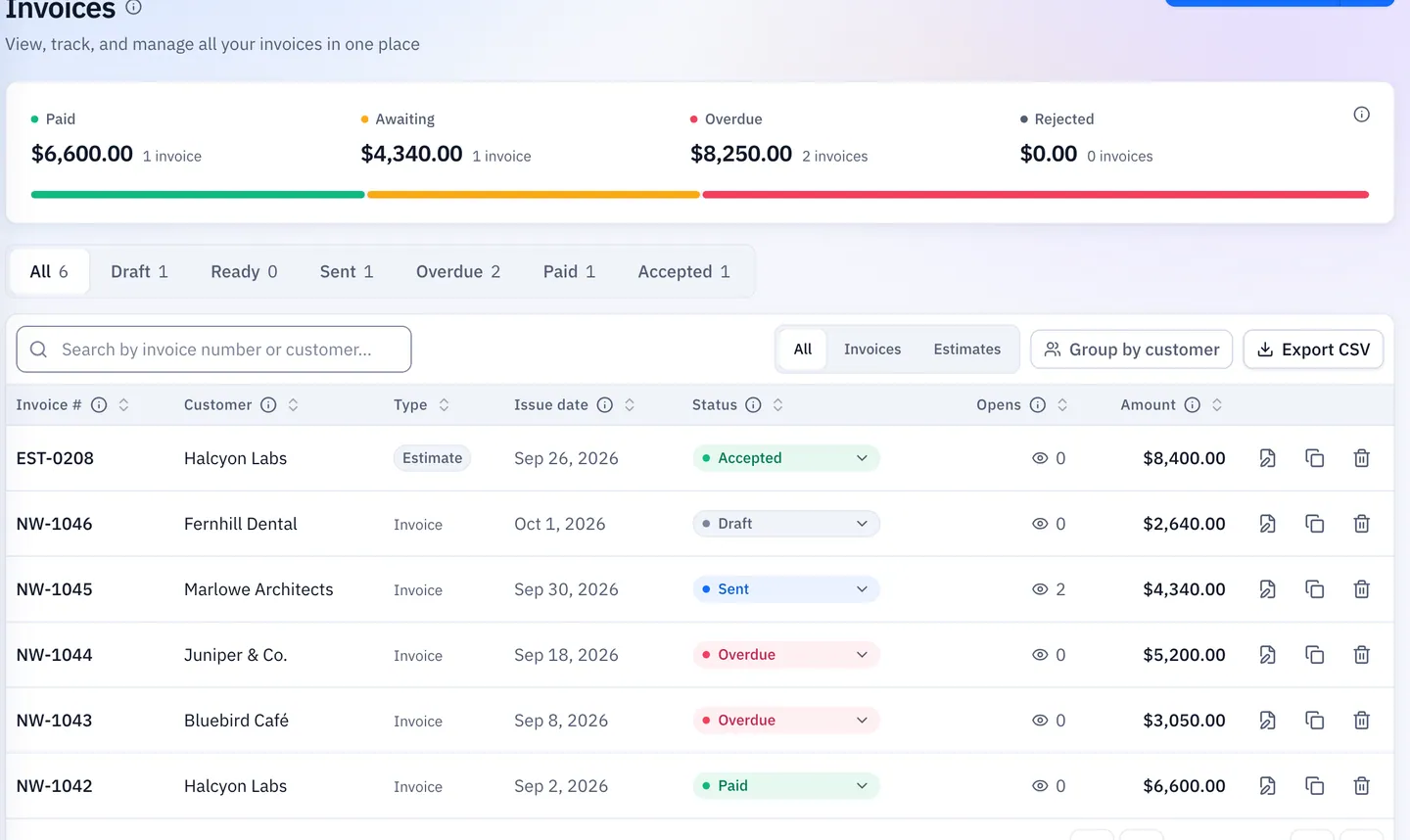
Send the link and see whether it was opened.
Built For How Freelancers Bill
From project to paid.
Send It As A Link
Saved clients and line items; your client needs no account.
See When They Open It
Unopened means a nudge; opened and unpaid means a conversation.
Retainers You Still Review
Each run is a draft you check and send.
Bank Or PayPal On Every Invoice
Your payment details right under the total.
Expenses Next To Your Income
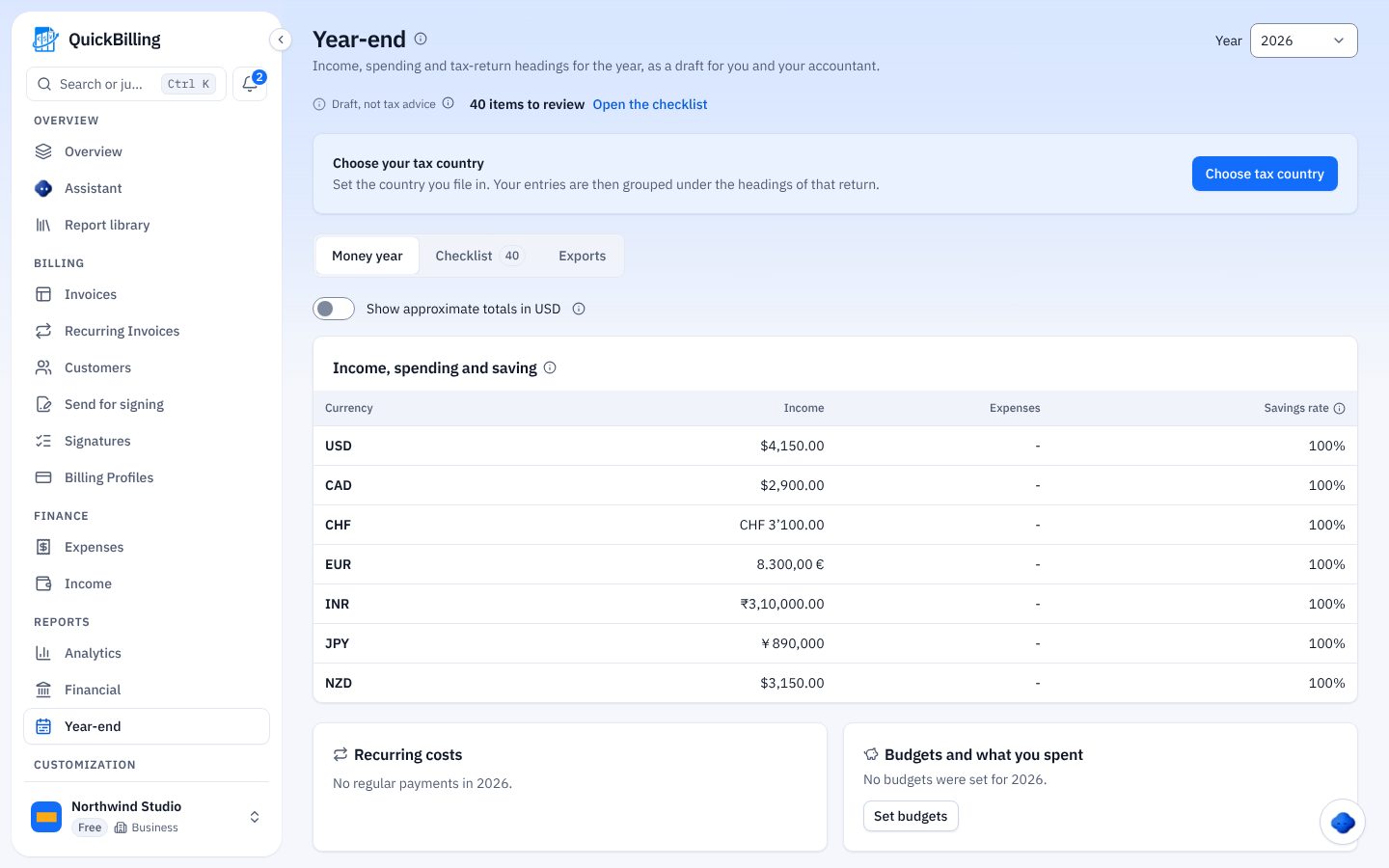
Receipts, profit and loss and a year-end summary live in the same workspace.
- Log software and travel expenses with receipts
- Profit and loss from real numbers
- A year-end tax summary for your accountant
From Job To Invoice In Three Steps
No spreadsheet needed.
Add The Client
Once, then reuse.
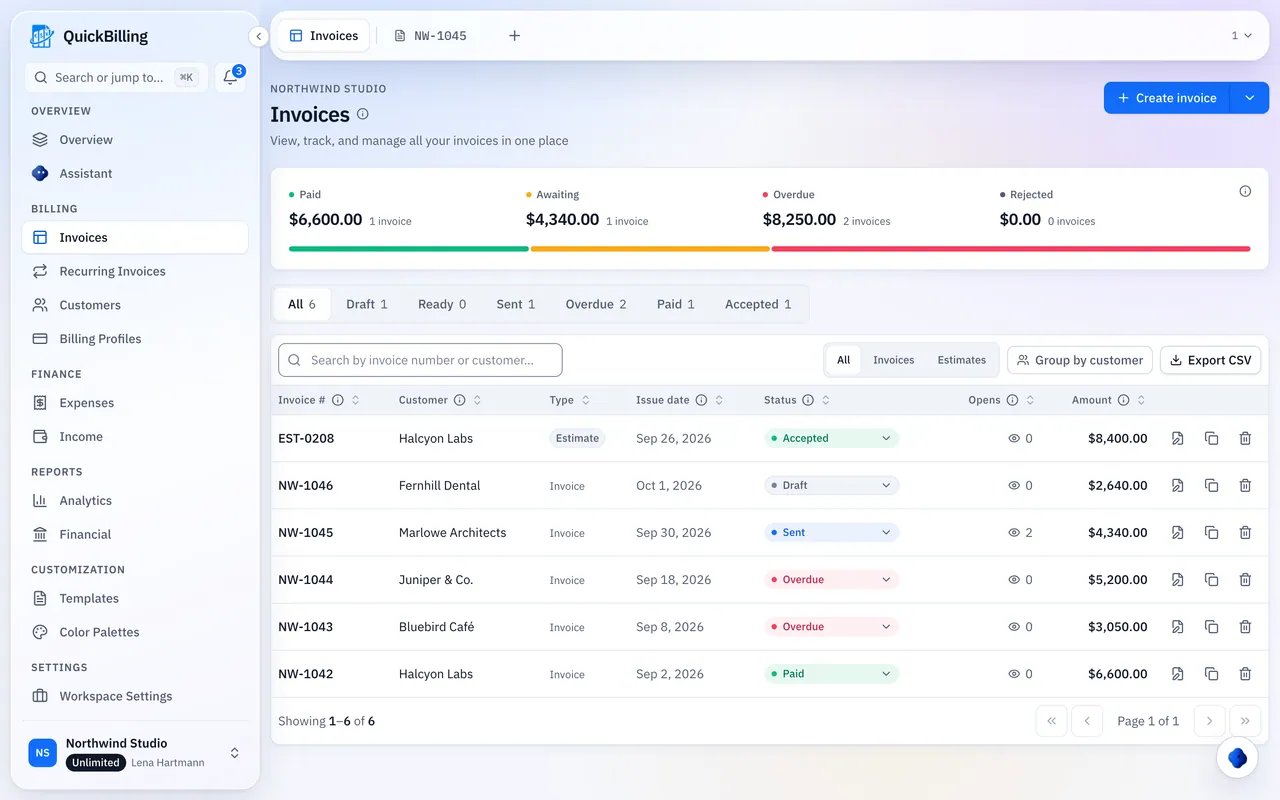
Send The Link
With your payment details.
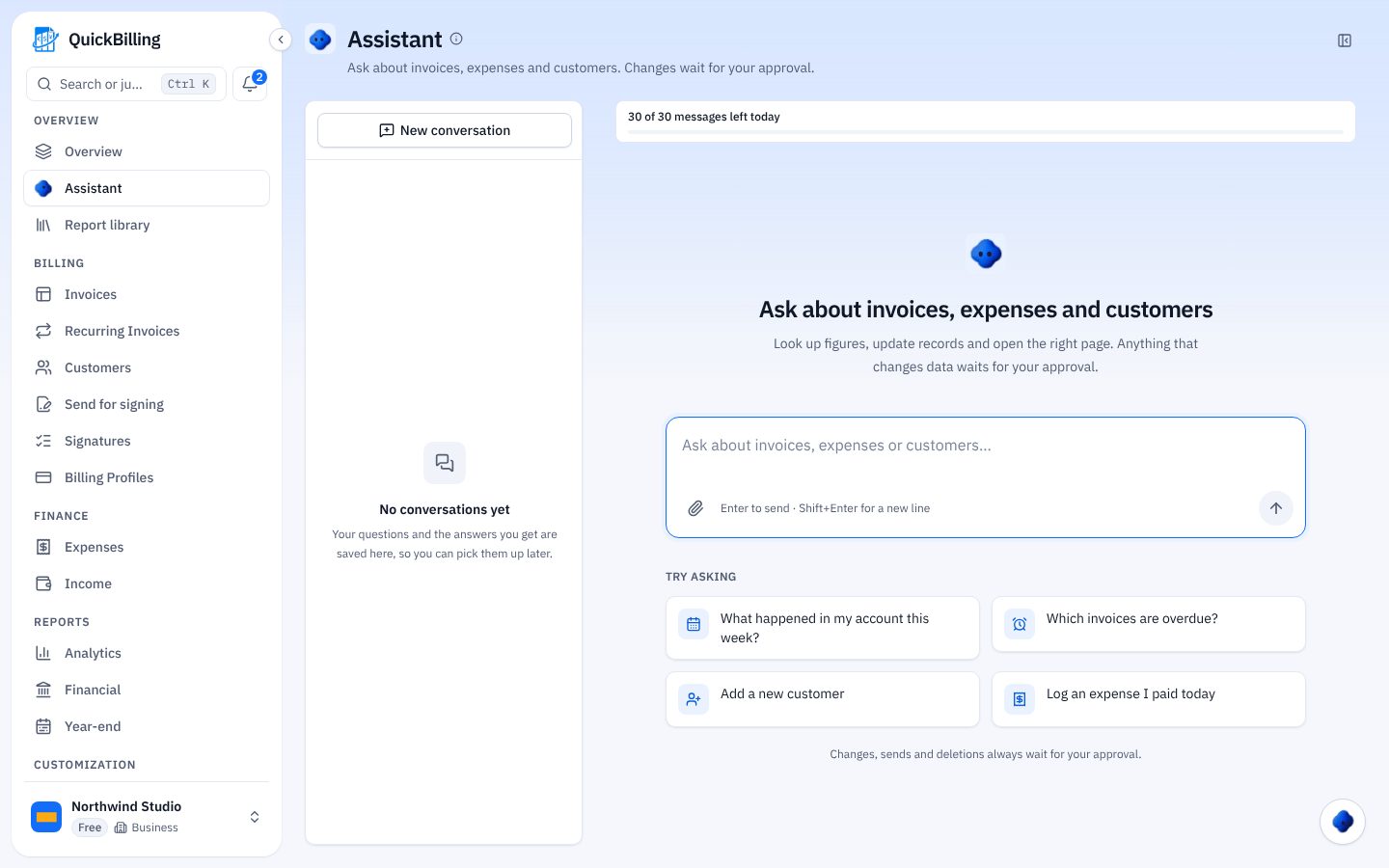
Get Paid
Automatic reminders you can switch off.
E-Invoices Like XRechnung
Not today. QuickBilling sends a professional PDF and a share link. If a client needs a structured format, agree on it up front.
Spreadsheet Vs QuickBilling
Same work, less retyping.
The Old Way
Retyping clients and rates
- No idea if it was opened
- Retainers sent from memory
- Receipts in a folder somewhere
With QuickBilling
Saved clients and templates
- Open tracking
- Recurring drafts
- Receipts in the same workspace
Built For Real Freelance Work
Design Project
Invoice the day the files ship, with the PDF attached to the link.
Monthly Retainer
A recurring draft for each client, reviewed and sent.
Client Abroad
Invoice in their currency with your PayPal link.
Tax Season
Expenses and a year-end summary ready for your accountant.
What’s Included For Freelancers
Real features, on every plan.
- Invoices as links and PDFs
- Saved clients and line items
- Open tracking
- Recurring drafts
- Bank transfer and PayPal details
- Payment reminders
- Expense tracking
- Year-end summary
- 41 currencies
- Documents in 4 languages
What Customers Say
“I built QuickBilling because sending an invoice should feel like sending a link. I want to know when it has been opened, and I want reminders to go out before and after the due date without me writing them by hand.”

“I send an estimate as a link, my client accepts it without needing an account, and I convert it to an invoice in one click.”

“I can see when a client has opened an invoice, and the reminder schedule does the nudging for me. I no longer write those awkward follow-up emails.”

Why Businesses Trust QuickBilling
Encrypted In Transit And At Rest
HTTPS on every connection; stored data encrypted at rest by our database and storage providers.
Separate Workspaces
Every request is checked against your workspace and role.
Your Data Stays Yours
Export your account as JSON and invoices or reports as CSV, or delete your account.
Never Sold, Never Used For AI Training
No selling, no advertising, no training AI on your content.
Clear About Where Data Lives
Servers and files in Sweden (EU); database and email in the US. Operated from Sharjah, UAE.
A Record For Every Signature
Each signed estimate has a record: name, time, IP, device and SHA-256 fingerprint.
Simple Plans, Free To Start
In US dollars. Save 10% yearly. Cancel any time.
Free $0/ month
For your first invoices and seeing when clients open them.
- Up to 5 customers
- Unlimited invoices and estimates
- 2 invoice templates
- See when and how often links are viewed
Premium $15/ month
For freelancers with a steady client list.
- Unlimited customers
- You + 2 team members
- All 14 templates plus your own
- IP, location and device tracking
- Your own branding
Unlimited $30/ month
For agencies, several businesses or API work.
- Everything in Premium
- Unlimited workspaces and team members
- REST API keys
- 1,000 AI assistant messages a day
Invoicing For Other Trades
Invoicing Software For Freelancers: FAQs
Short answers to what people ask before they start.
What Is Invoicing Software For Freelancers?
Software to create, send and track invoices to your own clients, with expenses alongside.
What’s The Best Invoicing Software For Freelancers?
The one that gets a clean invoice out the day the work ships, shows you it was opened, and keeps expenses next to your income.
Is There A Free Option?
Yes: up to 5 clients, unlimited invoices and estimates, open tracking and recurring drafts, with no card.
How Do Clients Pay Me?
By bank transfer or PayPal, shown on the invoice.
Does It Send Recurring Invoices Automatically?
No. It creates a draft that you review and send.
Does QuickBilling Create E-Invoices Like XRechnung?
Not today. It sends a professional PDF and a share link.
Can I Track Expenses Too?
Yes. Expenses, receipts, profit and loss and a year-end summary are in the same workspace.
Can I Invoice In Other Currencies?
Yes, in 41 currencies, in English, German, French or Spanish.