
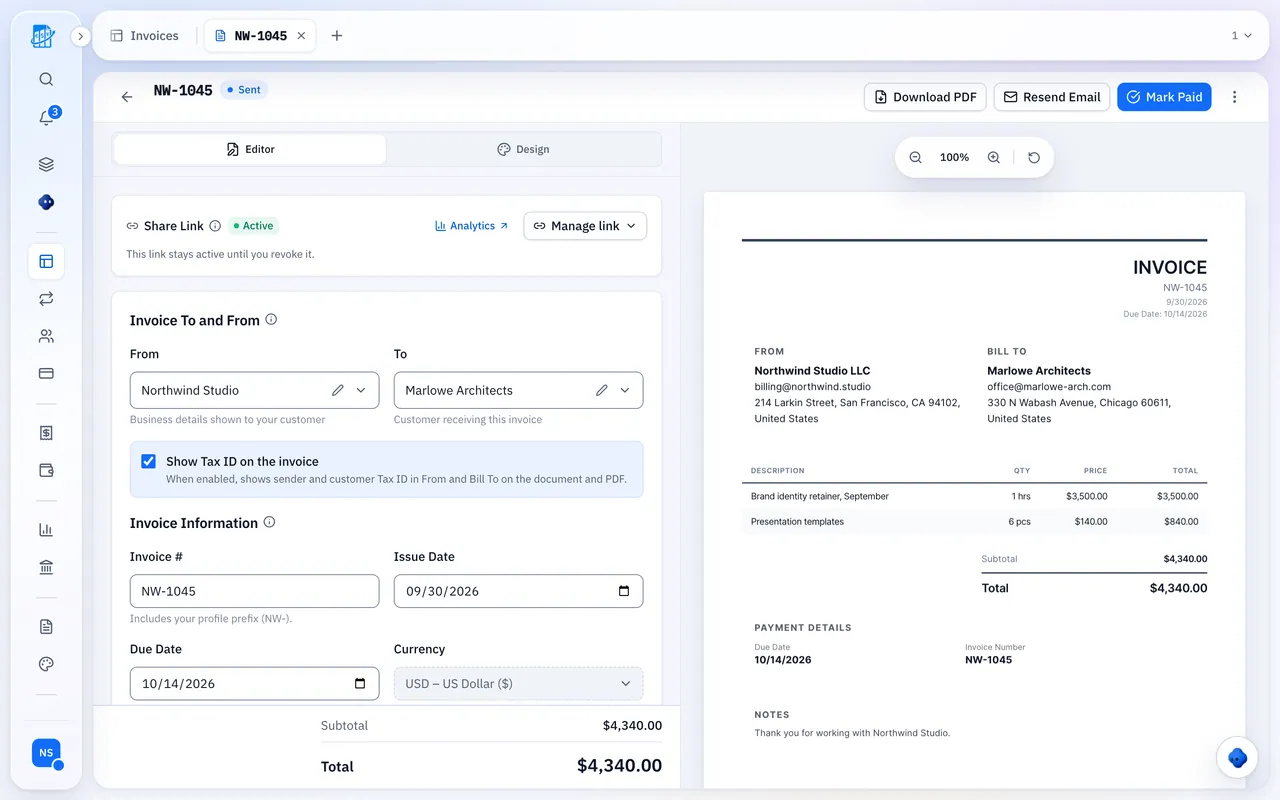
How to Send an E-Invoice
Switch it on once per customer. Every other customer keeps getting a PDF and a link.
Switch on
In the customer, choose XRechnung or ZUGFeRD. For a public authority, add its Leitweg-ID as the buyer reference.
Complete
QuickBilling lists what the format needs and is missing, such as a VAT ID or an address, and you fill it in.
Validate
The file is checked with the KoSIT validator, the official validator for XRechnung, before it can be sent. If it finds an error, the file is not sent.
Send
It goes out with your normal email: XRechnung as an XML file with a readable PDF, ZUGFeRD as one PDF.
XRechnung or ZUGFeRD?
Both follow the European standard EN 16931. Ask your customer which one they accept.
- XRechnung: pure XML, as CII or UBL, the format German public authorities ask for
- ZUGFeRD: a PDF with the invoice data inside, in the EN 16931 profile, which is technically the same as Factur-X
- Each e-invoice is stored with the invoice, so you can download it again from the editor
- Customers without e-invoicing keep getting your designed PDF and a share link
Customers in other countries get a plain EN 16931 file: see e-invoicing by country.
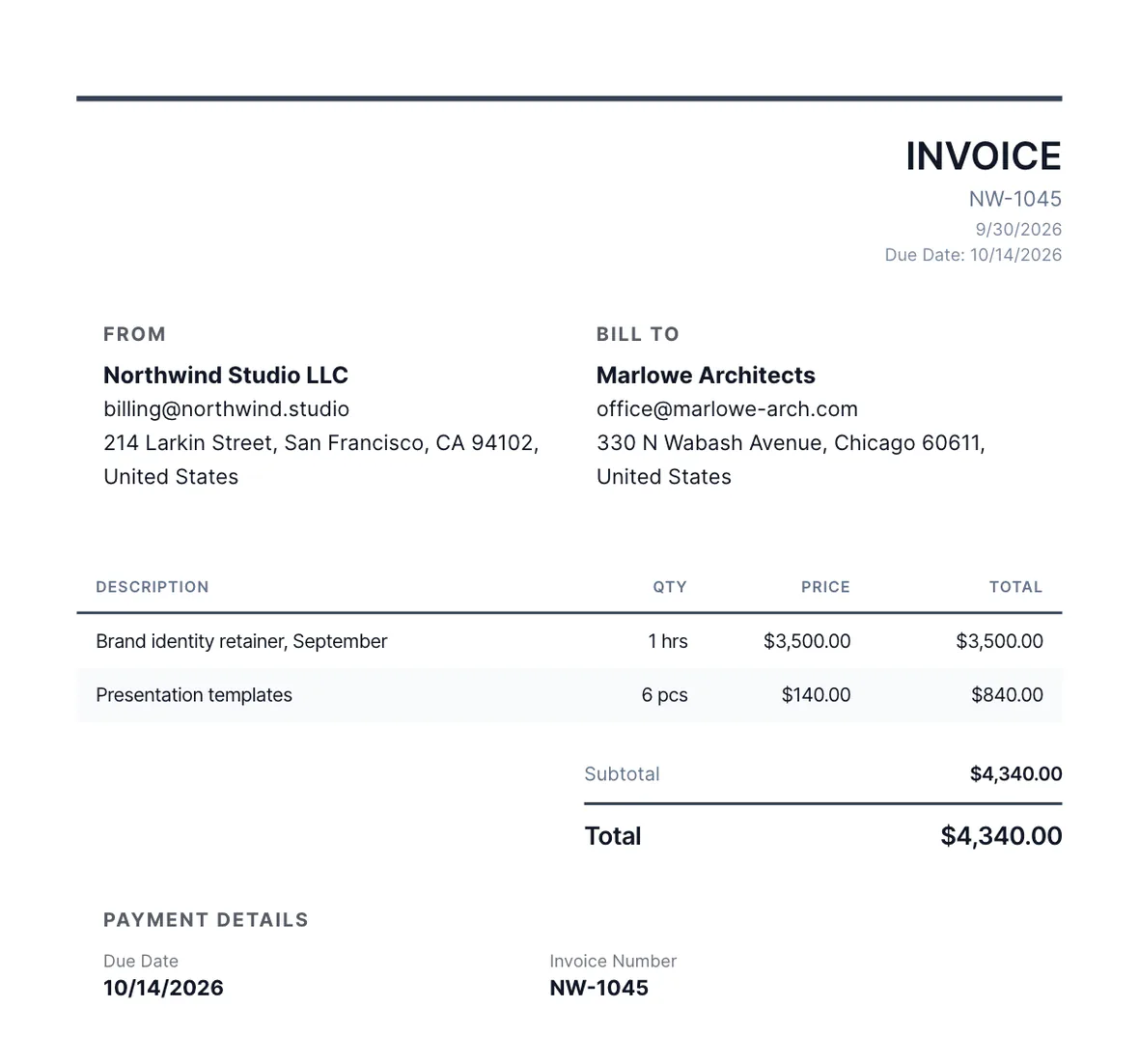
E-Invoices You Receive
Use Add from file on Expenses for the e-invoices your suppliers send you. Bills that arrive by email go to Incoming bills.
Read exactly
XRechnung, UBL and CII files and ZUGFeRD or Factur-X PDFs are read from their data, with no AI.
VAT by rate
An invoice with several VAT rates keeps each rate with its net and VAT amount.
Matched
If you already recorded the expense, QuickBilling offers to attach the file to it.
Credit notes
A credit note is saved as a reduction of your expenses.
E-invoice files never count toward your monthly bills read, on any plan.
What Is Included
E-invoicing costs nothing extra.
- XRechnung 3.0 as CII or UBL
- ZUGFeRD in the EN 16931 profile
- EN 16931 as UBL or CII for customers outside Germany
- A check with the KoSIT validator before sending
- Download the e-invoice from the invoice editor
- Buyer reference (Leitweg-ID) and purchase order number
- A reference to the earlier invoice when you correct one
- Reading XRechnung, UBL, CII and ZUGFeRD files into expenses
- On Free, Premium and Unlimited
The Rules in Germany
Receiving
Since 1 January 2025, businesses in Germany must be able to receive e-invoices from other businesses in Germany (BMF FAQ on the e-invoice).
Issuing
With the customer's consent, PDF invoices remain allowed until the end of 2026, or the end of 2027 if your previous-year turnover was at most 800,000 euros (§ 27 (38) UStG).
Small businesses
Kleinunternehmer under § 19 UStG are exempt from issuing e-invoices, but must be able to receive them (BMF FAQ).
Exceptions
Invoices up to 250 euros gross and tickets may always be sent in another format (§ 33 and § 34 UStDV).
Sources, read on 17 November 2026: BMF FAQ on the e-invoice, § 27 UStG, § 33, § 34 and § 34a UStDV. This is a summary, not tax advice: QuickBilling organises and drafts your invoices, and your tax adviser decides what applies to you.
Plans
E-invoicing is part of every plan.
Free
XRechnung, ZUGFeRD and EN 16931 · send 20 invoices a month
Premium
XRechnung, ZUGFeRD and EN 16931 · send without a monthly cap
Unlimited
XRechnung, ZUGFeRD and EN 16931 · also through the REST API
Reading e-invoices you receive never counts toward bills read.
E-Invoicing: FAQs
Short answers to what people ask before they start.
Is E-Invoicing Free in QuickBilling?
Yes, on every plan. Sending XRechnung or ZUGFeRD and reading e-invoices into expenses cost nothing extra.
Which Formats Does QuickBilling Create?
XRechnung 3.0 as CII or UBL, and ZUGFeRD in the EN 16931 profile, which is technically the same as Factur-X. For customers outside Germany it also creates plain EN 16931 files, as UBL or CII.
Can I Send E-Invoices to Customers Outside Germany?
Yes. Choose EN 16931 as UBL or CII, the syntax your customer’s software reads, and QuickBilling emails the file. Between two businesses in Belgium, France, Slovakia, Croatia, Greece, Oman, Norway or the UAE it shows a notice instead: those need an accredited provider.
Is a PDF Invoice an E-Invoice?
No. An e-invoice is a structured file that software can read. A PDF can carry one inside, which is what ZUGFeRD does.
Do I Have to Send E-Invoices to Every Customer?
No. You switch it on per customer. The others keep getting a PDF and a link.
Can I Send E-Invoices to Public Authorities?
Yes, as XRechnung with the Leitweg-ID the authority gives you. QuickBilling emails the file; if the authority wants it on its portal, download it and upload it there.
What if Something Is Missing?
QuickBilling lists what the format needs before you send, and you fill it in from the same dialog.
Can QuickBilling Read E-Invoices I Receive?
Yes. Use Add from file on Expenses: XRechnung, UBL and CII files and ZUGFeRD or Factur-X PDFs are read exactly, without AI.
What Is ZUGFeRD?
ZUGFeRD is a German e-invoice format: a PDF that people can read, with the invoice data inside as XML that software can read. QuickBilling creates it in the EN 16931 profile.
What Is XRechnung?
XRechnung is the German version of the European e-invoice standard EN 16931, as pure XML (CII or UBL). German public authorities ask for it.
Is ZUGFeRD the Same as Factur-X?
Technically yes: ZUGFeRD 2 and the French Factur-X are one shared format. QuickBilling is not connected to a French plateforme agréée, though.
Does QuickBilling Send E-Invoices Over Peppol?
No. QuickBilling emails the e-invoice file to your customer. Peppol needs a certified access point, and QuickBilling is not connected to one.